OpenTelemetry
Stream coding-agent token usage and cost into the gateway via OpenTelemetry
Coding agents like Claude Code and Codex emit OpenTelemetry (OTLP) metrics and logs about their model usage — tokens consumed, cost, sessions, and requests. Point that telemetry at the gateway and it powers the LLM Usage analytics tab: per-user and per-model token and cost trends across your whole organization.
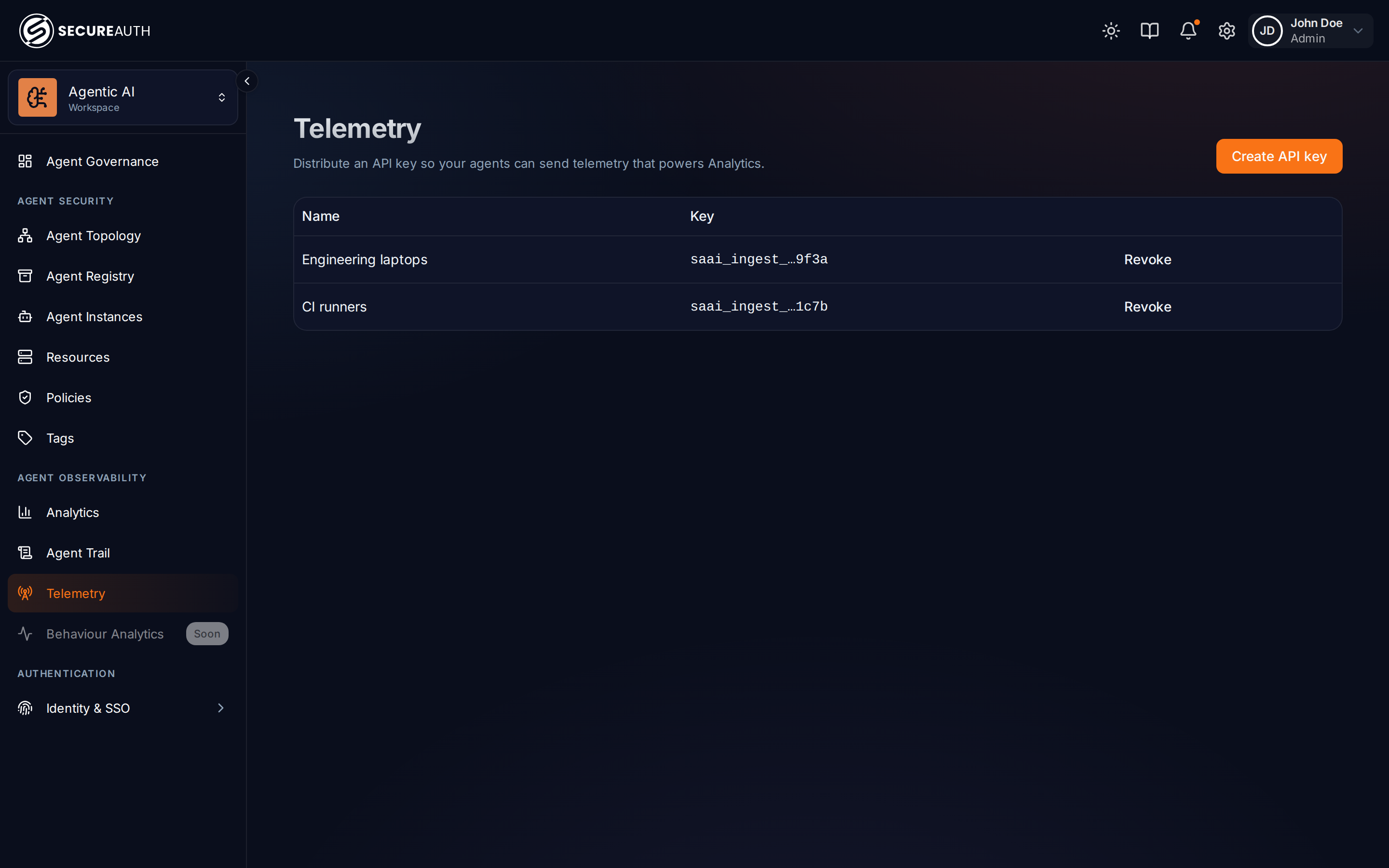
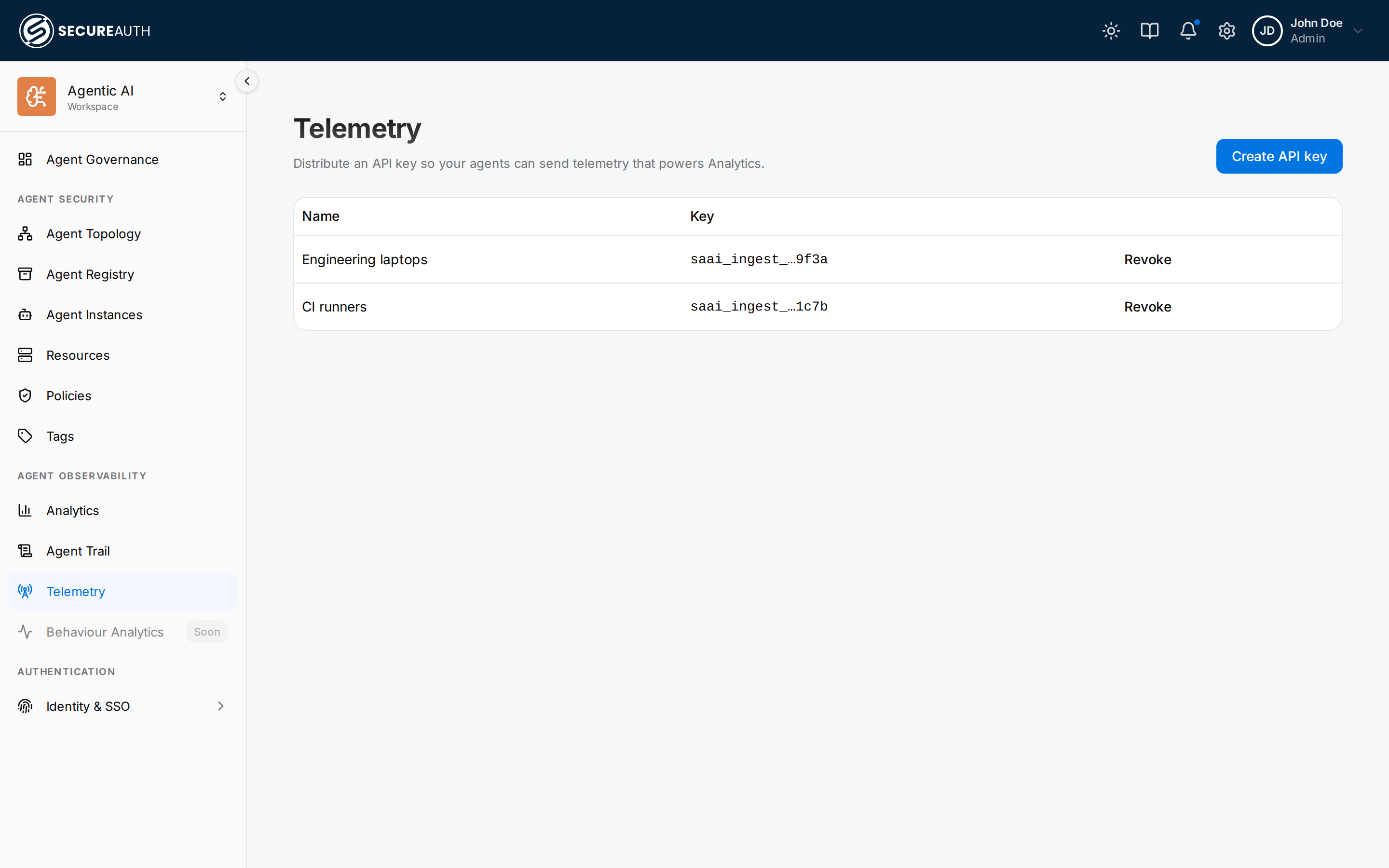
Ingest keys
Open the Telemetry page and choose Create API key. The gateway returns:
- an ingest key (
saai_ingest_…) — shown once, so copy it immediately; and - an OTLP endpoint of the form
https://telemetry.<your-gateway-host>/api/v1/telemetry.
Agents authenticate with the key as a bearer token (Authorization: Bearer saai_ingest_…) and post to a provider-specific path under that endpoint — …/claude for Claude, …/codex for Codex. Revoke a key any time from the same page to cut off the agents using it.
Turning it on for everyone
Telemetry is configured agent-side, so the scalable path is to push the configuration to every machine rather than relying on each developer to set it up:
- Mint one ingest key for a fleet (for example, "Engineering laptops") on the Telemetry page.
- Distribute the agent configuration through your device-management tooling (MDM, fleet config, a provisioning script) so it applies to every user automatically:
- Claude Code — ship the telemetry block in managed settings; managed settings apply to all users on the machine.
- Codex — ship the
config.tomltelemetry block to each developer machine.
- New machines pick up the configuration on enrollment, and usage starts flowing into LLM Usage analytics with no per-user steps.
See the per-agent pages for exact configuration:
Note: Gemini CLI and Copilot telemetry are coming soon.