LLM usage and cost
Track token usage and spend by exporting agent telemetry to the gateway
The LLM Usage tab in Analytics shows how many tokens your coding agents consume and what they cost, broken down by model and user. It is powered by OpenTelemetry (OTel) data that the agents export to the gateway.
Setting it up is two steps: connect Claude Code on the Agent Telemetry tab of Discovery Sources to create an ingest key, then add the configuration the dialog shows to Claude.
1. Connect Claude Code
-
Open Discovery Sources. In the gateway, go to Discovery Sources in the sidebar.
-
Create the key. Click Connect agent, choose Claude Code, give the key a recognizable name (for example,
claude-code-mdm), and click Create key and show setup. -
Copy the key and configuration. The dialog shows the full key (prefixed
saai_ingest_) only once, on its own and inside the configuration. Copy it now. You won't be able to see it again. If you lose it, revoke the key and create a new one.
The configuration carries these two values, both filled in by the dialog:
- OTLP endpoint –
https://<your-gateway-host>/api/v1/telemetry/claude - OTLP headers –
Authorization=Bearer saai_ingest_…
You can manage existing keys from the same page and Revoke any key that should no longer be accepted.
2. Configure Claude to export telemetry
Both options send the same OTel data to the gateway. Use whichever client your team runs. You can set up both against the same key.
Claude Code (managed settings)
Distribute the gateway's OTel settings to your fleet through Claude Code's managed settings.json, deployed via MDM.
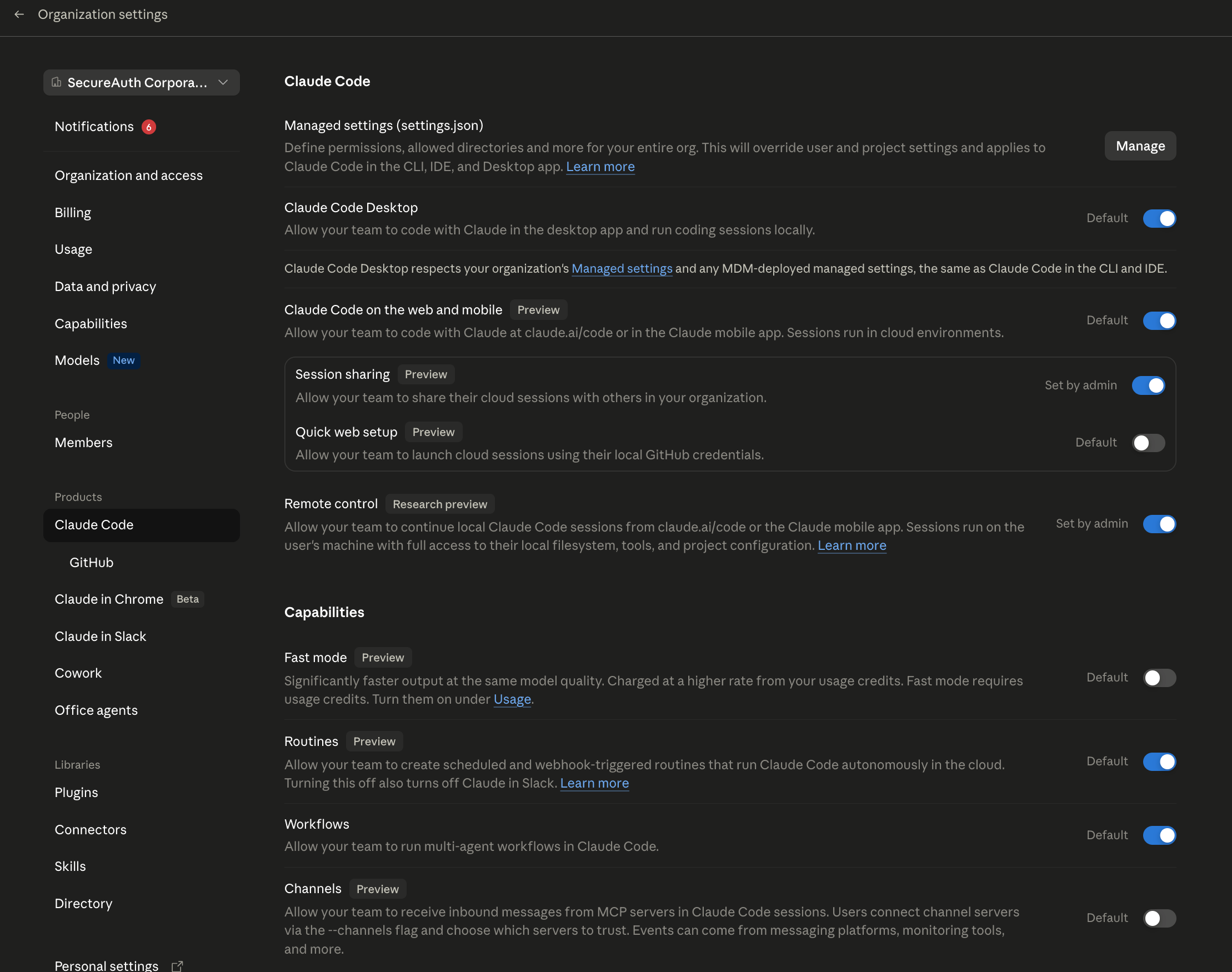
In the Claude admin console, go to Claude Code → Managed settings (settings.json), click Manage, and add the env block:
{
  "env": {
    "CLAUDE_CODE_ENABLE_TELEMETRY": "1",
    "OTEL_METRICS_EXPORTER": "otlp",
    "OTEL_LOGS_EXPORTER": "otlp",
    "OTEL_EXPORTER_OTLP_PROTOCOL": "http/protobuf",
    "OTEL_EXPORTER_OTLP_ENDPOINT": "https://<your-gateway-host>/api/v1/telemetry/claude",
    "OTEL_EXPORTER_OTLP_HEADERS": "Authorization=Bearer saai_ingest_…"
  }
}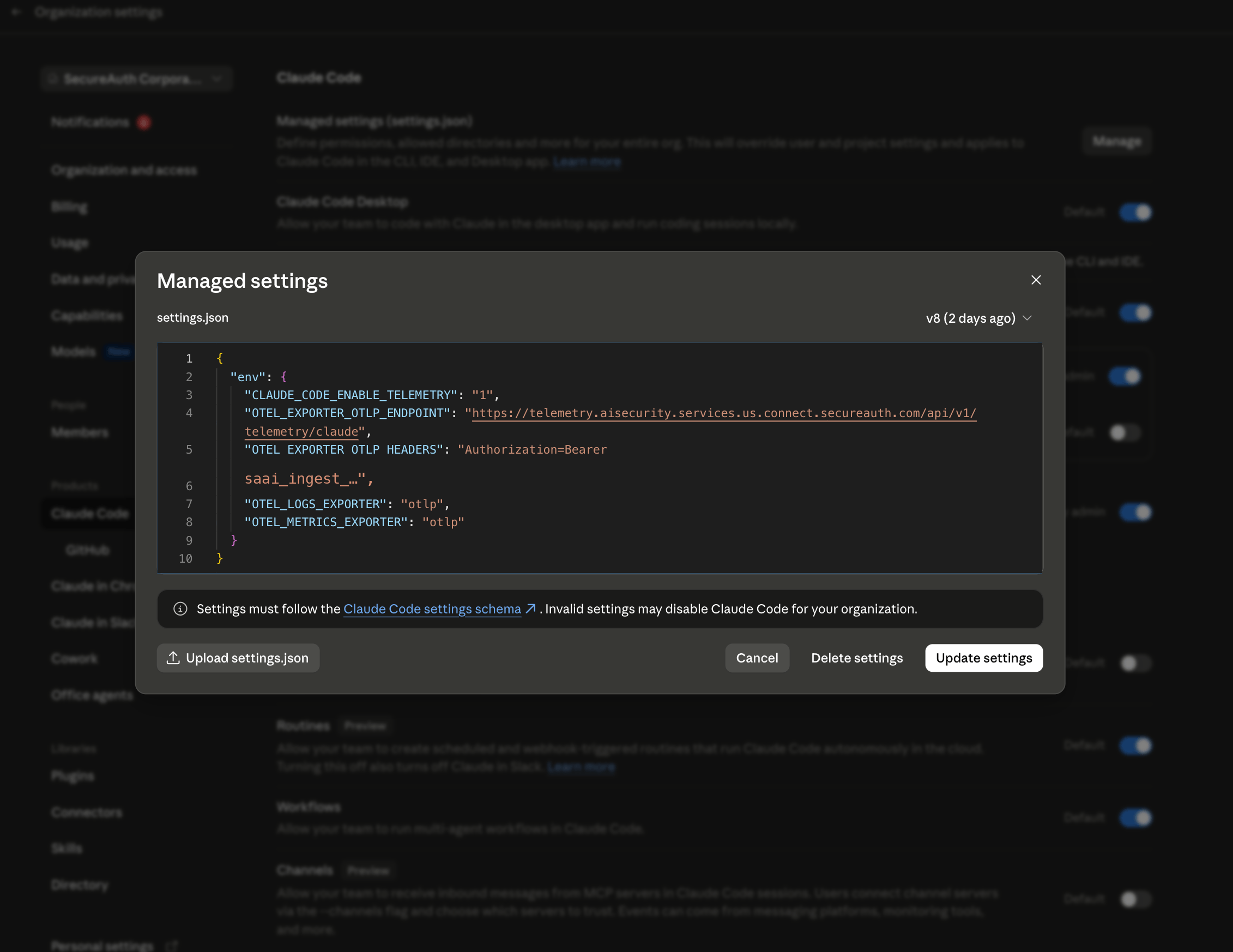
Click Update settings. Managed settings override user and project settings and apply to Claude Code across the CLI, IDE, and Desktop app.
Claude Cowork
For Cowork, configure the same endpoint in the Claude admin console under Cowork → Monitoring (Team or Enterprise plan, app version 1.1.4173 or later):
| Field | Value |
|---|---|
| OTLP endpoint | https://<your-gateway-host>/api/v1/telemetry/claude |
| OTLP protocol | http/protobuf |
| OTLP headers | Authorization=Bearer saai_ingest_… |
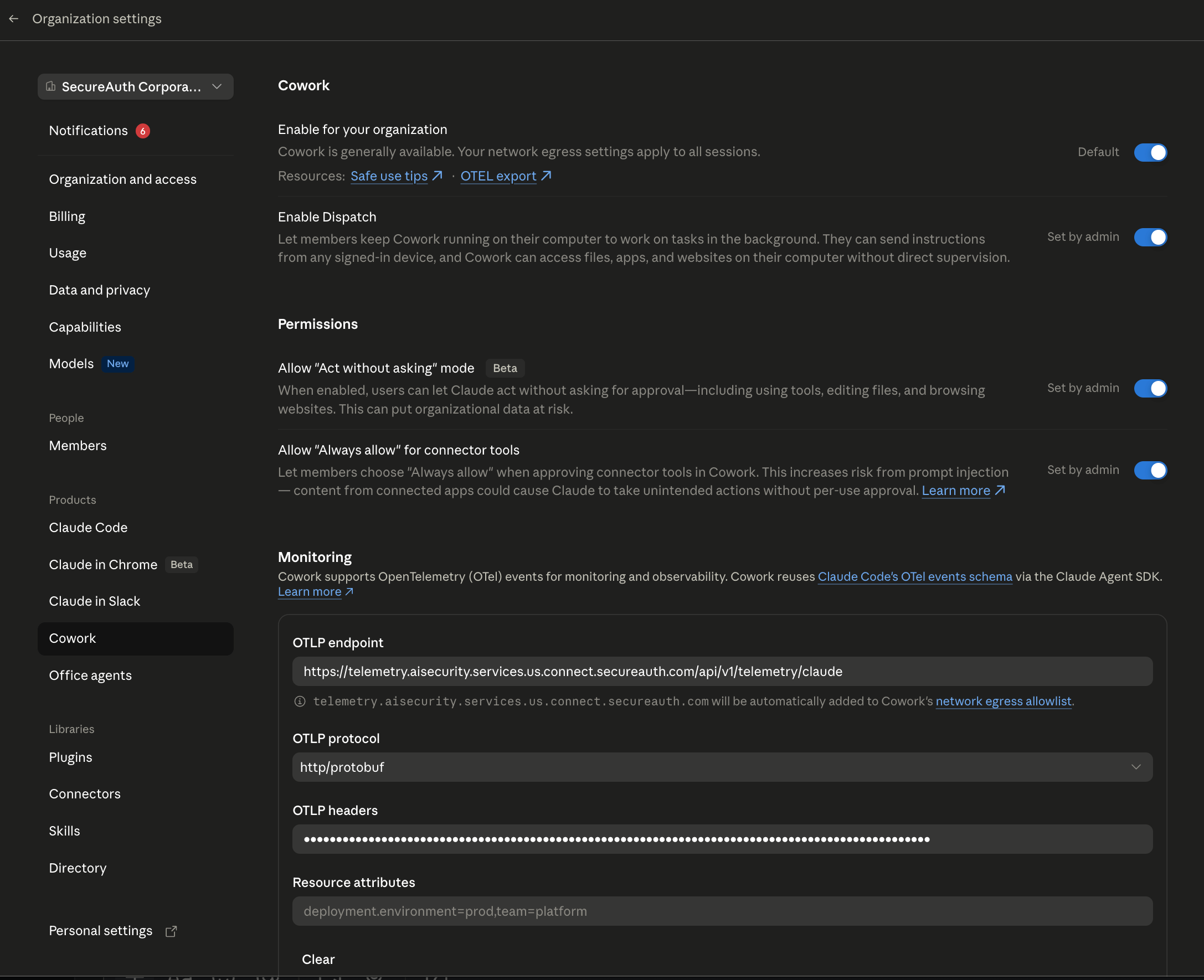
Cowork automatically adds the gateway host to its network egress allowlist when you save the endpoint. Start a new Cowork session for the change to take effect.
3. View LLM usage
Once agents are configured and have run at least once, open Enforcement Traffic and select the LLM Usage tab. You'll see:
- Total Tokens and Total Cost (USD) for the selected period
- Cost over time and token usage trends
- Top users by cost and top models by cost
Use the time-range selector and the model and user filters to drill in.
If the tab still reads "No LLM usage yet," the agents either haven't sent data yet or aren't configured.
Recheck the endpoint and Authorization header, and confirm telemetry is enabled.