Telemetry (OpenTelemetry)
Send Claude, Codex, GitHub Copilot, and Gemini CLI telemetry to SecureAuth Agent Authority to see token usage per user
In the Agent Authority console this page is the Agent Telemetry tab of Discovery Sources.
Coding agents like Claude Code, Codex, GitHub Copilot, and Gemini CLI emit OpenTelemetry (OTLP) data about their model usage: tokens consumed, sessions, and requests. Point that telemetry at the gateway and all four power the LLM Usage tab in Enforcement traffic (per-user and per-model token trends) and the Cost and adoption page, across your whole organization. Claude Code reports list-price cost directly; for the others, which send token counts only, the gateway derives an API-equivalent figure from each model's published rates.
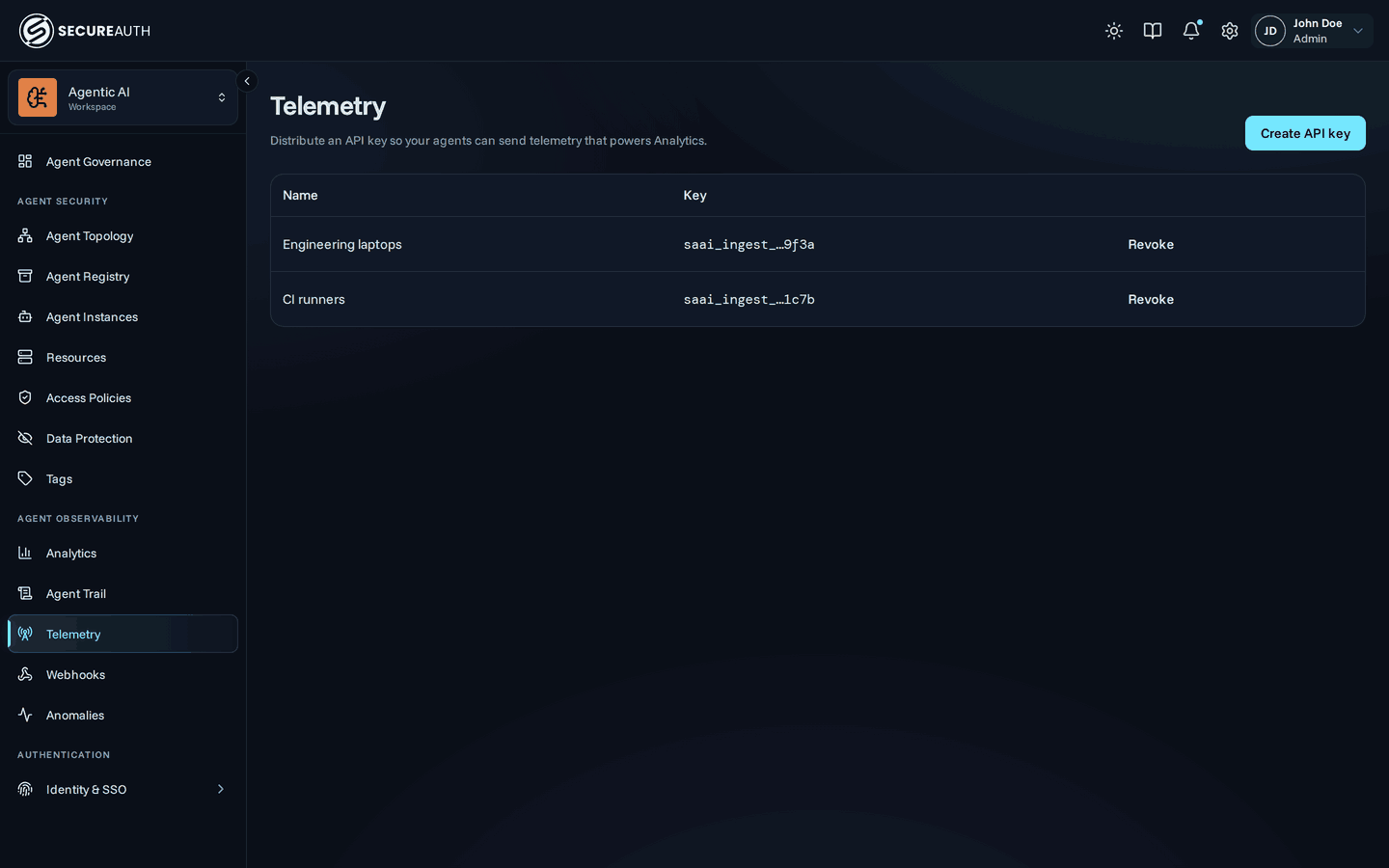
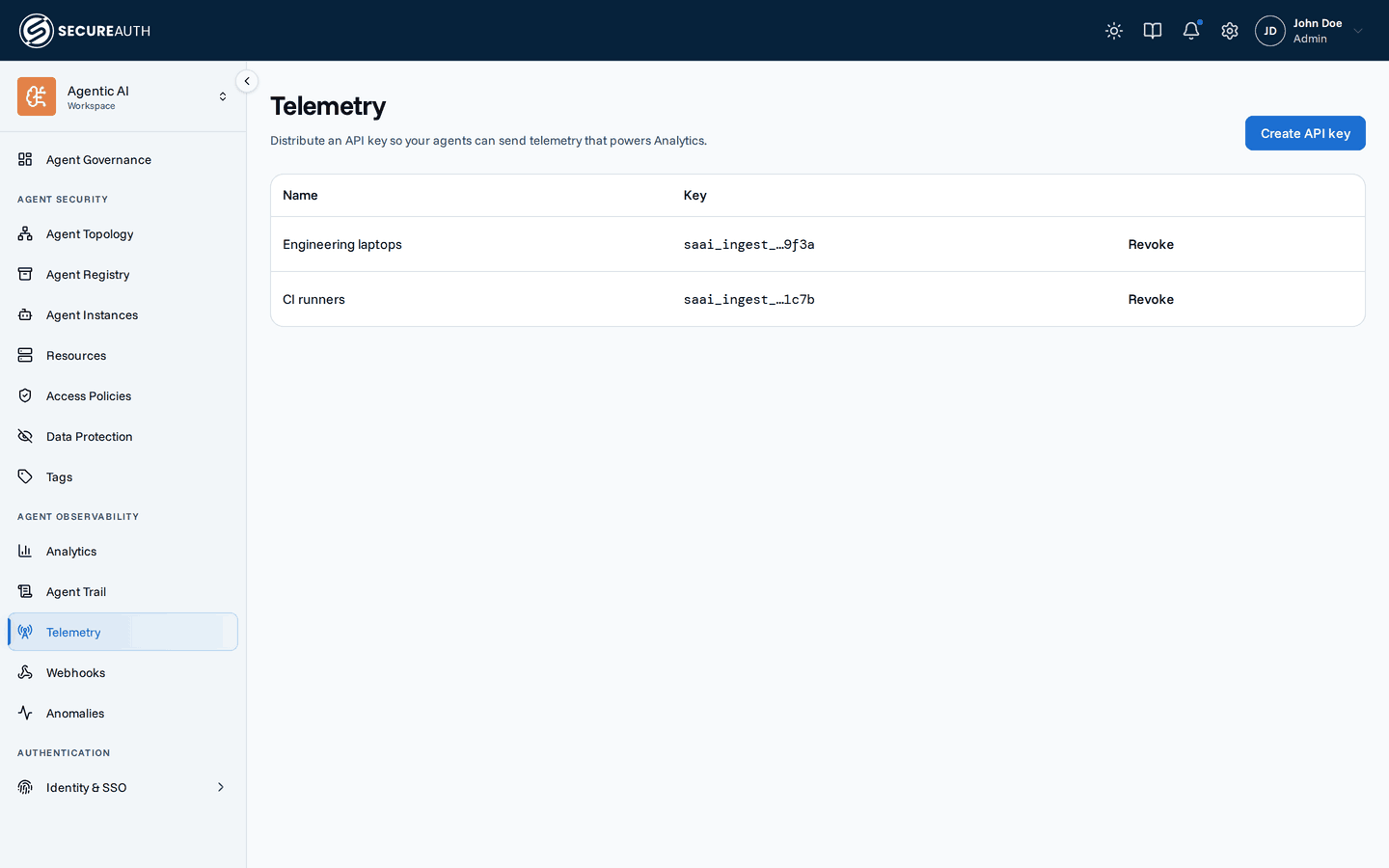
Connect an agent
Open the Discovery Sources page and choose Connect agent. Pick the agent, name the key, and choose Create key and show setup.
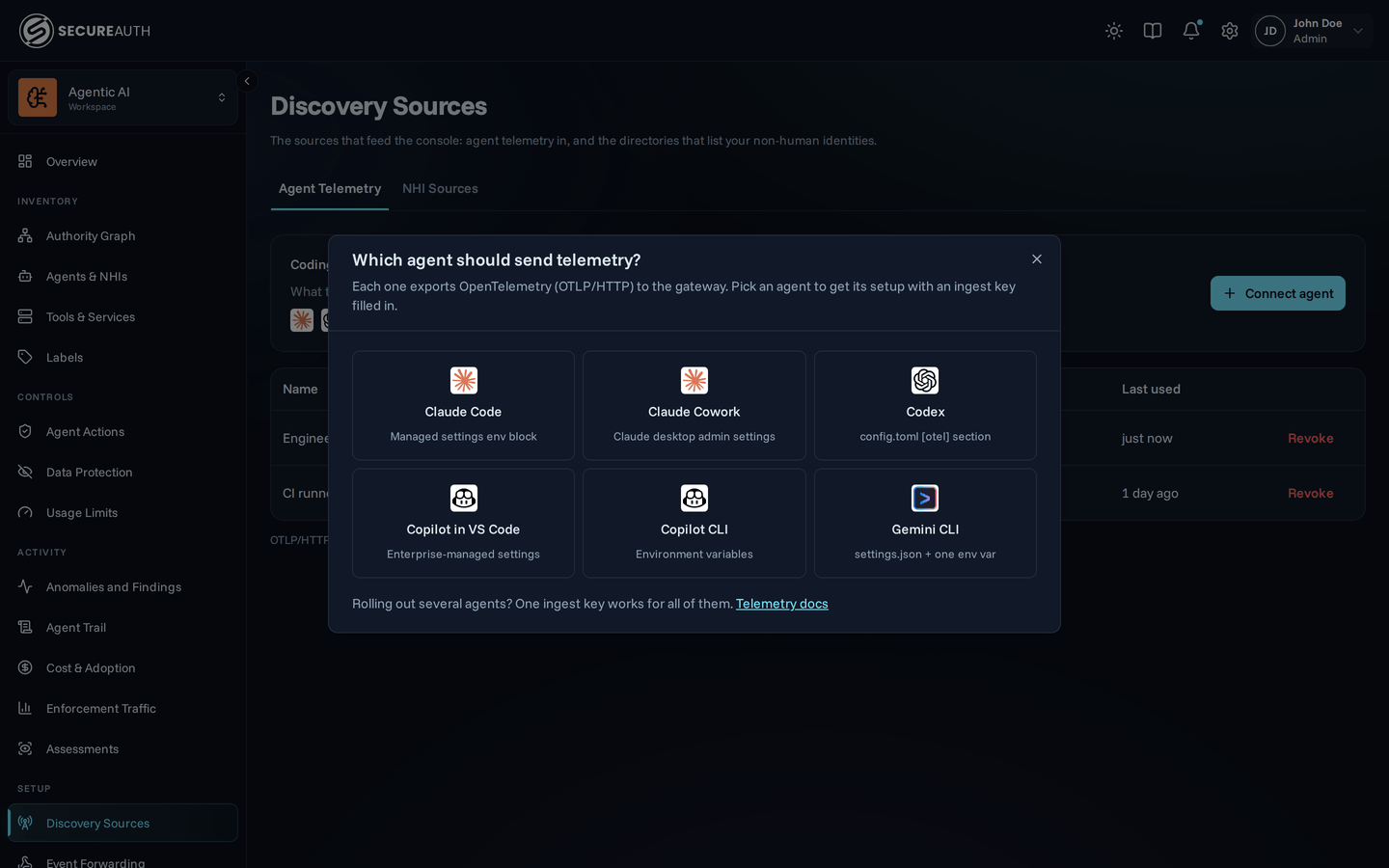
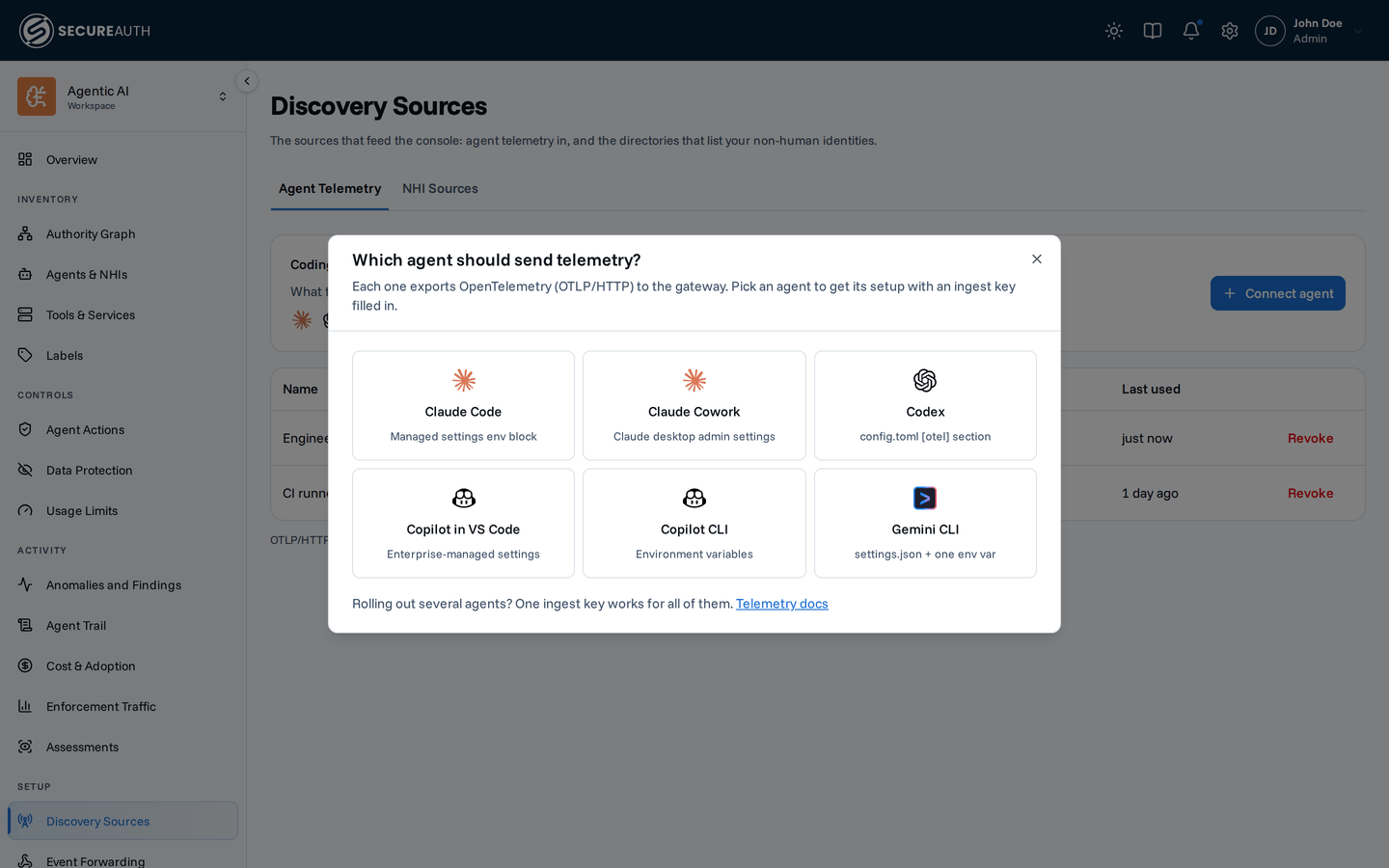
The dialog shows the ingest key (saai_ingest_…) once, with a copy button, so copy it immediately.
Below it is the agent's configuration, with the key and an OTLP endpoint of the form https://telemetry.<your-gateway-host>/api/v1/telemetry filled in.
To set up another agent with the same key, choose Change and pick it.
Add the configuration to the agent and start a session. The dialog switches from Listening for the first request on this key… to Receiving when the first request arrives.
Ingest keys
The tab lists each key with the agent it was created for, a masked value, and when it was last used (Not used yet until its first request). The Last used time can lag by up to five minutes. A key created without an agent shows Any agent.
Agents authenticate with the key as a bearer token (Authorization: Bearer saai_ingest_…) and post to a provider-specific path under that endpoint:
…/claude for Claude Code and Cowork, …/codex for Codex, …/copilot for GitHub Copilot, …/gemini for Gemini CLI.
Revoke a key any time from the same tab to cut off the agents using it.
The endpoint accepts gzip-compressed payloads, and answers every other compression with a 415.
Whether an agent compresses is configured on the agent, not here:
Claude Code sets it in its managed-settings env block.
Turning it on for everyone
Telemetry is configured agent-side, so the scalable path is to push the configuration to every machine rather than relying on each developer to set it up:
- Connect an agent to mint one ingest key for a fleet (for example, "Engineering laptops") on the Discovery Sources page. One key works for every agent you roll out.
- Distribute the agent configuration through your device-management tooling (MDM, fleet config, a provisioning script) so it applies to every user automatically:
- Claude Code – ship the telemetry block in managed settings; managed settings apply to all users on the machine.
- Codex – ship the
config.tomltelemetry block to each developer machine. - GitHub Copilot – ship the enterprise-managed settings telemetry block via MDM, and the ingest key in the environment for the CLI.
- Gemini CLI – ship the
.gemini/settings.jsontelemetry block to each developer machine.
- New machines pick up the configuration on enrollment, and usage starts flowing into LLM Usage analytics with no per-user steps.
Per-agent setup
Claude Code and Cowork
Send Claude Code and Claude Cowork telemetry to the gateway.
Codex
Send Codex telemetry to the gateway.
GitHub Copilot
Send GitHub Copilot telemetry to the gateway.
Gemini CLI
Send Gemini CLI telemetry to the gateway.
Who can see the data
The LLM Usage tab in Enforcement traffic and the LLM usage card on the Dashboard are permission-gated:
they render only for users whose role grants view_llm_analytics (organization-wide for the LLM Usage tab), and the analytics endpoints enforce the same permission.
If telemetry is flowing but neither surface appears, check the role rather than the agent configuration.
Next steps
- Enforcement traffic – see per-user and per-model token trends once data starts flowing.
- Cost and adoption – API-equivalent value and real spend, once data starts flowing.
- Dashboard – the LLM usage card lights up once telemetry is connected.