Agent Registry
How agents and agent instances relate, and where each is managed
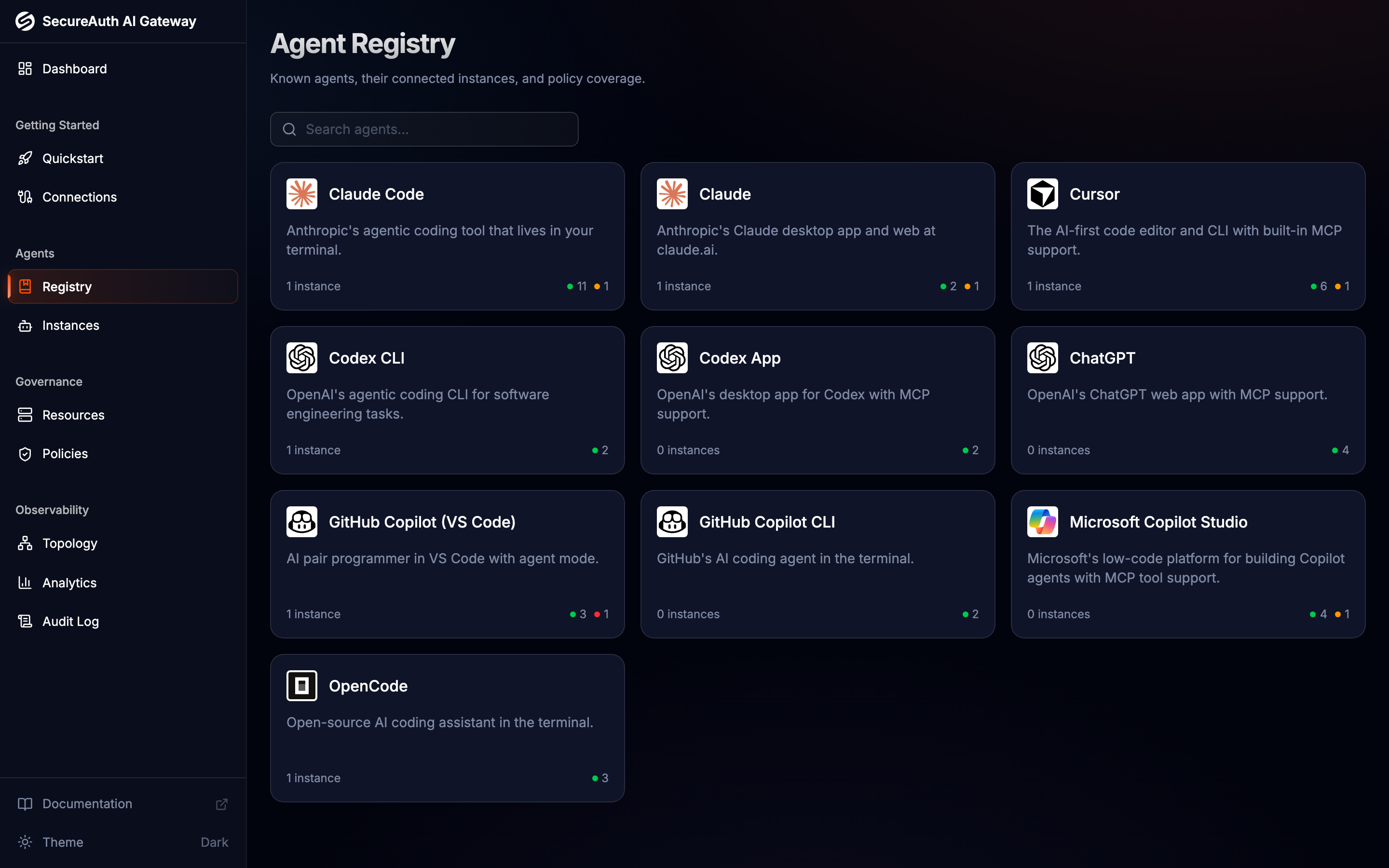
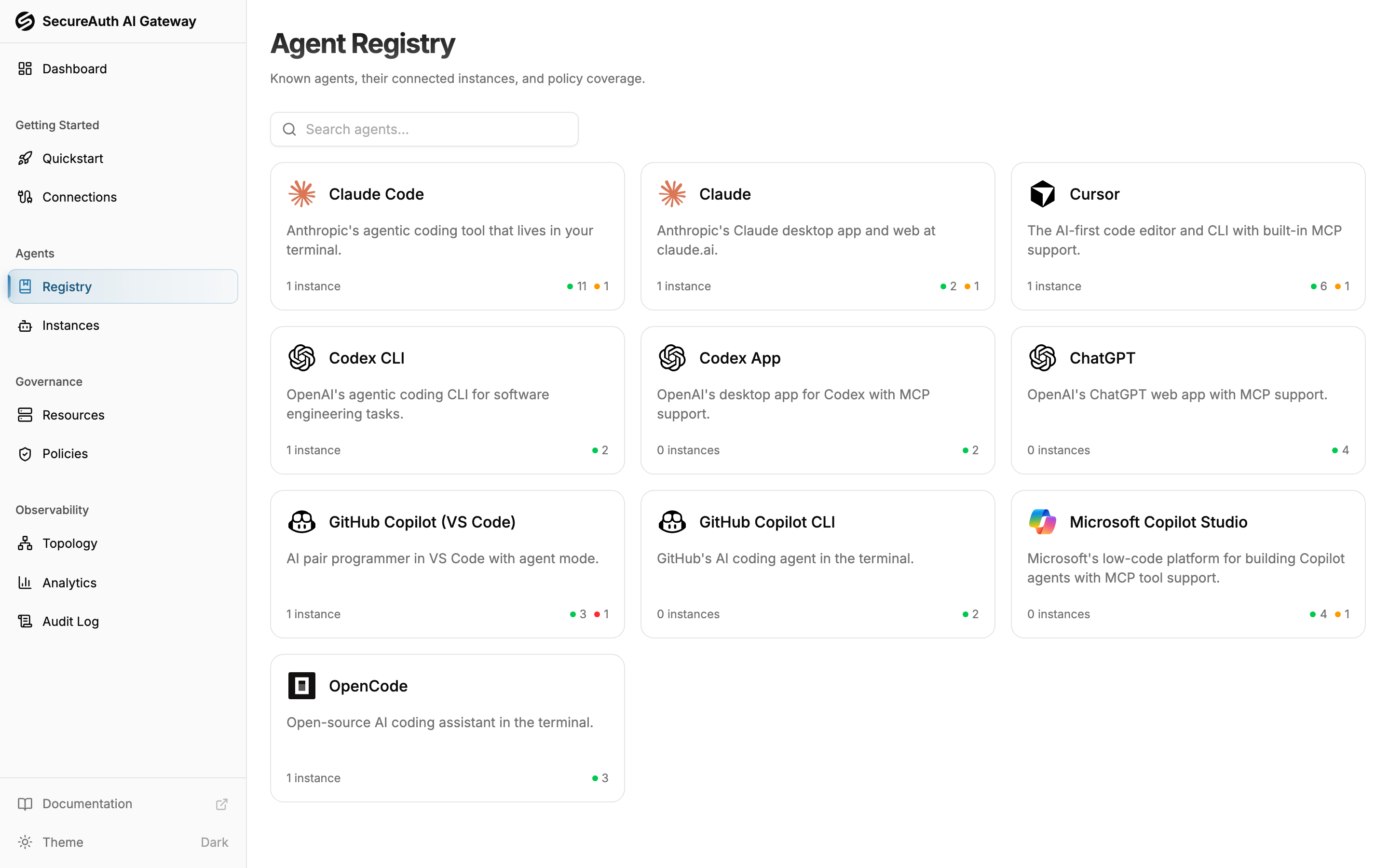
The gateway distinguishes between agents (Claude Code, Cursor, Copilot, …) and agent instances (one specific connected client owned by one user). Two views in the dashboard reflect that split:
- Agents → Registry — one card per agent with aggregate instance counts and policy coverage
- Agents → Instances — every connected client across all users, with per-instance identity and history
When to use which view
Use the Registry when you want to reason about an agent:
- How many people are using Claude Code in our org?
- Which tools can any Cursor instance call right now?
- Do our policies actually cover Codex, or is it falling through to default-deny?
Use Instances when you want to reason about a specific connected client:
- Why did this one Claude Code session get denied?
- When did this Cursor instance last connect, and from where?
- Disconnect this single instance without affecting other users.
Registry detail
Click a Registry card to open the agent's detail page:
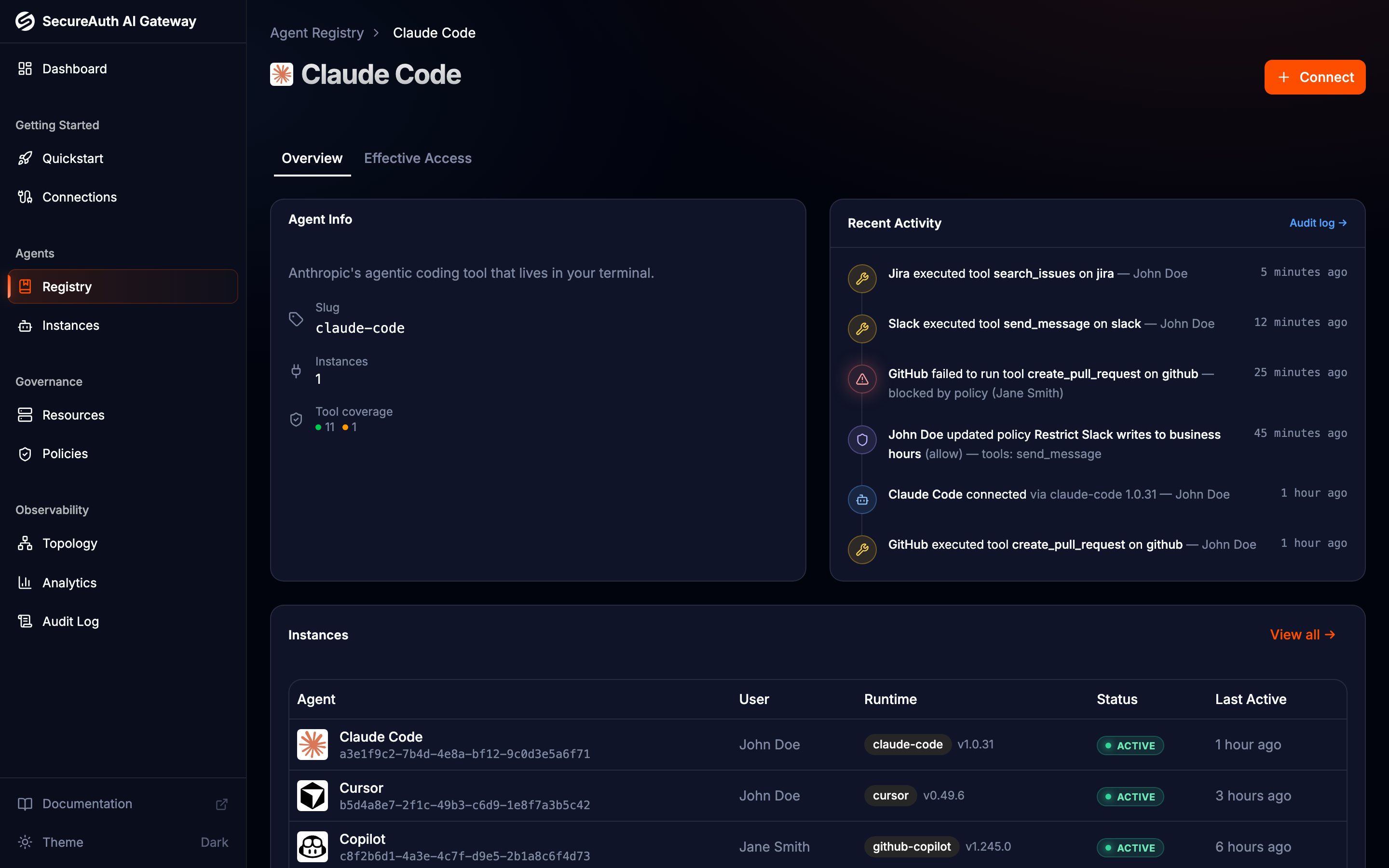
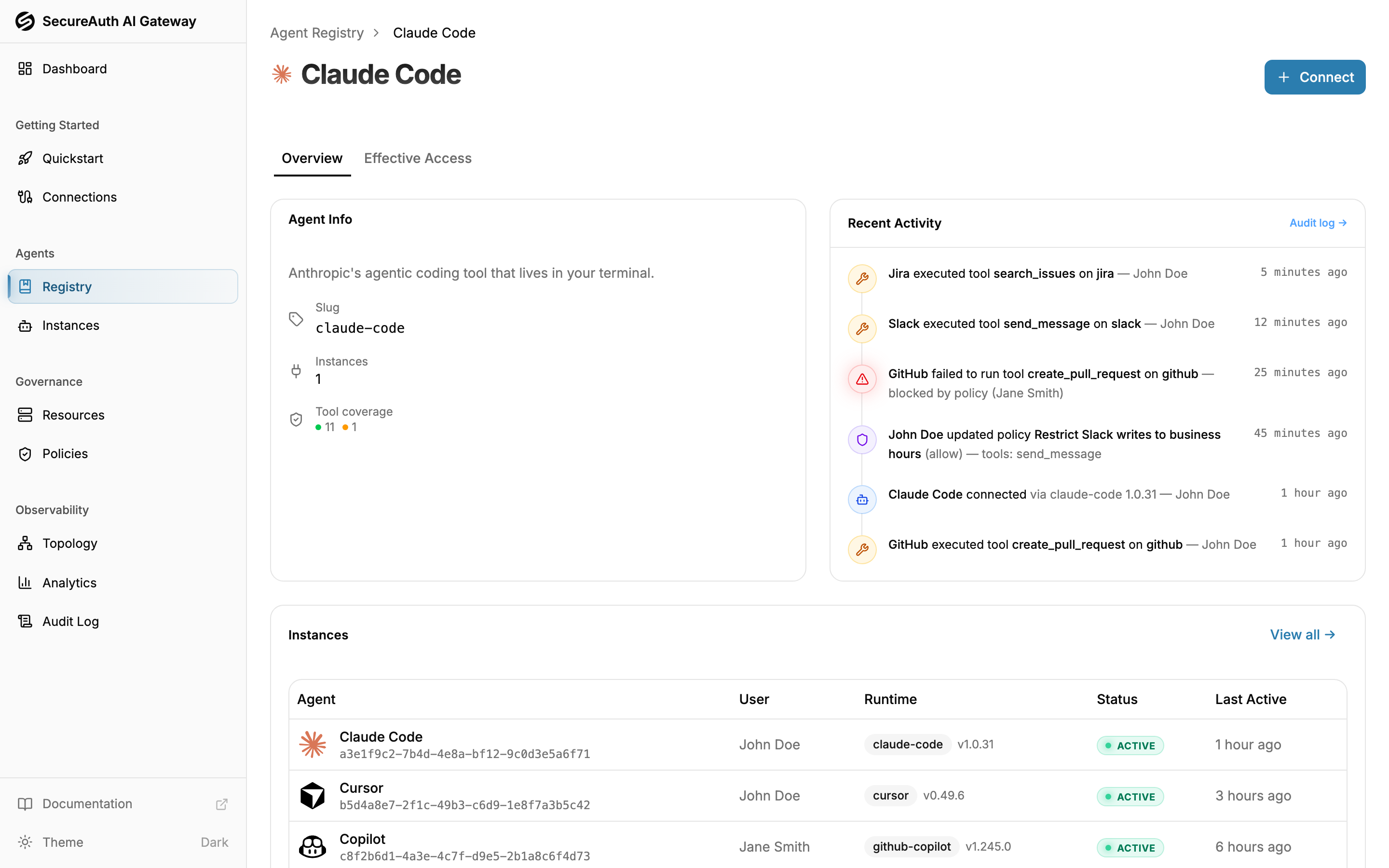
- Overview — agent description, connected-instance count, tool coverage breakdown (allowed / denied / conditional), recent activity, and a table of every connected instance of this agent
- Effective Access — per-MCP, per-tool evaluation for the agent (not a specific instance) — useful for previewing what a slug-scoped policy would do without picking one user
The Effective Access tab evaluates policy against the agent's identity alone, not against any specific connected instance. Rules guarded by a CEL condition therefore show as conditional rather than allowed or denied — those conditions need a real instance's request context to evaluate against.
Slug-scoped policies
Both the policy editor and the Registry detail page reference agents by their slug. A policy scoped to agent.slug == "claude-code" (or via the Agent chip in the rule editor) applies to every Claude Code instance — current and future. This is the right tool when the rule is about a class of clients rather than a specific user.