Tags
Organize agents, MCPs, and tools with labels you can match in policies
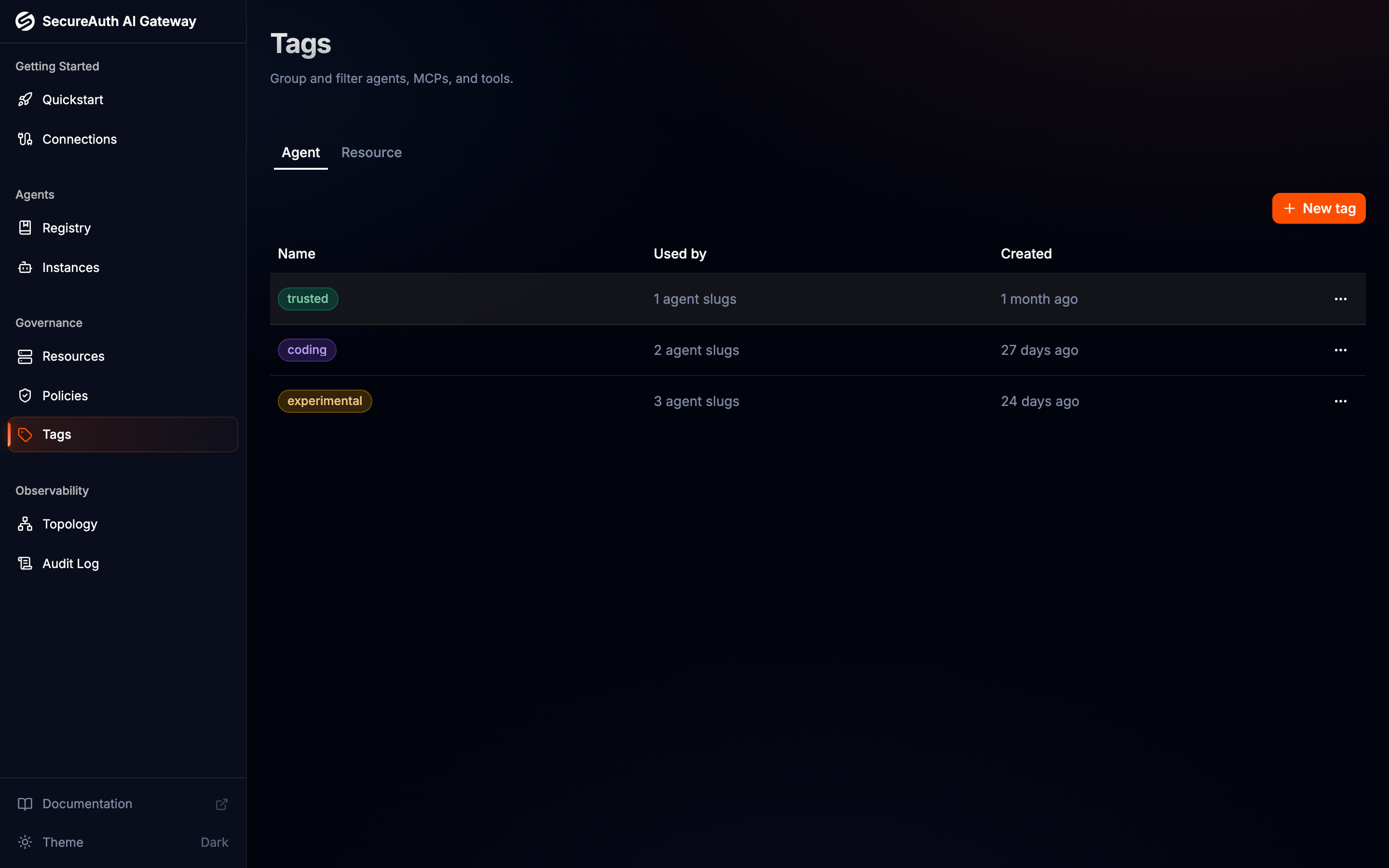
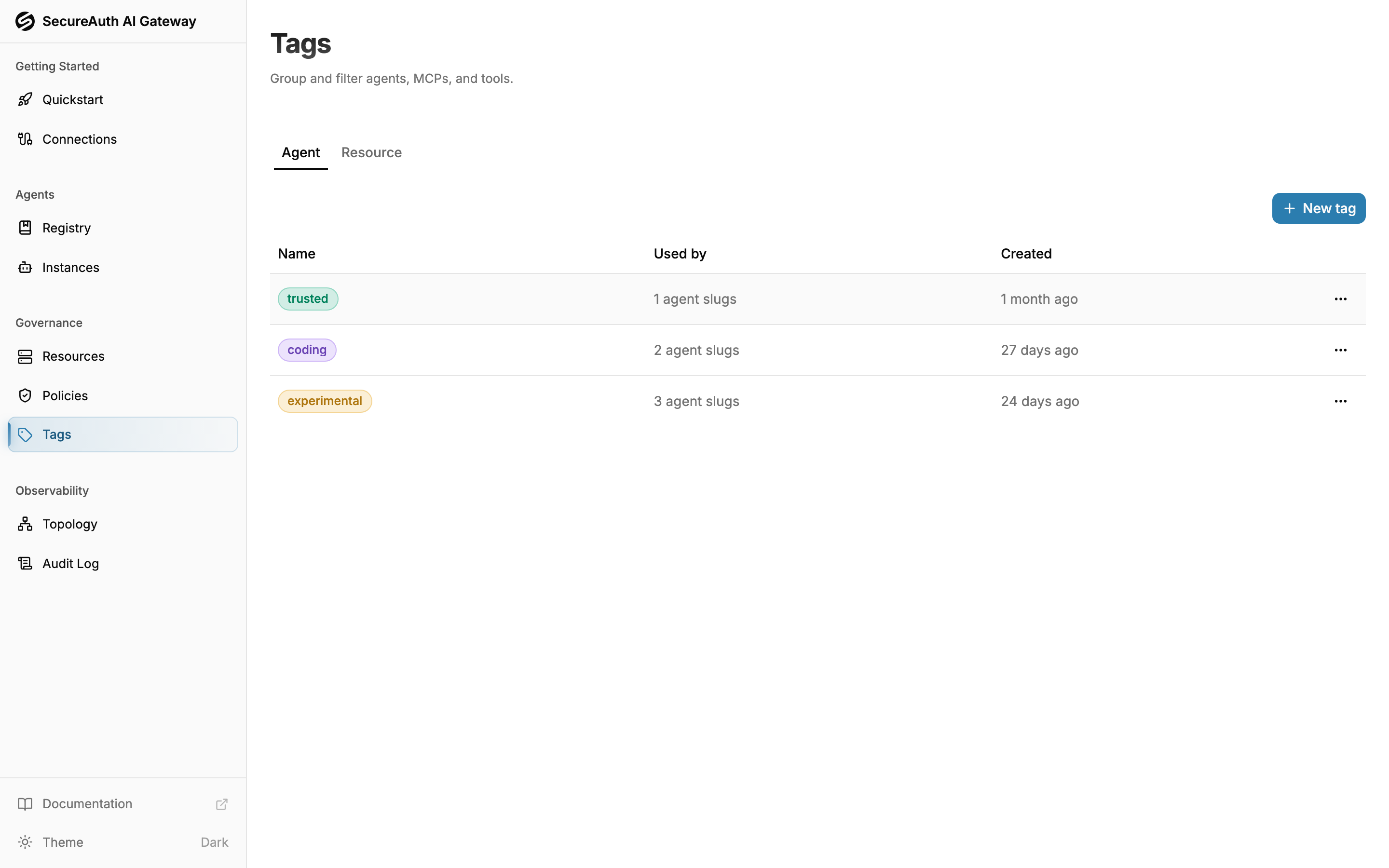
Tags are named, colored labels you attach to the entities the gateway manages. Use them to organize your agents and resources — and to write policies that match by tag instead of naming every agent or server one by one.
Namespaces
Every tag belongs to one namespace, which decides what it can be attached to:
- Agent — attach to agents in the registry (for example,
trustedorcoding) - Resource — attach to MCP servers and their tools (for example,
prodorpii)
Namespaces are isolated: an Agent tag and a Resource tag that share a name are still different tags, and each namespace has its own tab on the Tags page.
Managing tags
Open Tags from the sidebar, pick a namespace tab, then:
- Create — click New tag, enter a name (up to 50 characters), pick one of the twelve preset colors, and click Create tag
- Edit — click a row to rename a tag or change its color
- Delete — open the row's menu and choose Delete. If the tag is applied anywhere, the confirmation tells you how many targets it will be removed from — and lists any policies that match by the tag, since their rules will stop matching by it
Managing tags requires the manage_tags permission; without it the Tags page and the tag controls on detail pages are read-only.
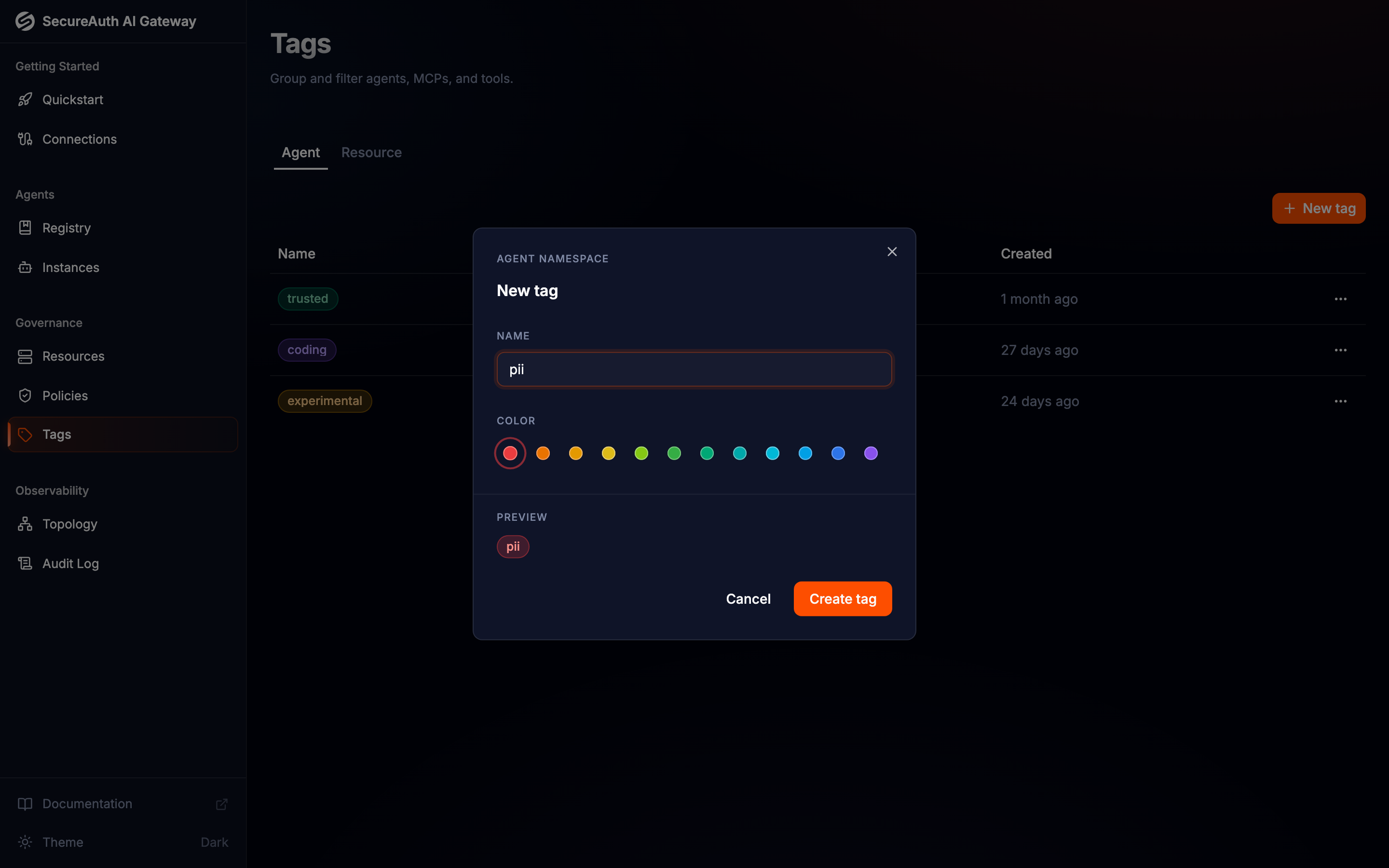
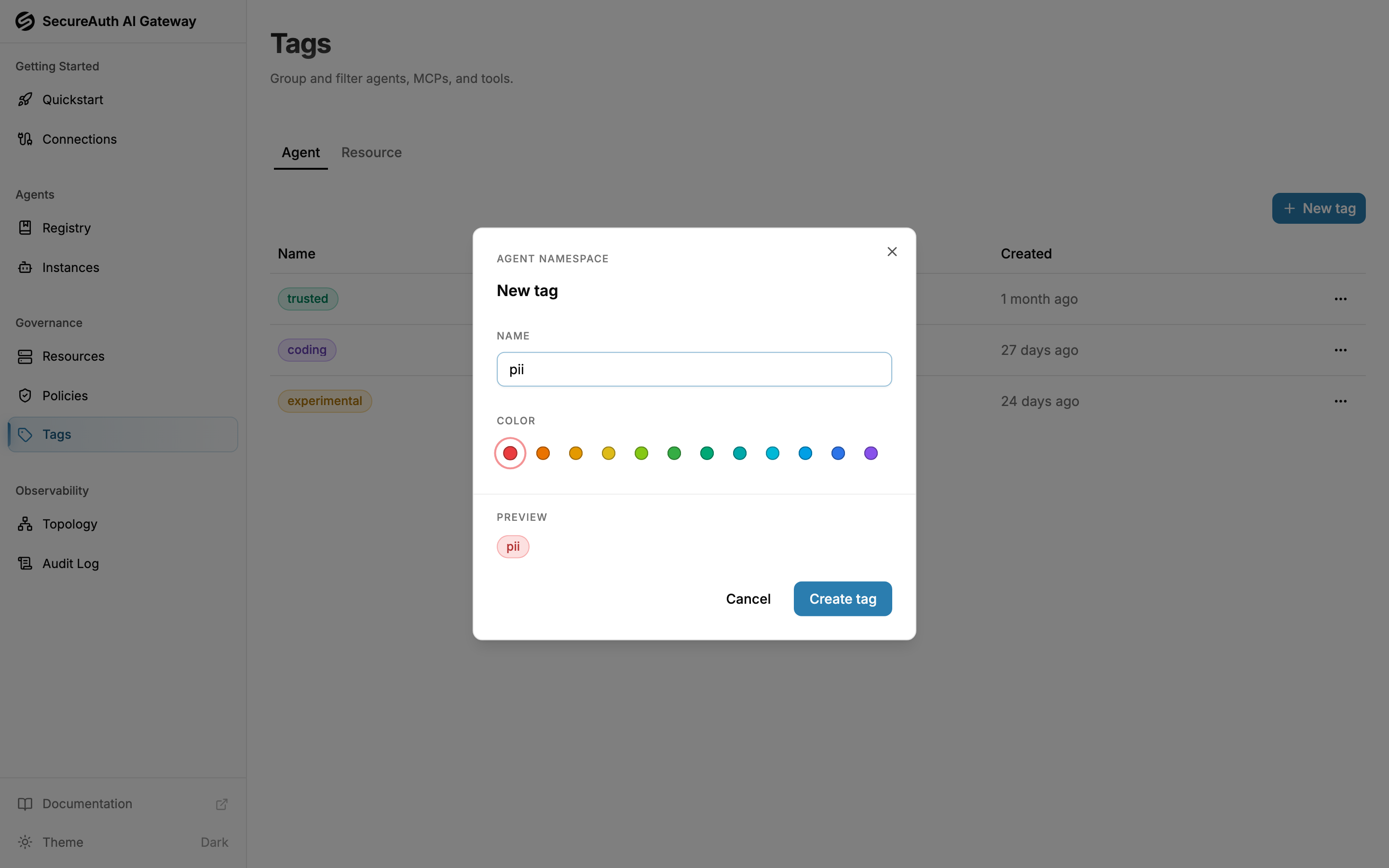
The Used by column shows how many agent slugs, MCPs, and tools currently carry each tag — and how many policies match by it.
Assigning tags
Assign tags from the entity you want to label:
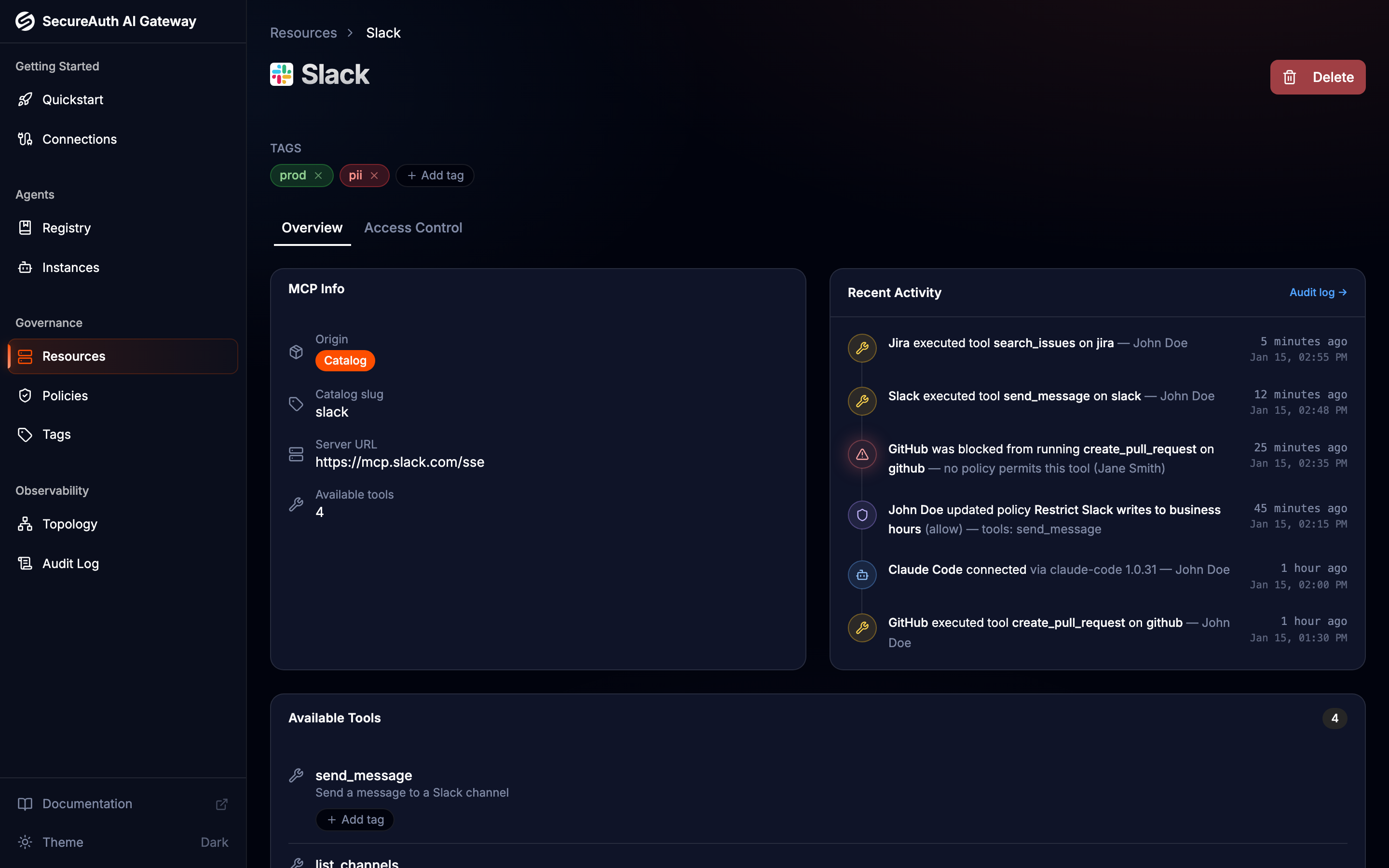
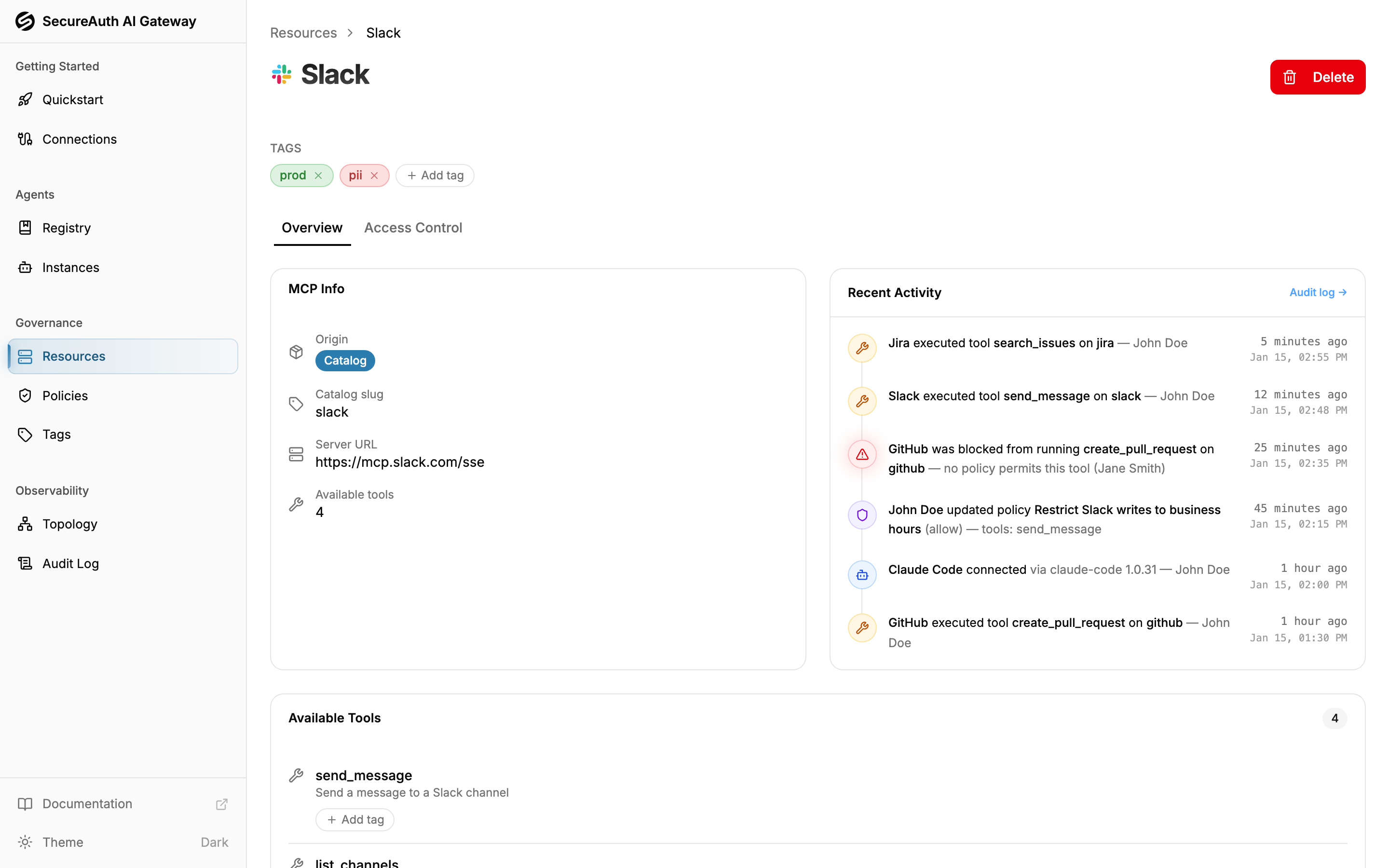
- MCP servers and tools — open a server from Resources, then use the Tags section on the server (or the per-tool Tags control) to add Resource tags
- Agents — open an agent from the Agent Registry and use its Tags section to add Agent tags
Click Add tag to pick from existing tags in the matching namespace, or type a new name to create one inline. Remove a tag with the control on its chip.
Filtering by tag
Once entities are tagged, the Tag filter on the Resources and Agent Instances lists narrows the table to entities carrying a selected tag, so you can answer questions like "which MCP servers are tagged prod?" at a glance.
The audit log and analytics also filter by tag: an Agent tag chip scopes events and metrics to agents carrying it, and a Resource tag chip scopes to the MCP servers and tools carrying it.
Using tags in policies
Tags become powerful in policies. A policy rule can match:
- resources by Resource tag — every MCP server carrying the tag
- tools by Resource tag — tools labeled with the tag
- agents by Agent tag — every agent carrying the tag
Because matching is by tag, a rule automatically covers every current and future entity that carries it — label a new server prod and your prod rules apply immediately, with no policy edit. See the policies guide for details.
The flip side: deleting a tag makes every rule that matches by it stop matching. For an allow rule that fails safe — access is simply no longer granted. For a deny rule it fails open: the guardrail silently stops applying. The same goes for conditions that test the tag by name (like "pii" in mcp.tags). The delete confirmation lists every policy that matches by the tag — including likely condition references, marked "may reference via condition" — and highlights active deny rules, so this never happens unnoticed.
Tags are also available inside policy conditions: reference agent.tags, mcp.tags, or mcp.tool.tags in a CEL expression (for example, "pii" in mcp.tags). See Conditions.