Connections
How users link their accounts to third-party services
Connections link your personal accounts to the services available through the gateway. Each user authenticates independently, so agents always act using the user's own credentials and permissions.
Connections (this article) link an end user's account to a service — each user signs in separately. They are distinct from the organization's OAuth client credentials, which determine which OAuth app the gateway uses to start that flow. See Credential modes for how organizations choose between using SecureAuth's app and bringing their own.
How connections work
- An agent tries to use a tool that requires authentication (for example, sending a Slack message)
- The gateway returns a link prompting the user to connect their account
- The user clicks the link and completes the OAuth flow with the service provider
- The gateway stores the credentials securely and uses them for future requests
Once connected, all subsequent requests to that service use the user's credentials automatically — no re-authentication required.
Per-user isolation
Connections are strictly per-user. An agent acting on behalf of one user cannot access another user's connections. This means:
- Each user only has access to the data their own account can see
- Actions are attributed to the correct user in the upstream service
- Revoking a connection only affects that user
Managing connections
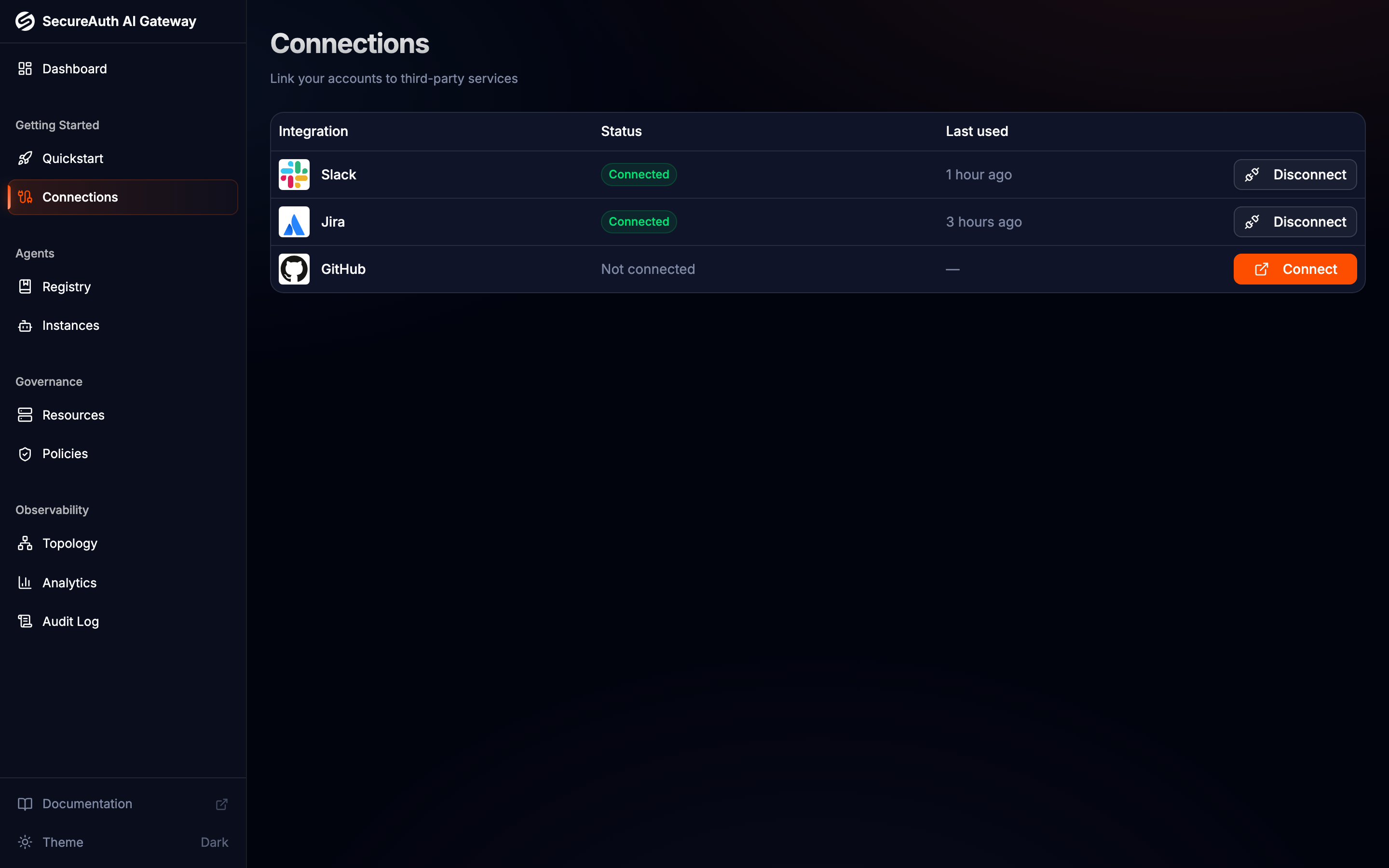
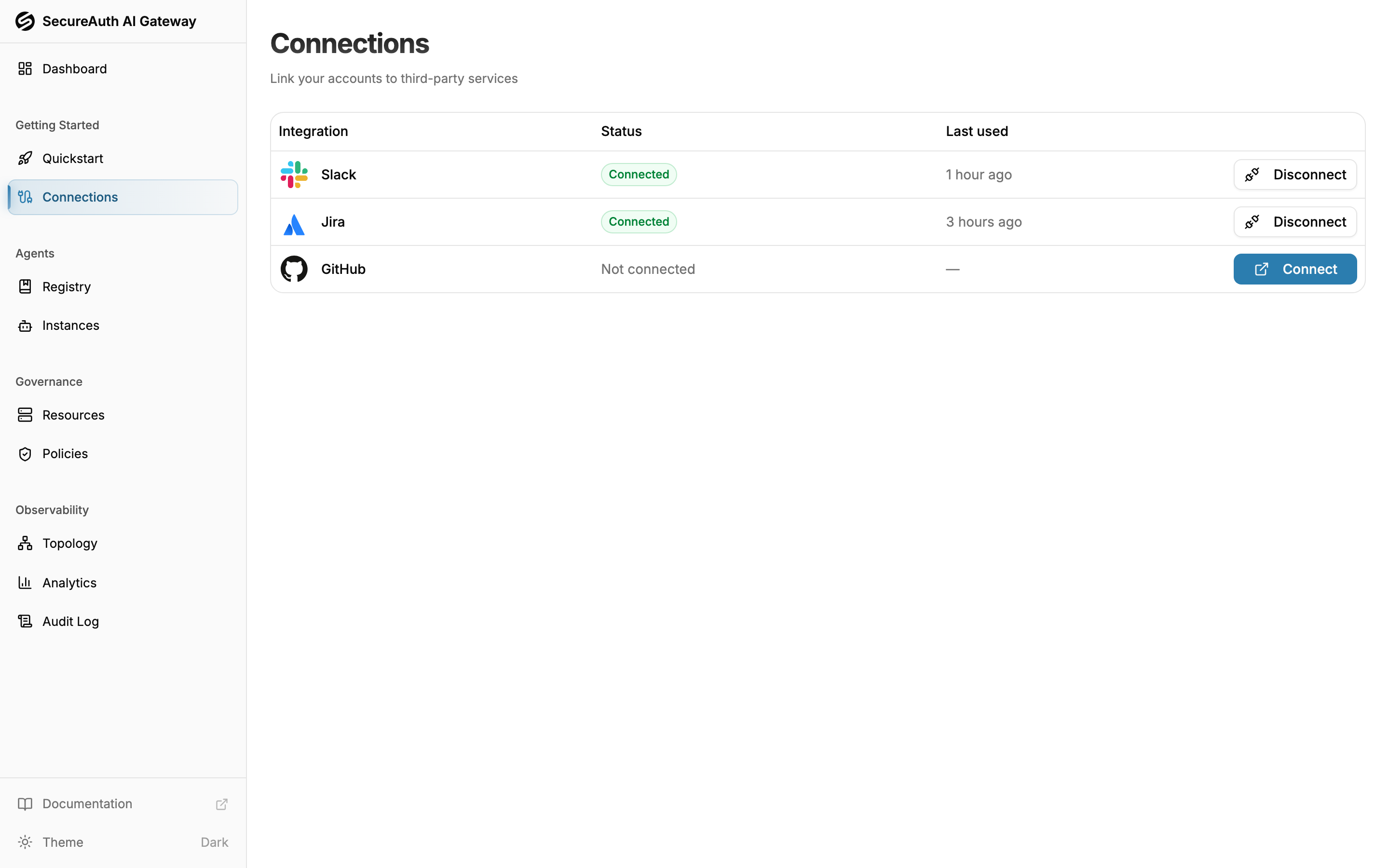
Navigate to Connections in the dashboard to see all available services and their connection status.
- Connect — click to start the OAuth flow and link your account
- Disconnect — revoke access and remove stored credentials
- Scopes — each connection shows which OAuth scopes have been granted
Connection statuses
- Active — credentials are valid and ready to use
- Expired — credentials have expired and need to be reconnected
- Revoked — the connection has been manually disconnected