Activity
Review what your own agents and connections did, newest first, for a time range you choose.
In the console: Agent Authority › Activity
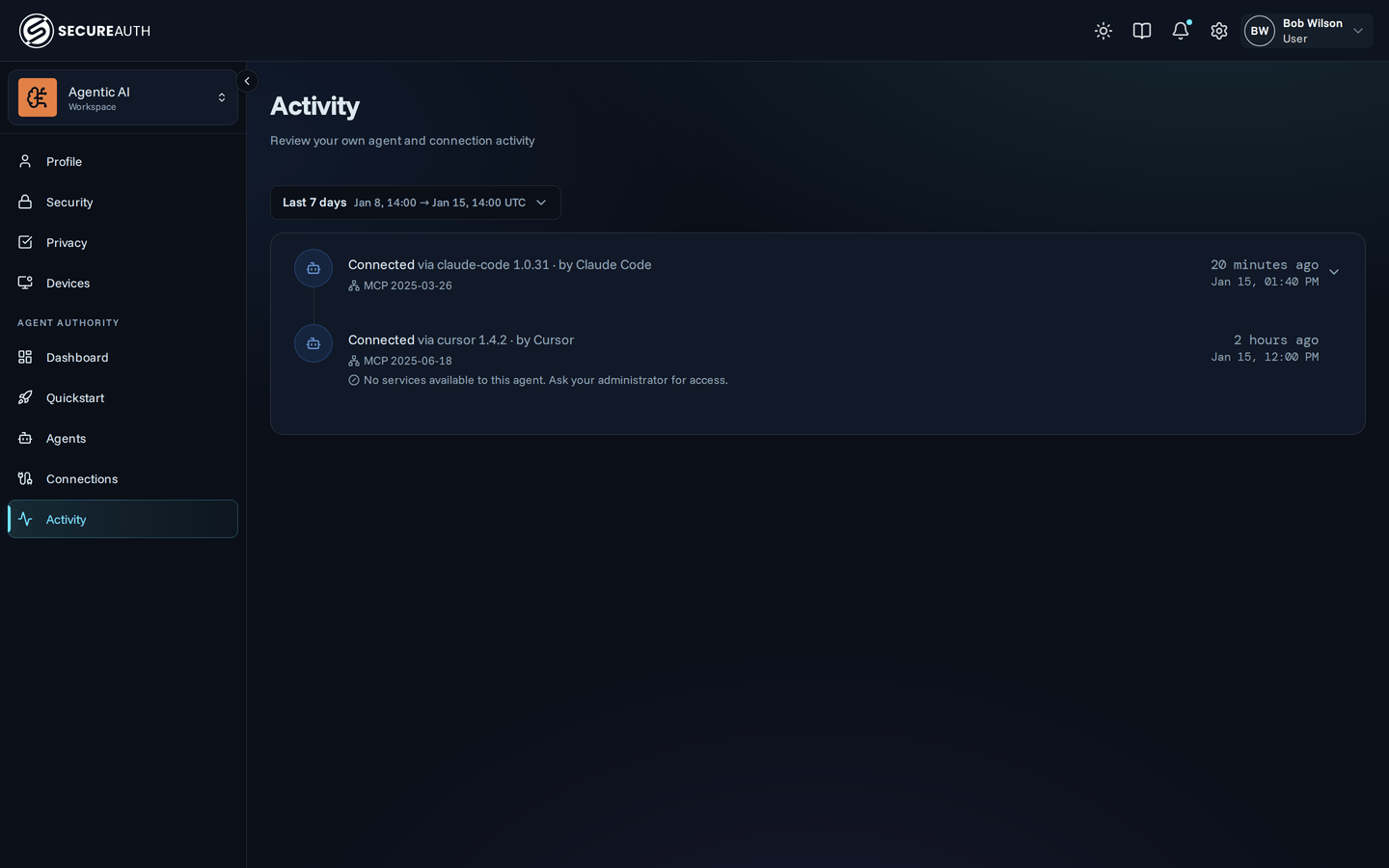
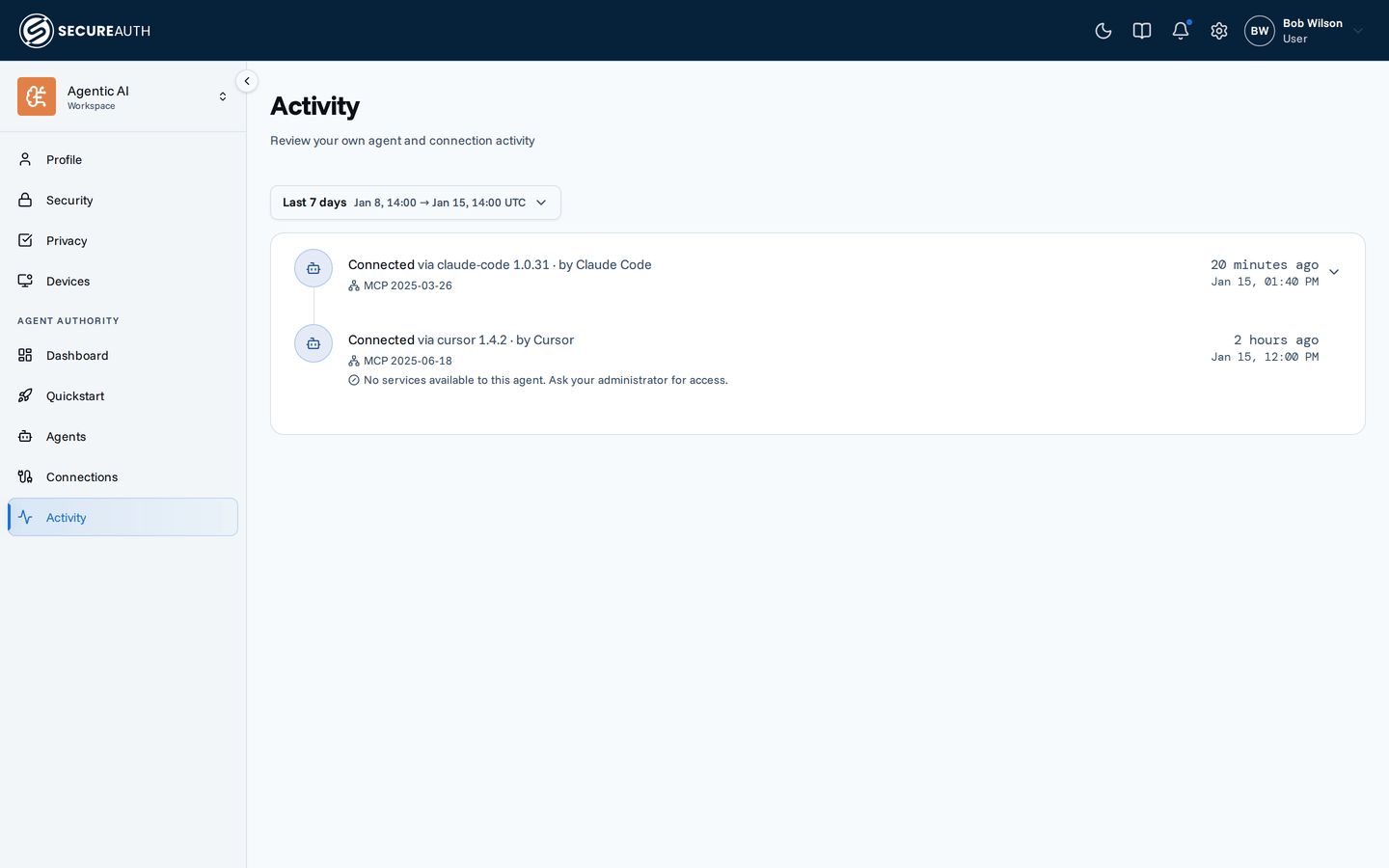
This screen is in the user portal, so it shows what you see when you sign in as a user, not as an admin. It is a timeline of your own agent and connection activity, such as an agent connecting or calling a tool. It shows only your own events, even when your role grants org-wide access to the audit log.
Time range
The date range picker sets which events the timeline shows. It starts at Last 7 days. Choose a preset, such as Last 24h or This month, or set a Custom range. This quarter and This year aren't offered on this screen.
Timeline
Each event shows an icon for its type, a description, and when it happened, as a relative and an exact time. Some events expand with the chevron to show more:
- An agent connecting – the services the agent can reach. When it can reach none, the event says "No services available to this agent. Ask your administrator for access."
- A tool search – the tools the search returned.
- A change – the fields that changed.
Load more fetches older events.
With no events, the screen shows "No activity yet. Connect an agent to start seeing what it does here." and a Connect an agent button. When you changed the time range and nothing matches, it shows a Clear filters button that resets the range.
Actions
This screen is read-only. Change the time range, expand an event, or select Connect an agent to open Quickstart.
Permissions
The Activity menu item needs view_audit for your own events.
The Connect an agent button needs view_agent_instances.
Related
- User portal – what the user portal is and who uses it