MCP server health
See which MCP servers are failing, which users they fail for, and what to check.
When an MCP server stops answering or starts rejecting sign-ins, your users' tool calls to it fail. The Health column on Tools & Services flags those servers, and each server's Health tab shows who is affected and what to check.
Find a failing server
The Health column shows a warning such as Sign-in failing, Authorization failing, or Unreachable when users can't connect. Select the warning to open that server's Health tab.
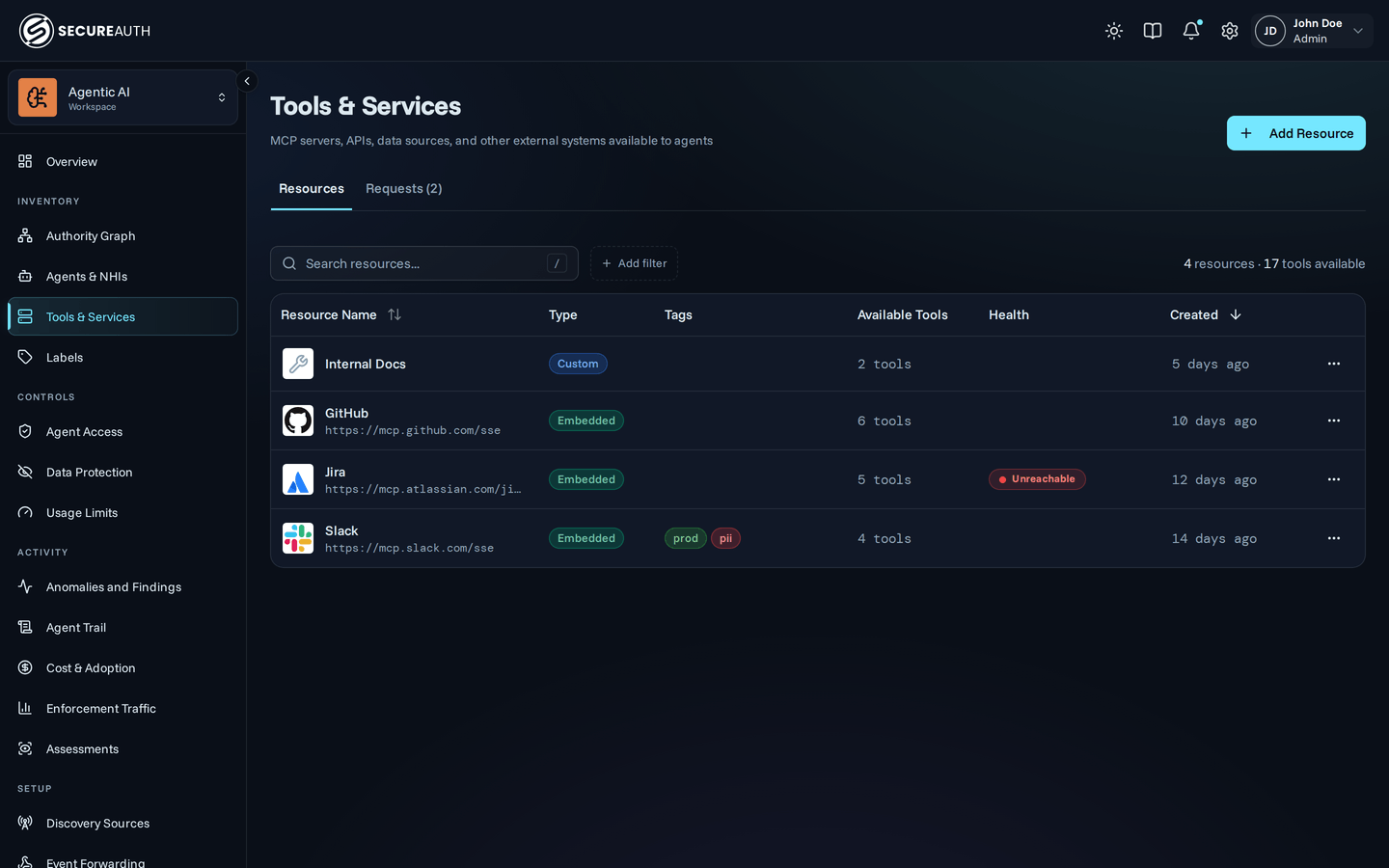
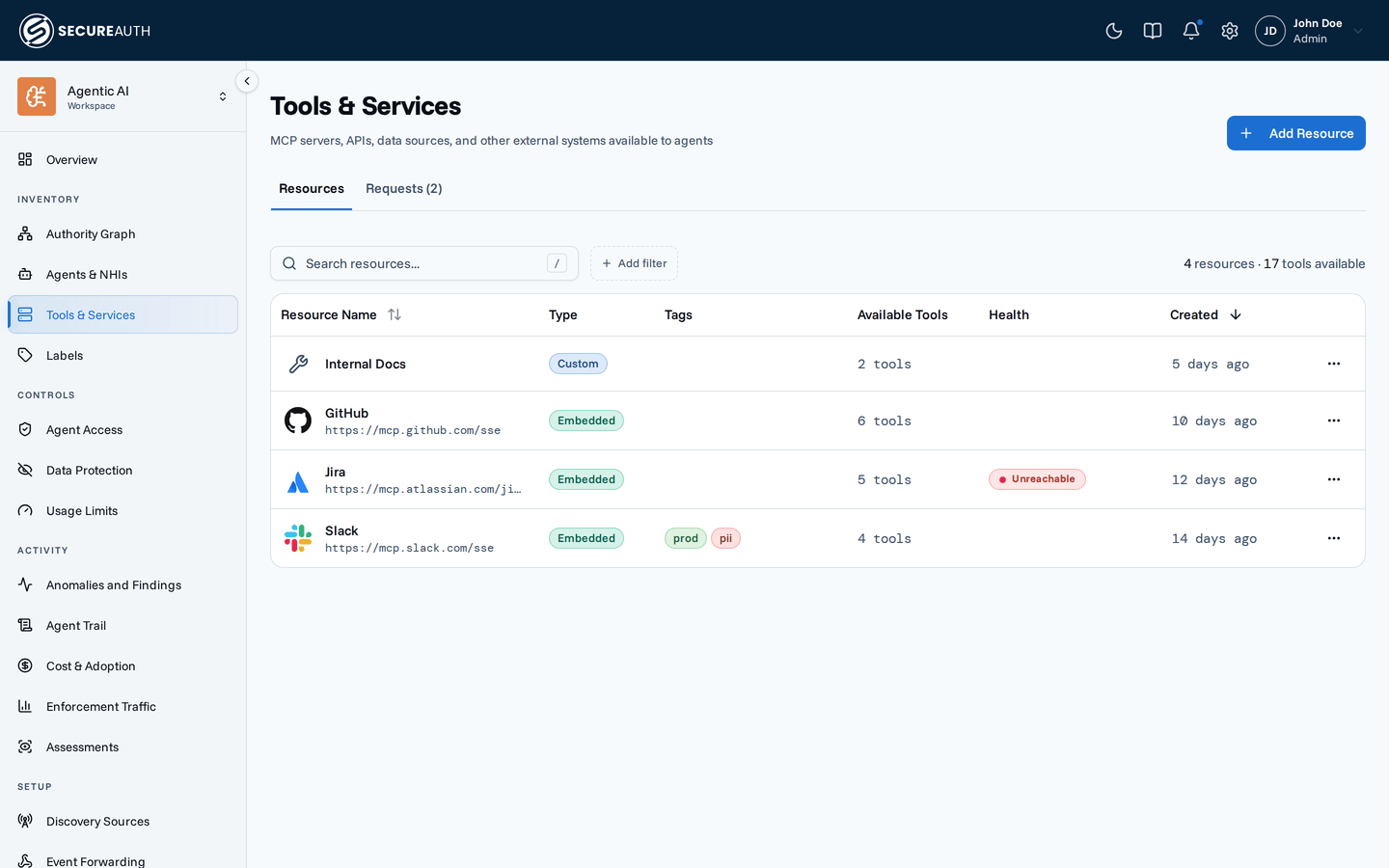
The tab shows how many users are failing and how many still work, when the server first failed, and when it last worked.
When a server is failing, it also shows what happened, what to check, and the failing users.
The column and the tab need organization-wide view_audit.
What users see
An unreachable server usually still offers its last known-good tools, and a call to one returns an error that names the server.
The error says what went wrong, such as no answer or an HTTP status code, and that the gateway itself is working.
A 401 means the server rejected the credential the gateway presented, and on a server each user connects to, that user reconnects from their Connections page.
A 429 means the server is rate limiting the gateway, and a timeout or 5xx usually clears on its own.
For each error and its fix, see Troubleshooting.