Connect a custom agent to Agent Authority
Connect an MCP agent the catalog doesn't list to SecureAuth Agent Authority so every tool call is checked and audited
Your team may use an agent that has no setup guide here. If it speaks MCP, connect it to SecureAuth Agent Authority and every tool call it makes is checked against your policies and recorded in the audit log. For the agents that have their own guide, see Agent integrations.
Choose how the agent signs in
Connect the agent through the Custom agent card, in the Agent Catalog for admins and in Quickstart for portal users. Selecting that card asks how the agent signs in to the gateway. Pick the method the agent supports:
| Method | Use it when | What you configure |
|---|---|---|
| Auto-register | The agent performs its own dynamic client registration | Nothing: point it at the gateway |
| OAuth client | The agent speaks OAuth but can't register itself | Client ID and secret the gateway issues |
| API key | The agent takes a static bearer token | One token |
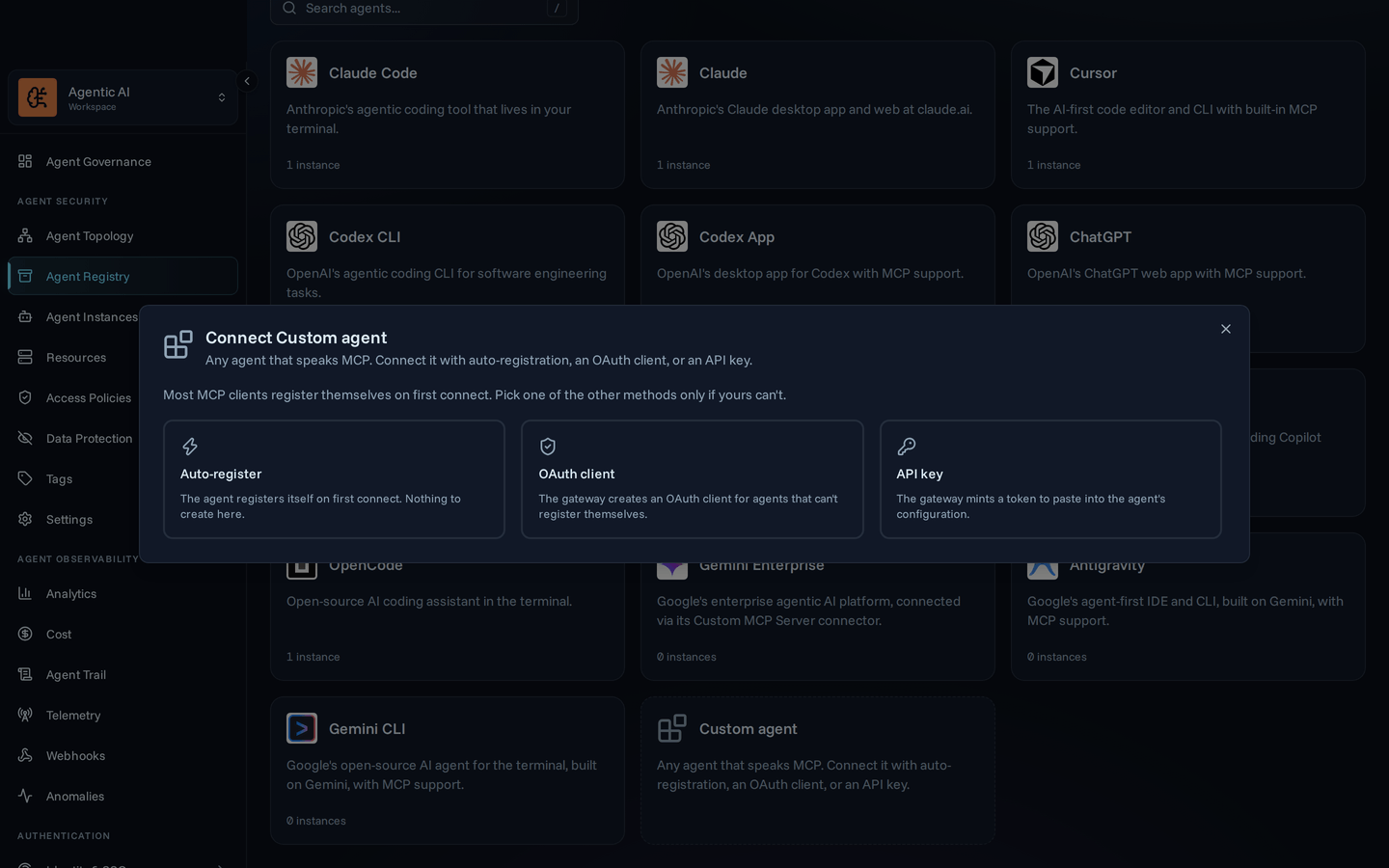
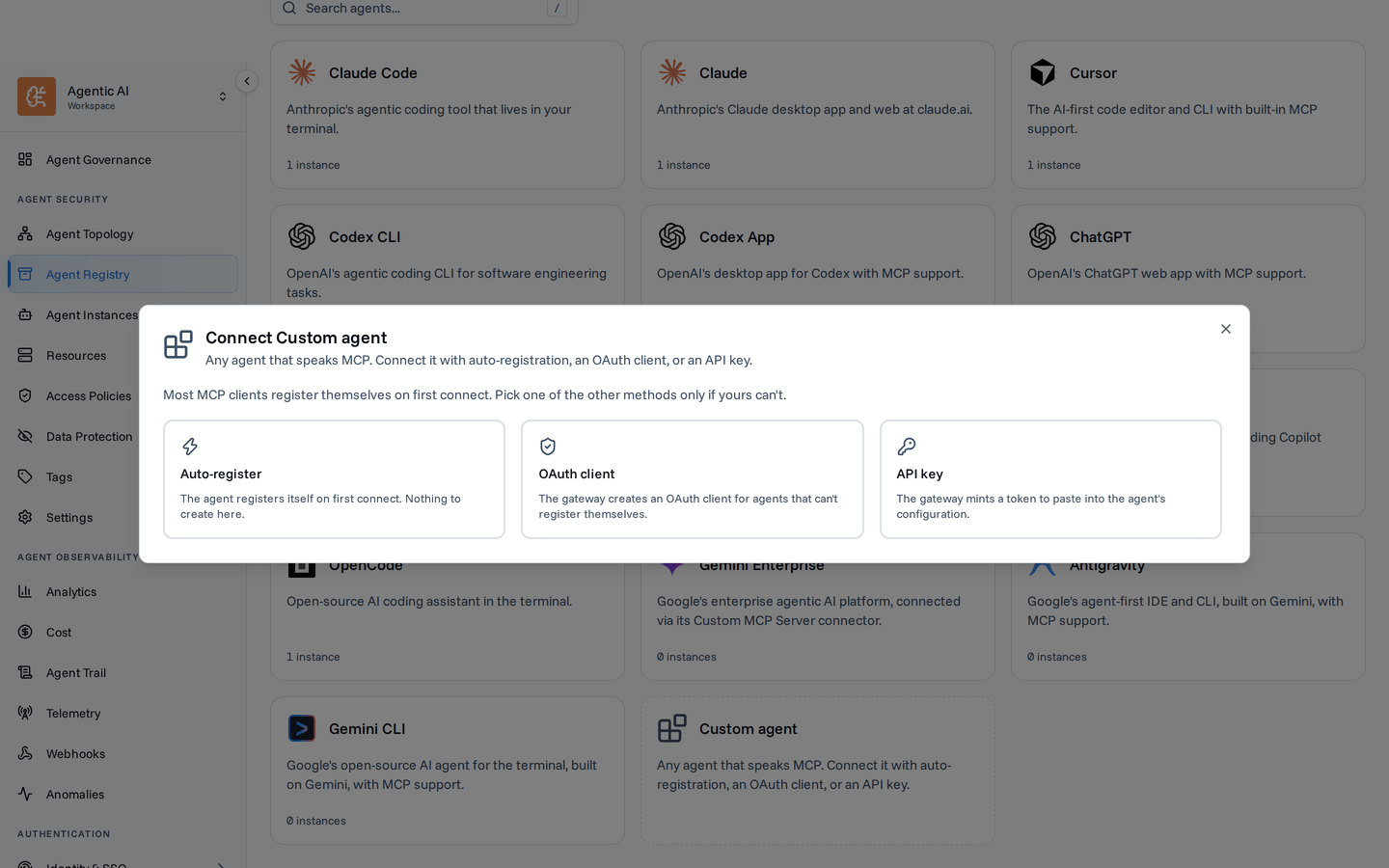
Auto-register
Most modern MCP clients register themselves on first connect, so there is nothing to create in the console.
-
Add the gateway as an MCP server. Point the agent at your gateway URL over the streamable HTTP transport:
https://your-gateway-url/gateway/mcp -
Sign in from the agent. Trigger the agent's authentication for that server. It registers itself with the gateway and opens a browser window for you to approve the connection.
-
Start using it. The instance appears in your agent list on first connect, and policies apply from its first tool call.
OAuth client
For agents that speak OAuth but can't register themselves, the gateway registers a client on the agent's behalf.
- Open Agents & NHIs → Agent Catalog → Custom agent → OAuth client.
- Enter a name and the agent's redirect URI (its fixed OAuth callback URL). Check the agent's own documentation for the exact value.
- Select Create client.
- Copy the client ID, client secret, authorization URL, token URL, scopes, and MCP server URL into the agent's connector configuration.
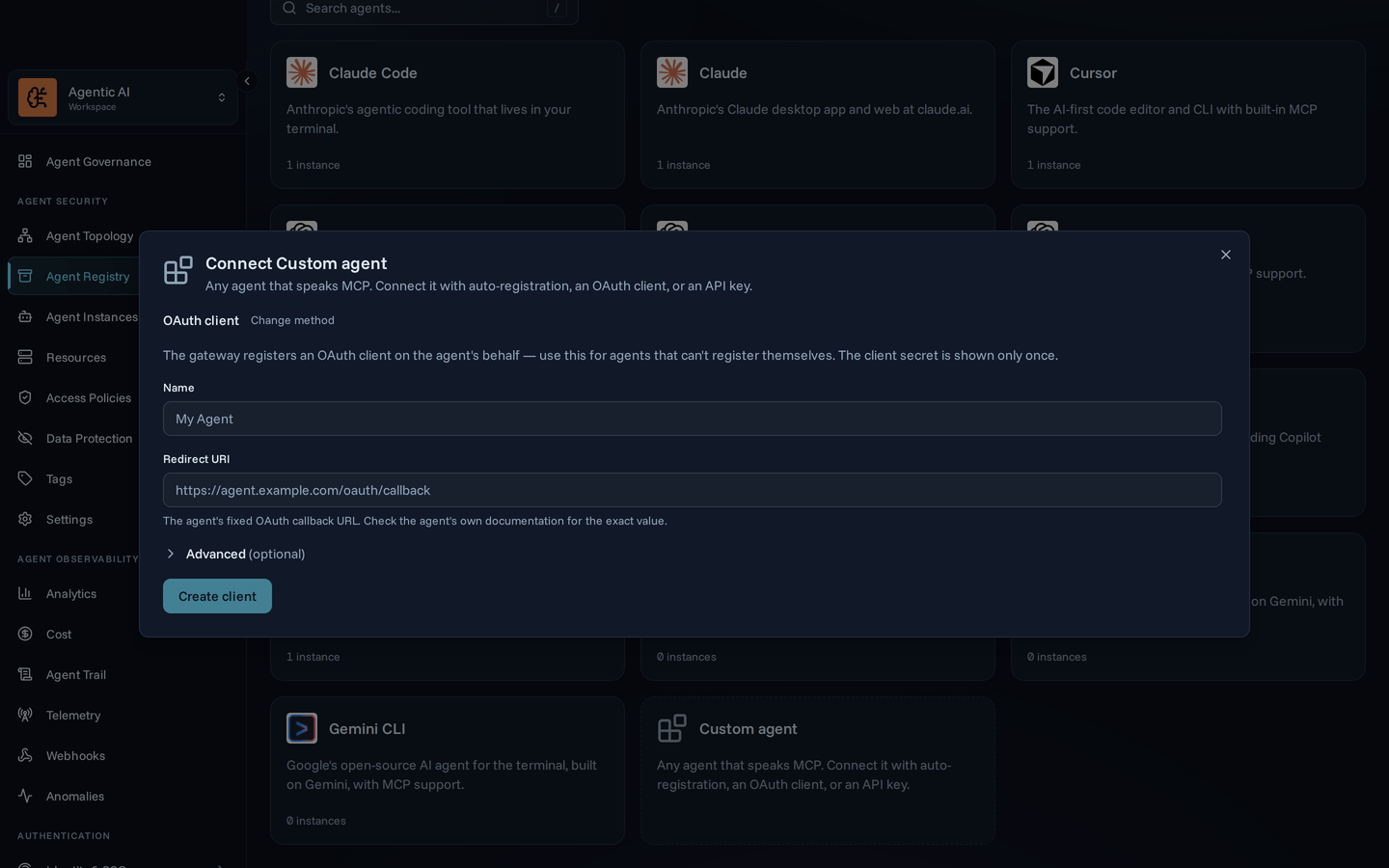
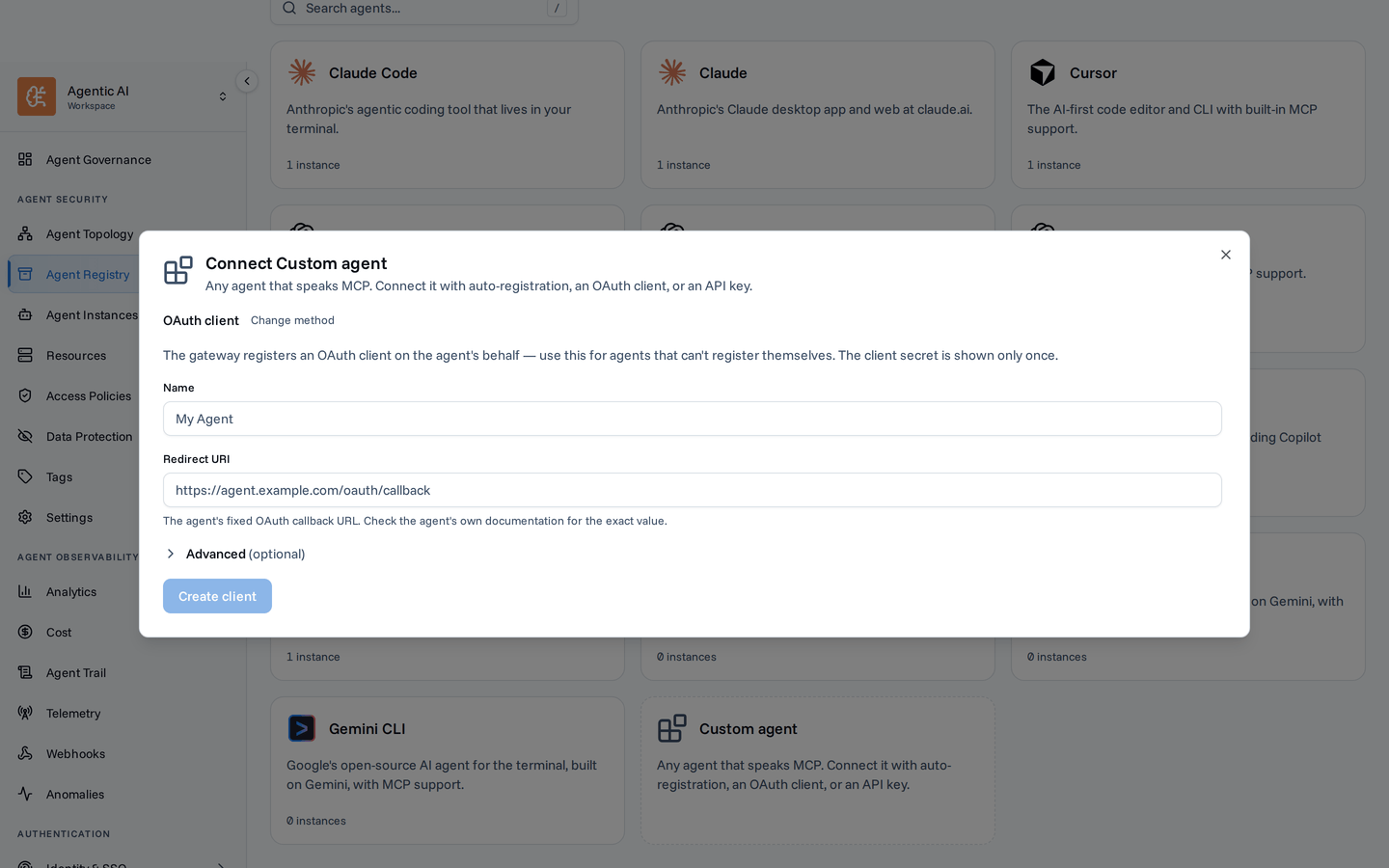
The client secret appears once, at creation. Copy it before closing the dialog; if you lose it, delete the instance and create a new one.
API key
For agents that take a static bearer token.
- Open Agents & NHIs → Agent Catalog → Custom agent → API key.
- Enter a name and select Create.
- Copy the MCP server URL and the token into the agent's configuration. It must send the token as a bearer token on every request.
Like the client secret, the token appears once.
Connecting to just one MCP? To stay under an agent's tool limit, point the URL at a single MCP —
/gateway/mcp/{slug}instead of/gateway/mcp. Grab the exact URL from the resource's detail page; see Scope a connection.
Next steps
- Create a policy – control which tools the agent can call.
- Monitor activity – watch its tool calls appear in the dashboard and audit log.
- Audit log – filter and search every tool call the agent makes.