Connect Pi to Agent Authority
Send Pi's model calls through the LLM gateway for coding agent governance, so each one is checked and recorded
When you finish, every model call Pi makes goes through the LLM gateway, where your model access rules decide it and Agent Trail records it. Pi, the minimal open-source coding agent for the terminal, has no MCP support, so it can't reach the tools behind your MCP gateway.
The steps appear in the console only when the llm_gateway feature flag is
on. If you don't see the LLM Gateway page, ask your SecureAuth contact to
enable it for your organization.
Setup
-
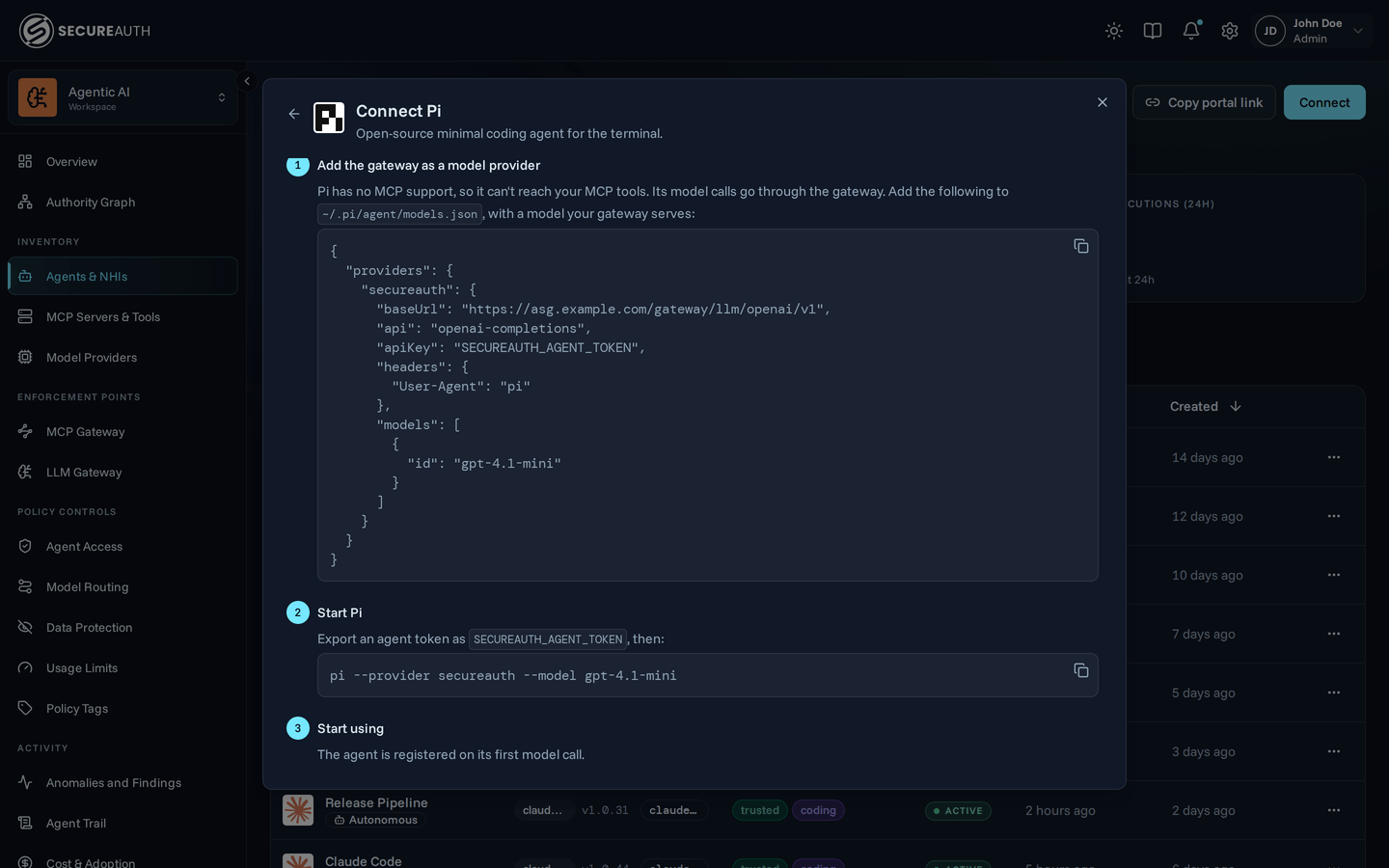
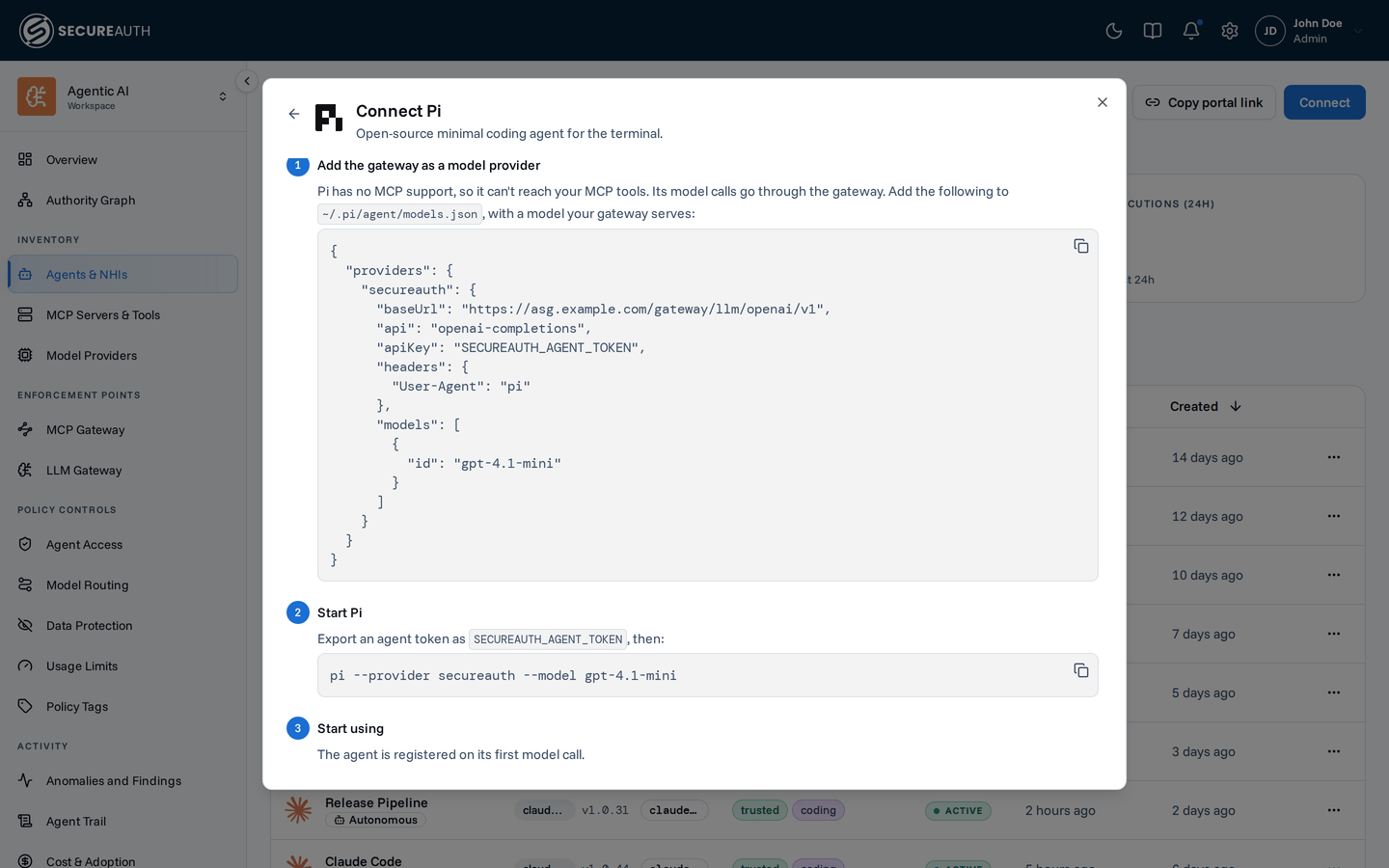
Add the gateway as a model provider. Add the following to
~/.pi/agent/models.json, with the OpenAI-compatible base URL from Enforcement Points › LLM Gateway and a model your gateway serves:{ "providers": { "secureauth": { "baseUrl": "https://your-gateway-url/gateway/llm/openai/v1", "api": "openai-completions", "apiKey": "SECUREAUTH_AGENT_TOKEN", "headers": { "User-Agent": "pi" }, "models": [{ "id": "gpt-4.1-mini" }] } } }Pi reads
apiKeyas the name of an environment variable. TheUser-Agentheader lets the gateway recognize Pi, which otherwise sends the OpenAI SDK's own. -
Start Pi. Export an agent token as
SECUREAUTH_AGENT_TOKEN, then run:pi --provider secureauth --model gpt-4.1-mini -
Start using. The agent is registered on its first model call, and appears on the Agents list as Pi.
Next steps
Pi's model calls now go through the secureauth provider in ~/.pi/agent/models.json.
Next, decide which models it may use.
- Model access rules – allow or block models for Pi.
- Connect agents to the LLM gateway – agent tokens and the other agents that send model calls.