Audit Logs
SecureAuth Connect audit logs record the actions that take place across your workspace and its connected authorizers, such as logins, consent grants, and token issuance. Use them to investigate suspicious activity, support incident response, and meet compliance requirements that call for tracking data access and changes.
Audit events record who did what, when, and from where. For failed requests, they include the OAuth error, its description, and hint. Events include request context such as IP address and device. See Personal data in audit events.
View audit logs
In your workspace, select Audit Logs from the left navigation. Each row is one event.
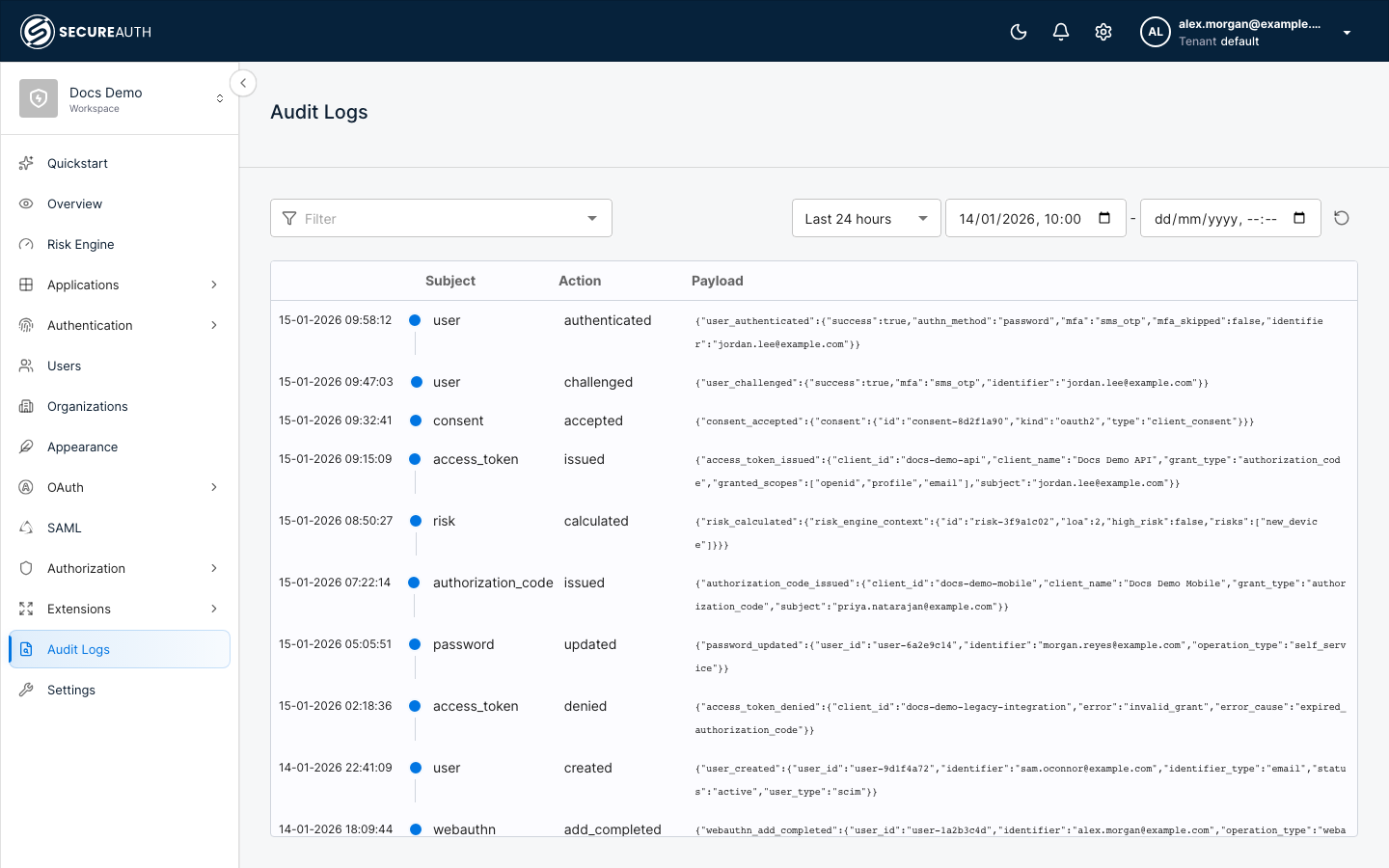
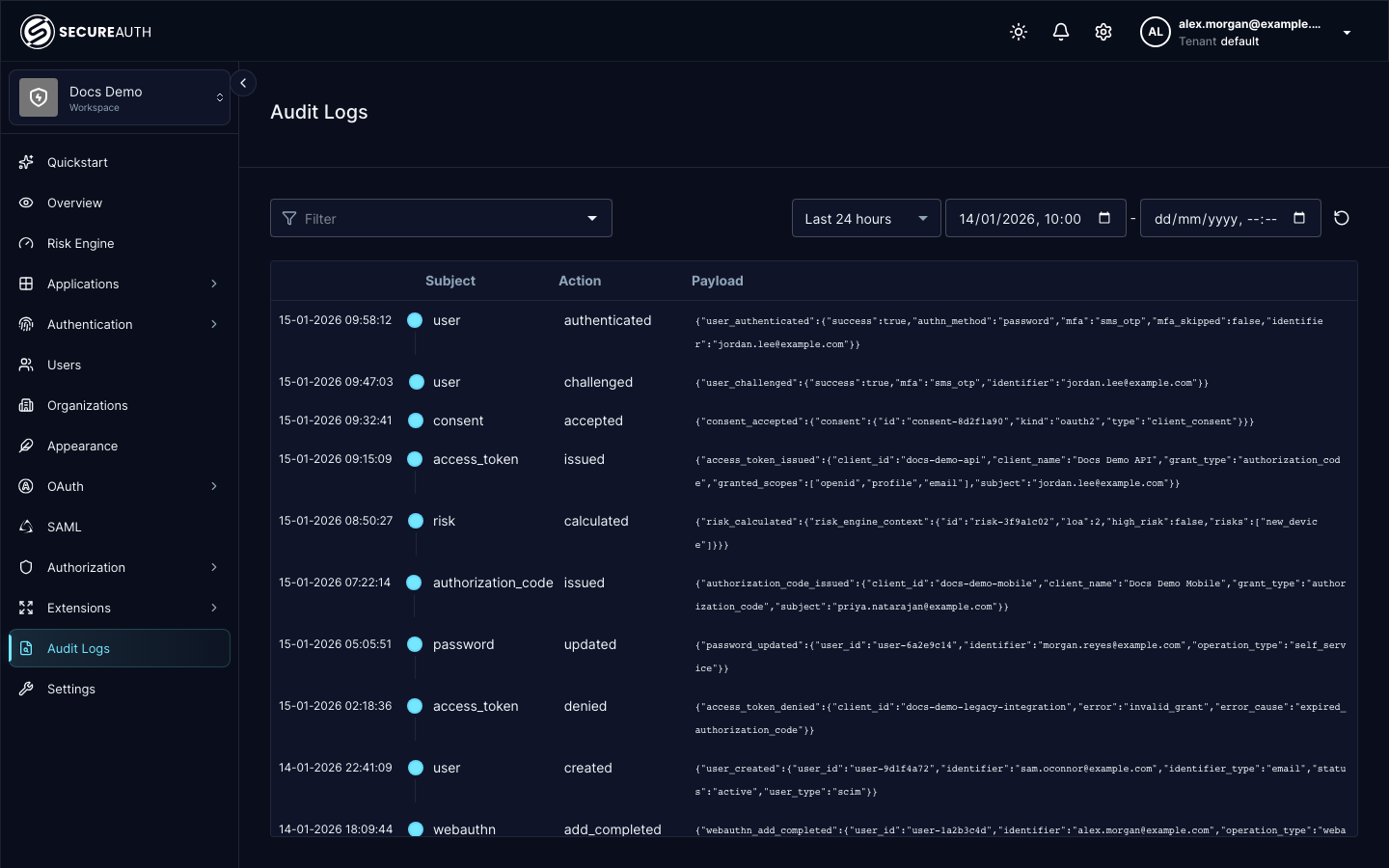
| Column | Description |
|---|---|
| Time | When the event occurred. |
| Subject | The entity the event is about, for example access_token, login, consent, or risk. |
| Action | What happened to the subject, for example issued, accepted, failed, or calculated. |
| Payload | The event data as JSON. Select a row to open Event details with the full, formatted event, including its metadata: request context and identifiers for the event, such as IP address, device, user ID and client ID. For every metadata field, see Metadata fields. |
Filter audit events
Use the controls above the list to narrow what you see:
- Filter – Narrow the list by event attributes, such as subject and action.
- Date range – Choose a preset (Last 30 minutes, Last hour, Last 24 hours, Last week, or Last month), or set a custom start and end time. The list defaults to the last 24 hours.
- Sort the list by time in ascending or descending order.
Common event types
Audit events cover actions such as:
- Login events – Whether a user attempted to log in, and whether the attempt was accepted or failed.
- Consent events – Consents created, accepted, rejected, or revoked. These are especially useful in Open Banking and open data initiatives.
- Authorization and token events – Authorization codes and access tokens issued or denied, and SAML assertions issued.
- Risk events – Risk scores calculated during authentication.
For the full list of events and the fields in each payload, see the list audit events API reference and its audit_events.payload parameter.
Stream events to external systems
To forward audit events to an external logging system, SIEM, or CRM in real time, use webhooks. A webhook sends a notification to a target URL each time a subscribed event occurs. See Set up webhooks.