Manage organizations
Create and view hierarchy of organizations to reflect the business structure a company needs. Assign parent workspaces and organizations. Create templates.
View and edit hierarchy
You can view the hierarchy of organizations in Tenant Settings > Organizations or in the workspace Organizations view.
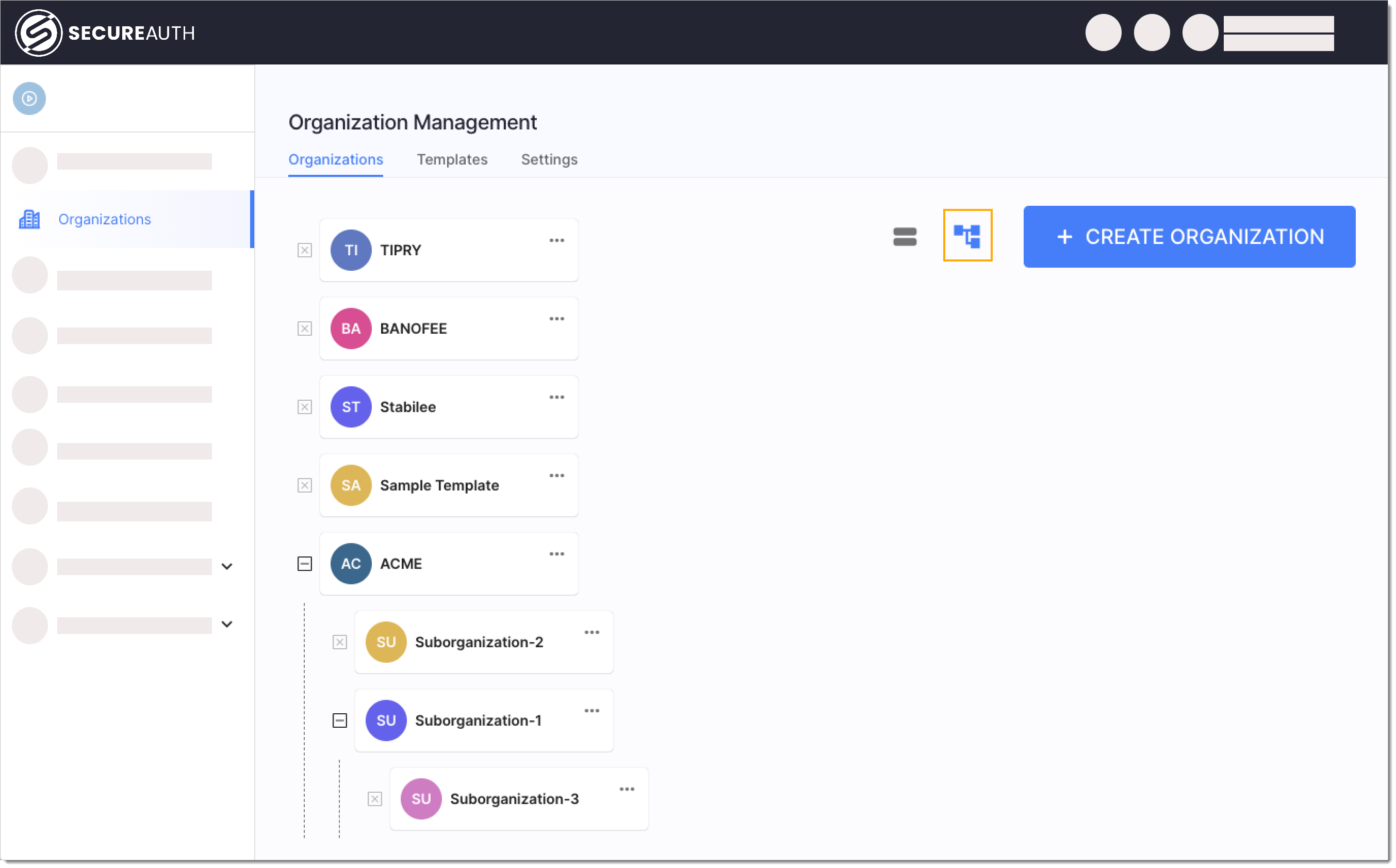
Expand and collapse dropdowns to view suborganizations and their children.
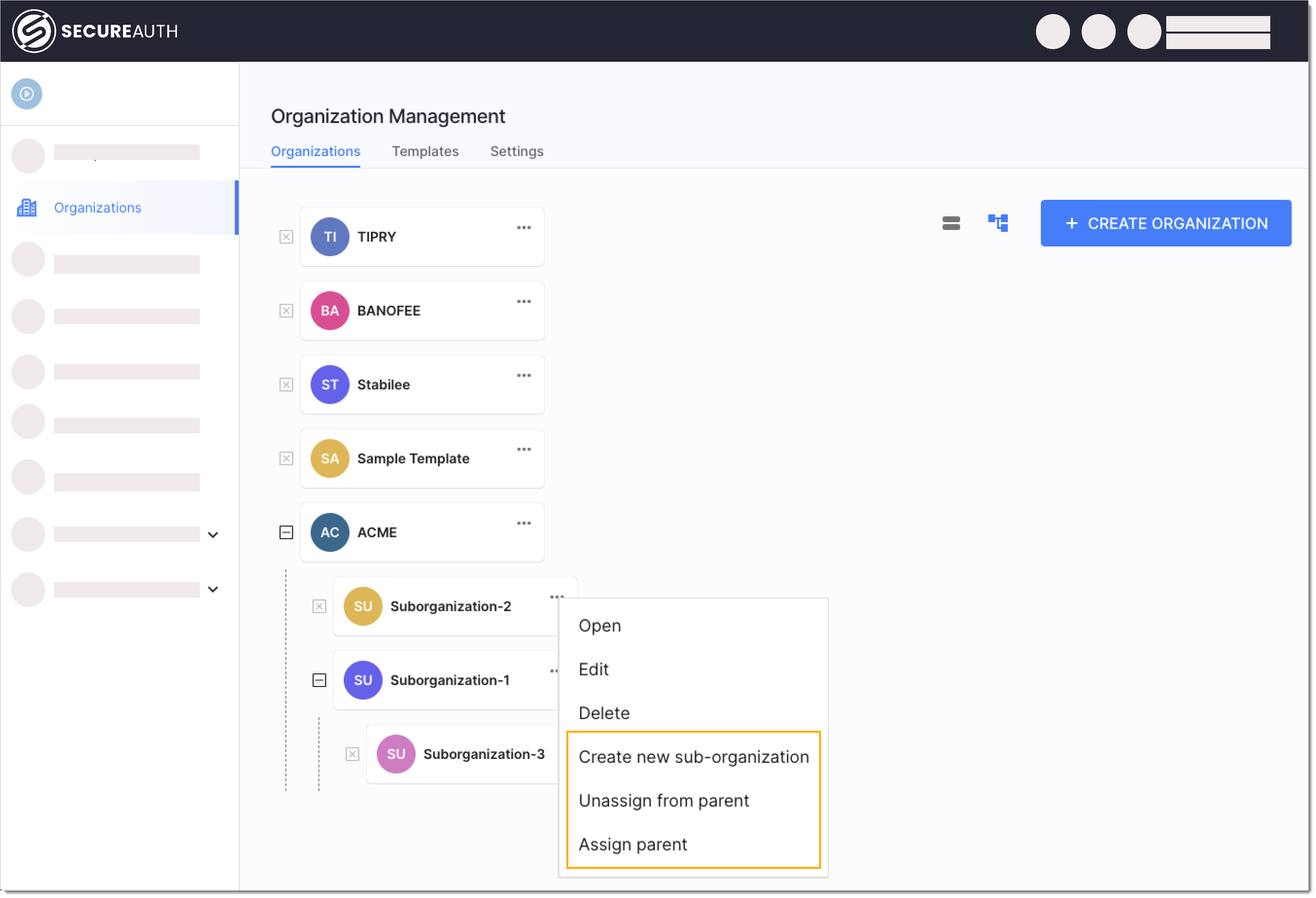
You can edit the hierarchy by:
-
Creating more suborganizations
-
Unassigning organization/suborganization from parent organization/workspace
-
Assigning new parent
Assign default organization parent
You can assign default organization parent in Tenant Settings > Organizations > Settings view under the Default organization parent setting. The default parent applies when you create organizations in the admin console or the delegated admin portal. API calls don't use it. Pass parent_id explicitly.
Organization templates
A template is an organization whose configuration you copy into new organizations. When you create an organization from a template, it gets a one-time copy of the template user populations, sign-in methods, identity providers, applications, and policies. Users and administrators aren't copied, and later changes to the template don't reach organizations already created from it.
To create a template, go to Tenant Settings > Organizations > Templates and click CREATE TEMPLATE. For what a template copies, its limits, and a worked example, see Organization templates.
Configure default template
To preselect a template every time you create an organization in the admin console or the delegated admin portal, go to Tenant Settings > Organizations > Settings and pick a Default organization template. API calls don't use the default template. Pass template_id explicitly.
Organization administrators
To invite administrators for an organization and choose their roles, see Organization administrator roles and permissions.