Search tips
Use these tips to find what you need on the SecureAuth product docs site.
- Home page
Docs Home lists the docs for every SecureAuth product. Choose a product to go to its docs.
To get back here, click Docs Home at the top of any page.
- Landing page
The SecureAuth IdP landing page has a release picker and a search box.
For example, see the landing page for SecureAuth IdP 26.x (latest).
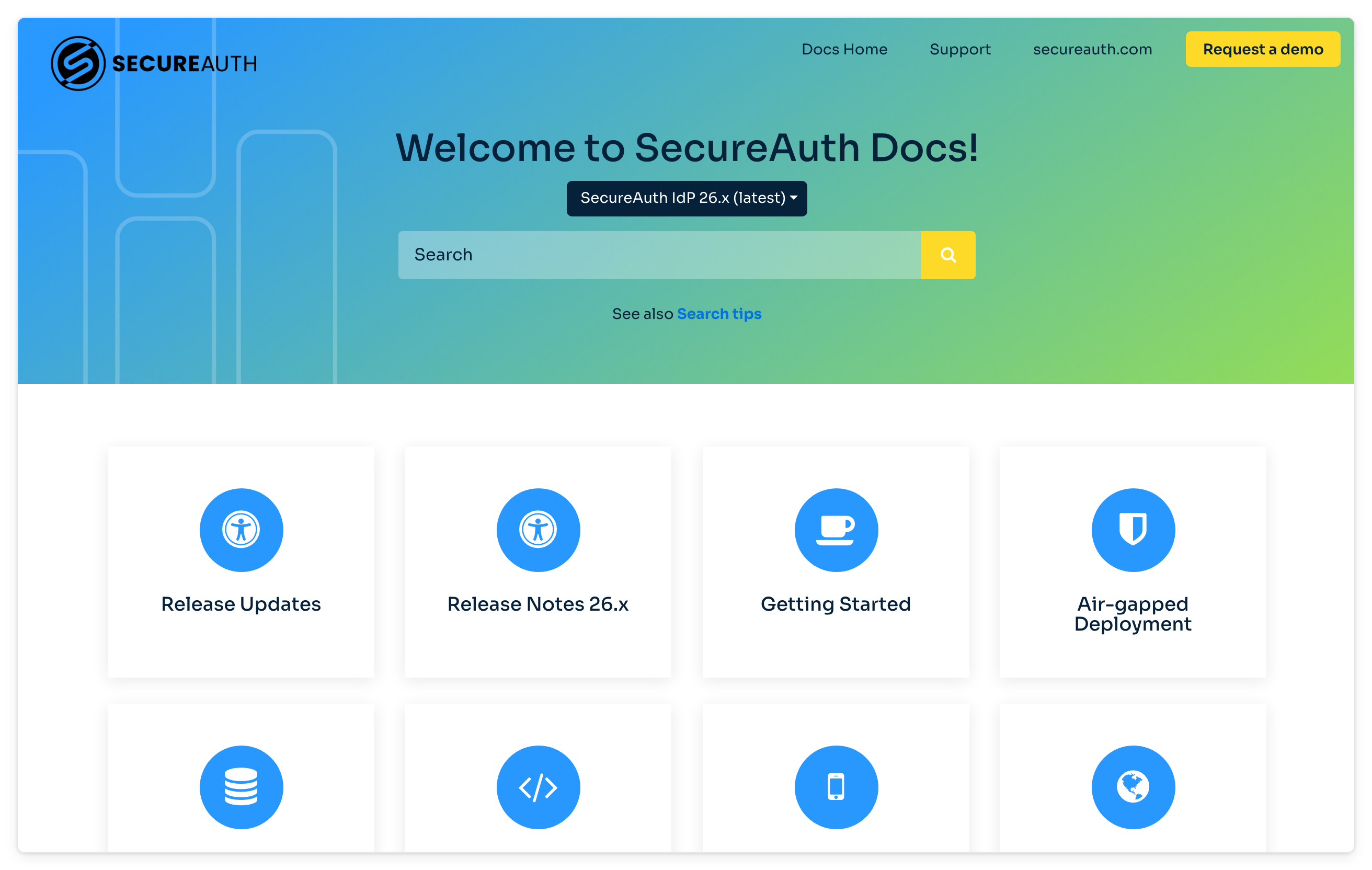
To change releases from a topic page, click the SecureAuth logo to go back to the landing page.
- Search
Search from the landing page, or from Search at the top left of a topic page. Results come only from the release you're in.
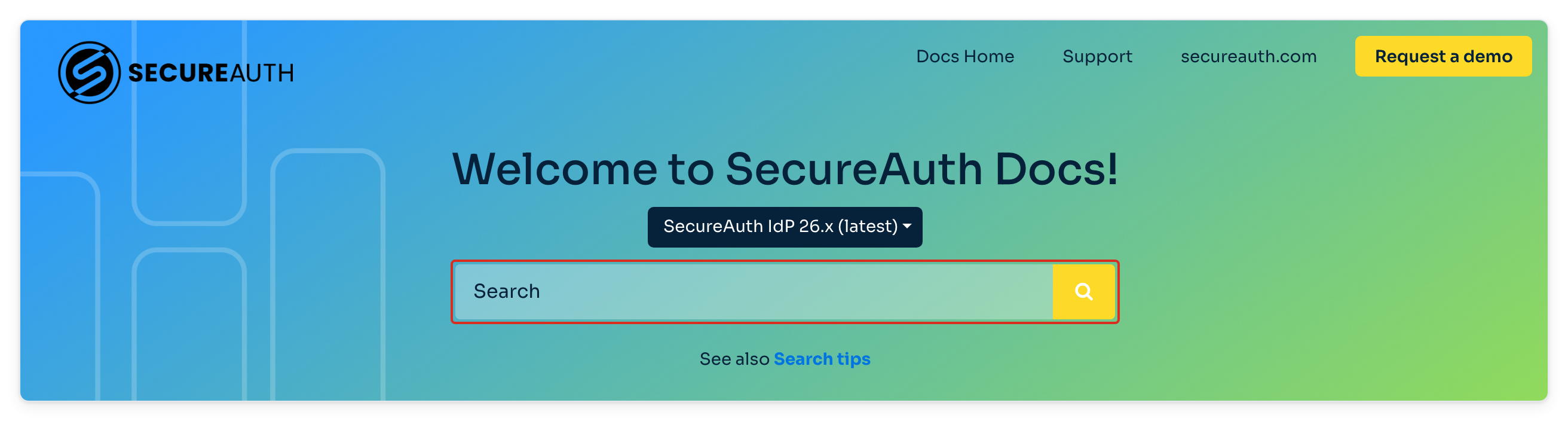
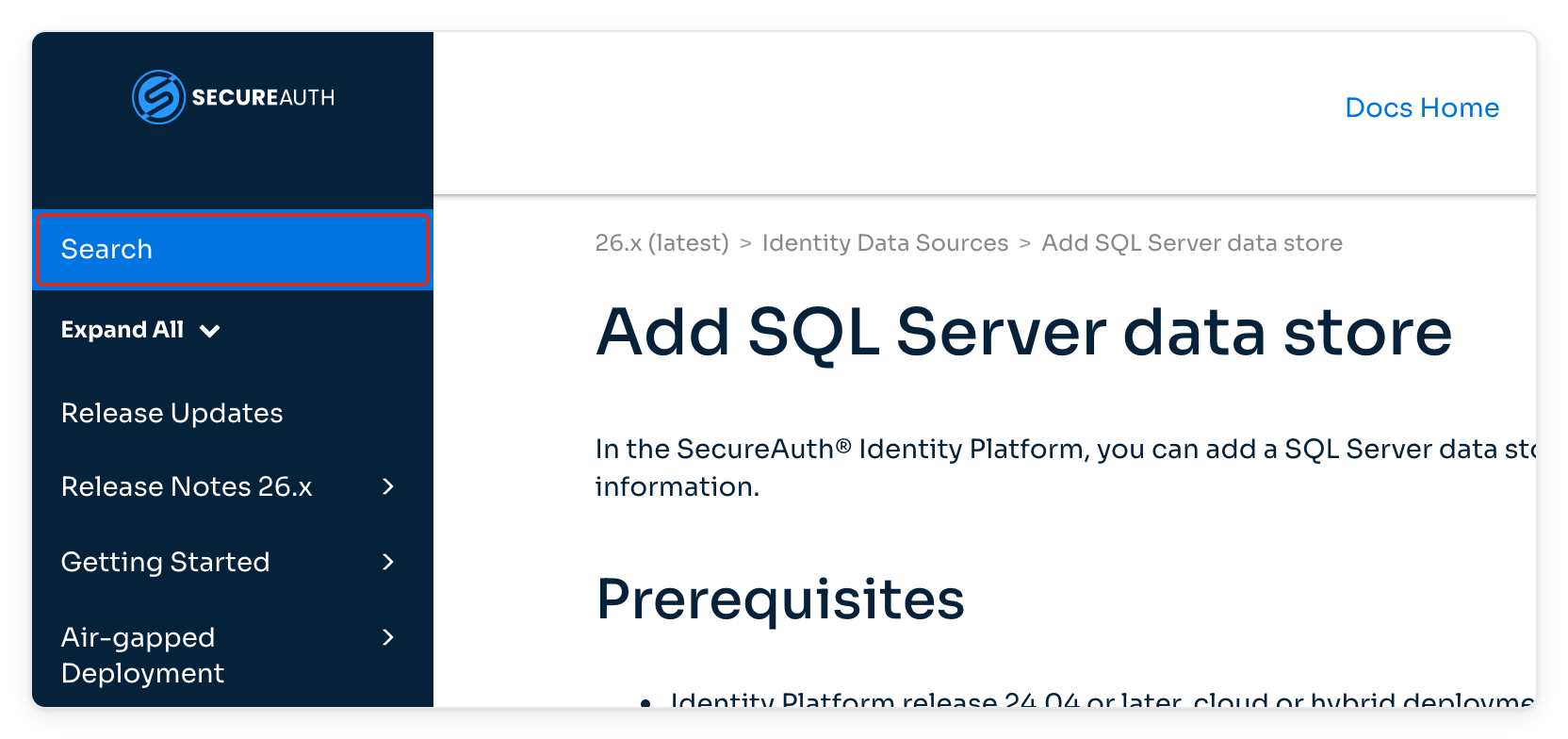
Don't see the results you expect? The feature might be in a different release. For example, YubiKey Enterprise Attestation is in release 26.2.0 and later, so a search in 24.04 doesn't find it.
- See which release a topic belongs to
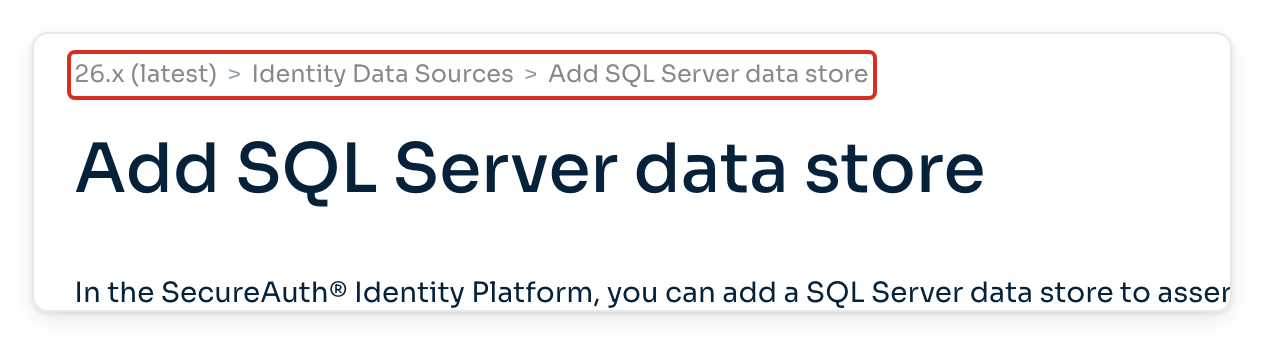
The breadcrumb at the top of each topic shows the release, for example 26.x (latest).
- Switch releases from the address bar
To see the same topic in another release, change the release in the URL.
Current release URLs start with
https://docs.secureauth.com/saidp/. Older releases use the release number without the period, for example2404for 24.04 and0903for 9.3.For example, the 24.04 version of
https://docs.secureauth.com/saidp/en/add-sql-server-data-store.htmlishttps://docs.secureauth.com/2404/en/add-sql-server-data-store.html.