Agent Registry
Tell an agent apart from its connected instances, and see which tools each agent can call under your policies
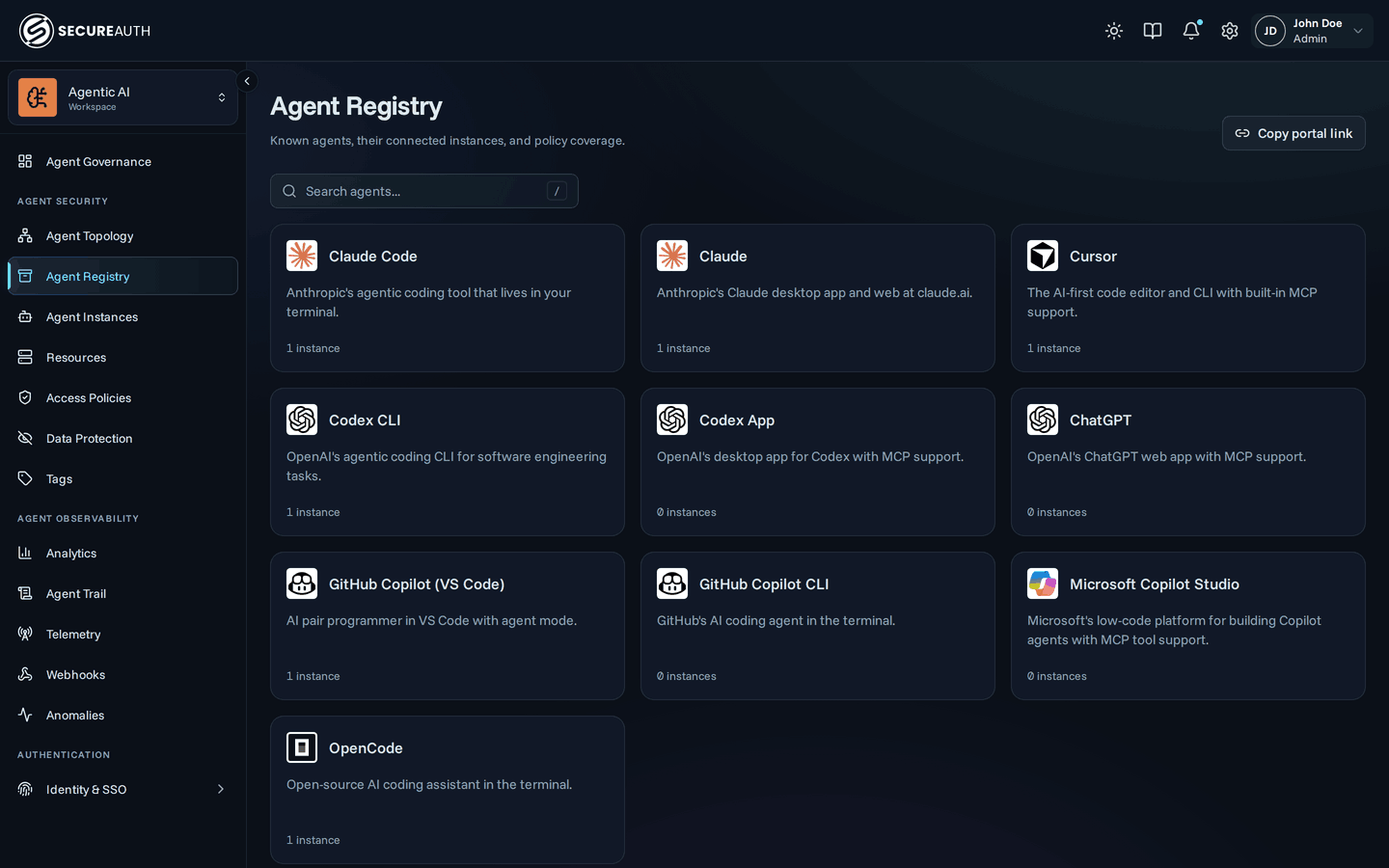
When something looks wrong with an agent, you first need to know whether the problem is the agent as a whole or one connected client. SecureAuth Agent Authority keeps a separate record for each: agents (Claude Code, Cursor, Copilot, …) and agent instances (one specific connected client). For each agent, you can see which tools your current policies allow, deny, or leave to a condition.
Where to find them
Agents and agent instances each have a tab in Agents & NHIs, under Inventory in the sidebar:
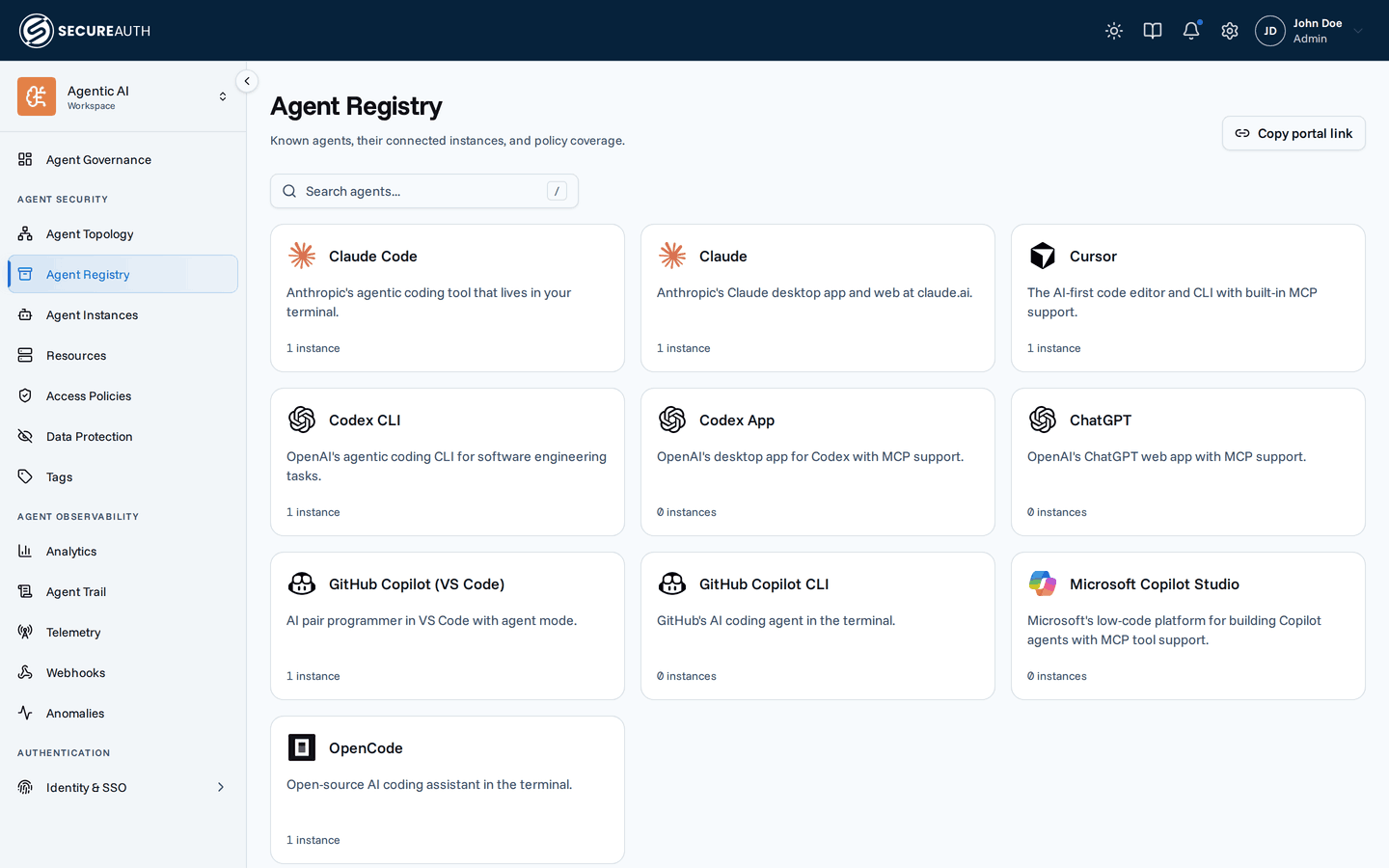
- Agent Catalog – one card per agent with aggregate instance counts and policy coverage
- Agent Instances – every connected client across all users, with per-instance identity and history
When to use which view
Use the Registry when you want to reason about an agent:
- How many people are using Claude Code in our org?
- Which tools can any Cursor instance call right now?
- Do our policies actually cover Codex, or is it falling through to default-deny?
Use Instances when you want to reason about a specific connected client:
- Why did this one Claude Code session get denied?
- When did this Cursor instance last connect, and from where?
- Disconnect this single instance without affecting other users.
Registry detail
Click a Registry card to open the agent's detail page:
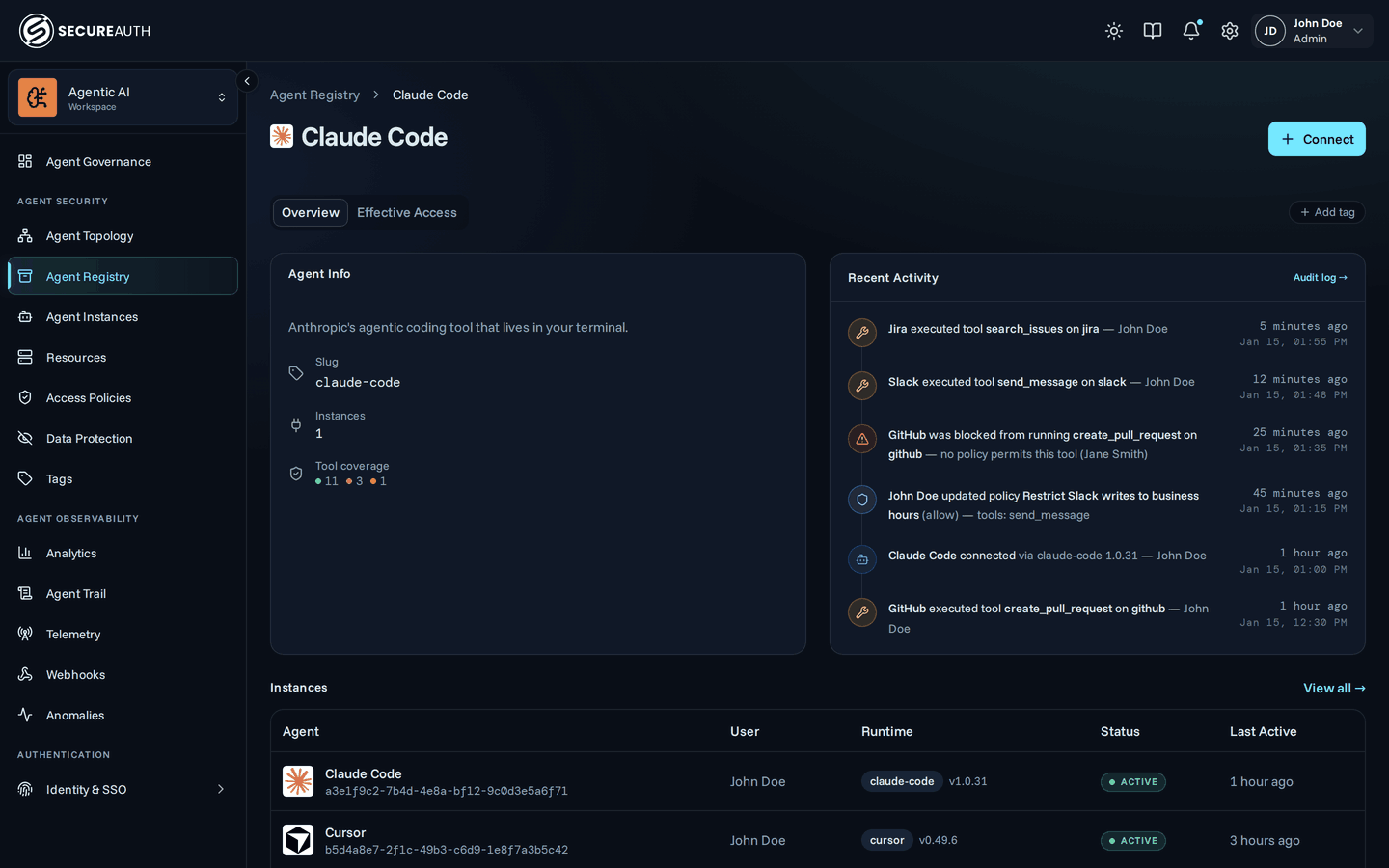
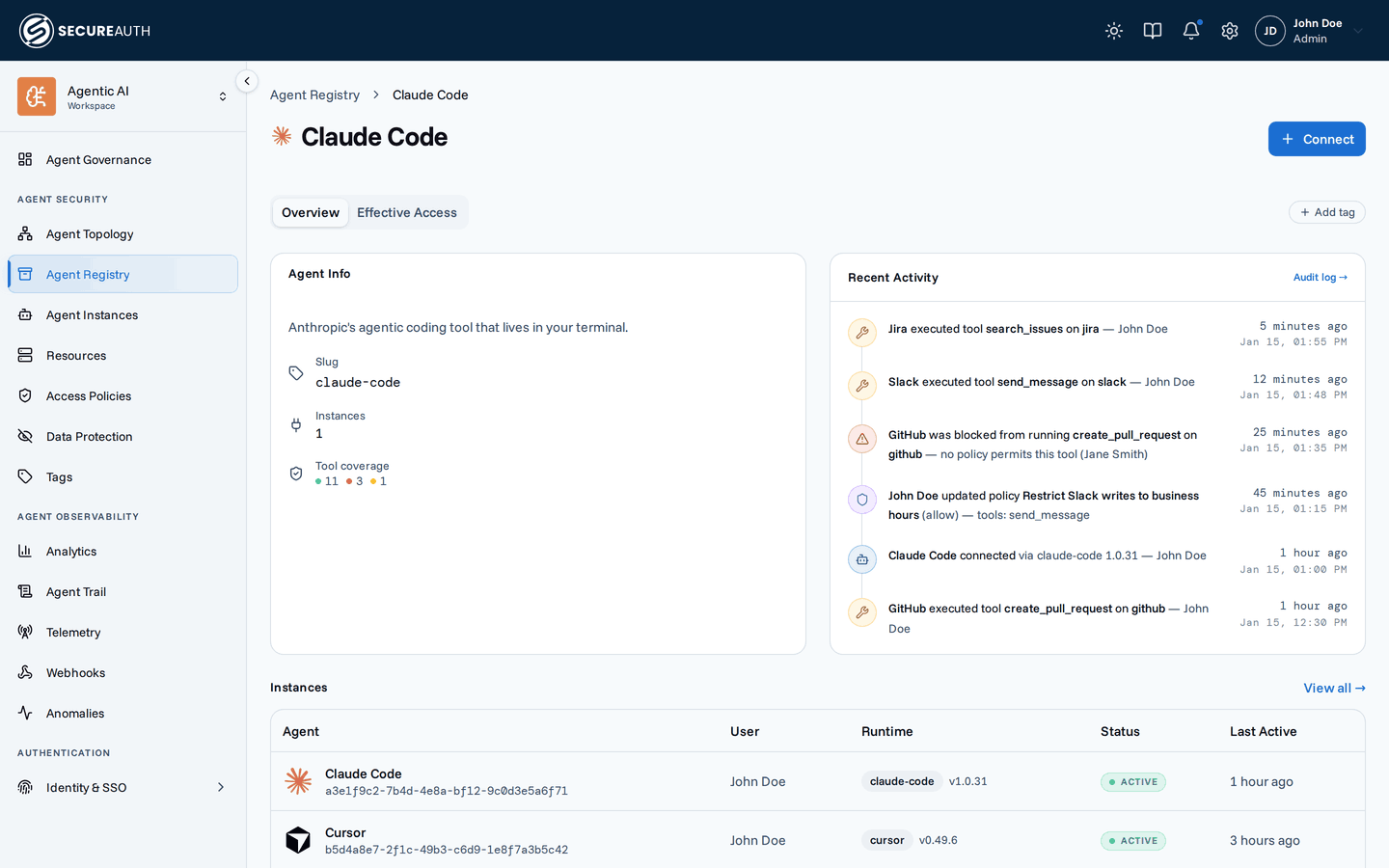
- Overview – agent description, connected-instance count, tool coverage breakdown (allowed / denied / conditional), recent activity, and a table of this agent's ten most recently used instances, with a View all → link to the full list on Agent Instances
- Effective Access – per-MCP, per-tool evaluation for the agent (not a specific instance), useful for previewing what a slug-scoped policy would do without picking one user
The Effective Access tab evaluates policy against the agent's identity alone, not against any specific connected instance. Rules guarded by a CEL condition therefore show as conditional rather than allowed or denied: those conditions need a real instance's request context to evaluate against.
Autonomous instances
Most agent instances are user-bound: they act for the user who authorized them, so every call traces back to a person. An autonomous instance has no such user: no one authorized it, so it acts on its own behalf. SecureAuth sets the flag from whether a user authorized the instance, and you can't edit it.
- Agent Instances shows an Autonomous badge in place of the owner's name, in the table and on the instance's detail page.
- To list only autonomous instances, add the Autonomous filter and choose Only. Choose Exclude to list only user-bound instances. The filter is available when you can view every user's instances.
- In Agent Trail, the same Autonomous filter narrows events to those autonomous or user-bound instances performed.
- In a policy condition,
agent.autonomousistruefor an autonomous instance. Rate limit and Data Protection conditions accept the same field. - In the API, each agent instance carries a read-only
autonomousfield, andGET /agent-instancesacceptsautonomous=trueorautonomous=false. Audit events record the flag too, and the audit events list filters on it.
Slug-scoped policies
Both the policy editor and the Registry detail page reference agents by their slug.
A policy scoped to agent.slug == "claude-code" (or via the Agent chip in the rule editor) applies to every Claude Code instance, current and future.
This is the right tool when the rule is about a class of clients rather than a specific user.
Next steps
- Policies – scope rules to an agent's slug so they apply to every instance.
- Connect an agent – how new instances get here in the first place.
- Audit log – see the connection and activity history behind any instance.