Model Providers
Register the model provider endpoints and API keys your organization uses
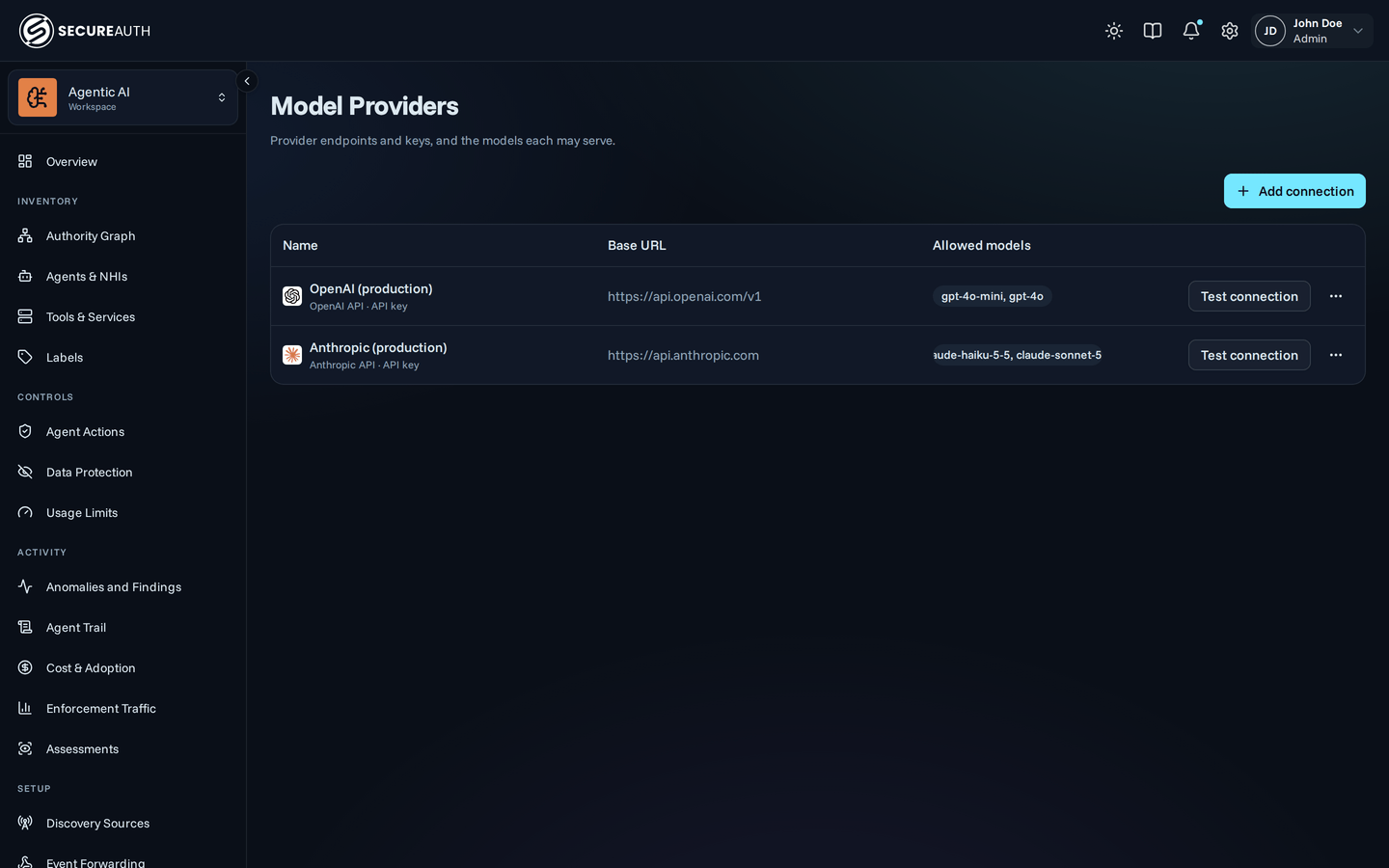
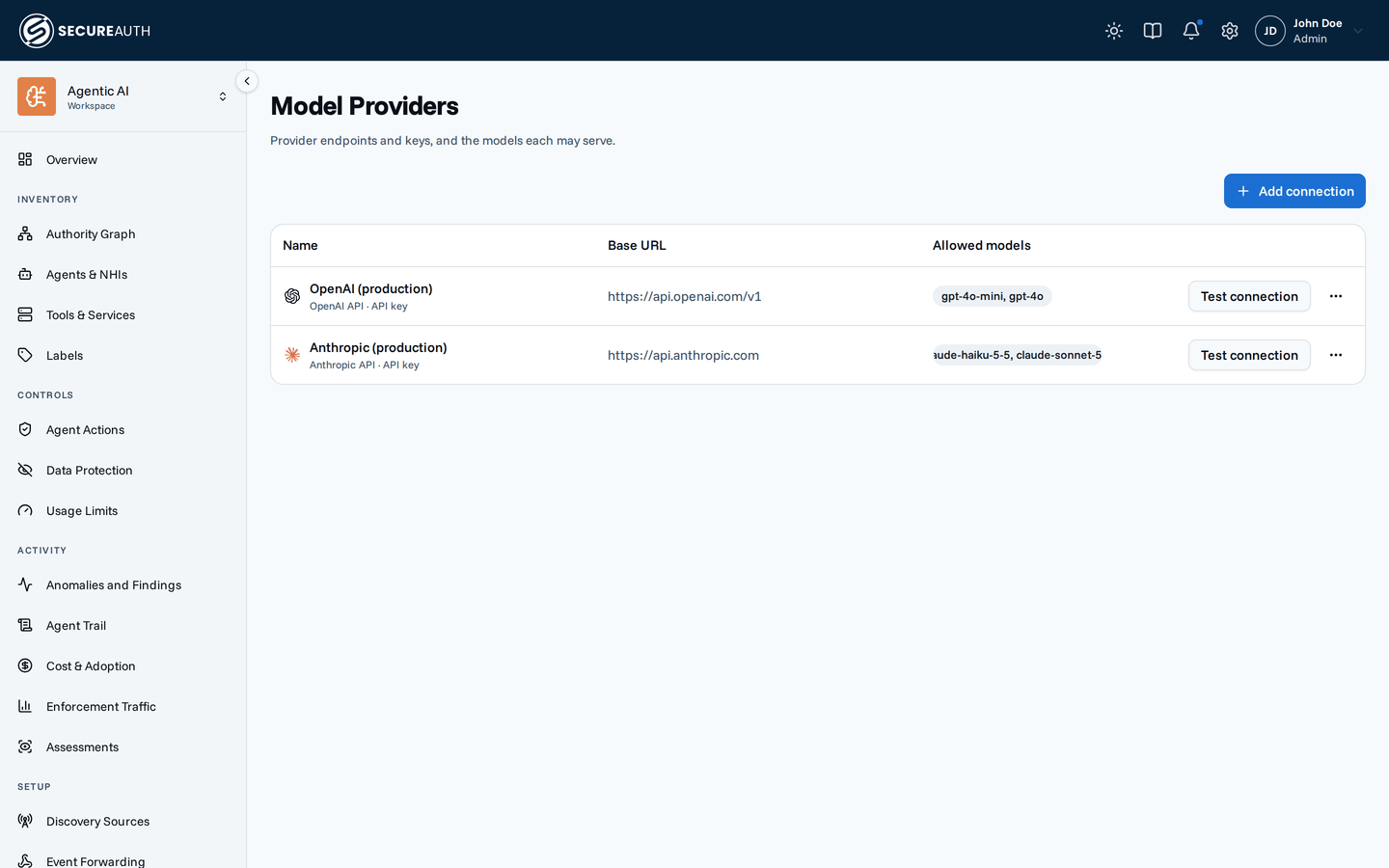
Setup → Model Providers is where you register the model provider endpoints your organization uses. You also store the API keys to reach them here. Today the AI judge filters are the only feature that runs on them. You pick the judge's model on Data Protection, next to the rules it serves. See Which model the judge runs on.
Connections and candidates
The page separates the endpoint from the choice of model:
- An inference connection is a model provider's API endpoint plus the API key to reach it. It speaks one of two APIs: the OpenAI API or the Anthropic API. It's unrelated to a user's connections to third-party services.
- A candidate pairs a connection with a model name, for one purpose. Several candidates can exist for the AI judge. At most one is active. You manage candidates on Data Protection.
Splitting them means you register an API key once and try several models against it without re-entering the key.
Registering a connection
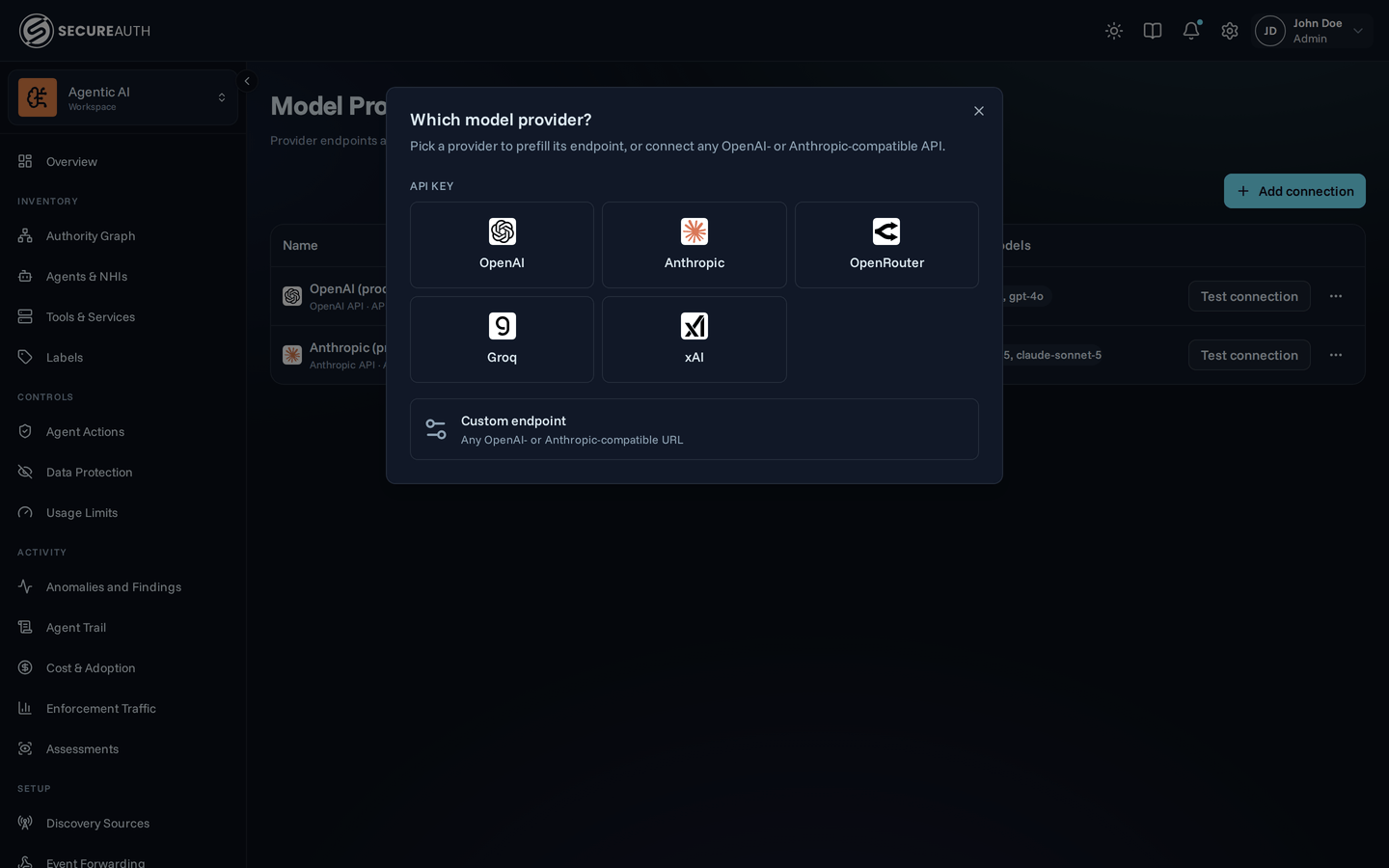
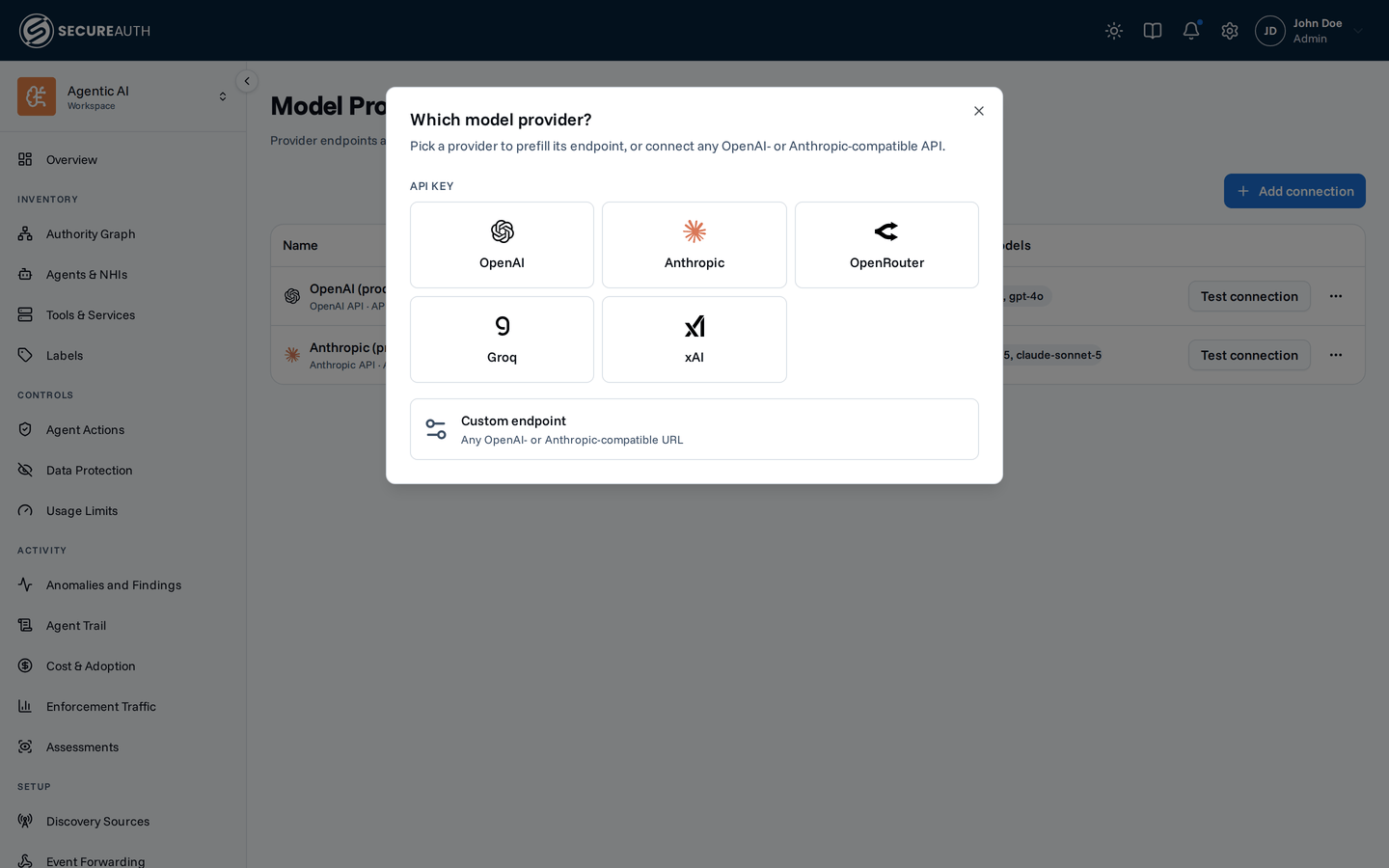
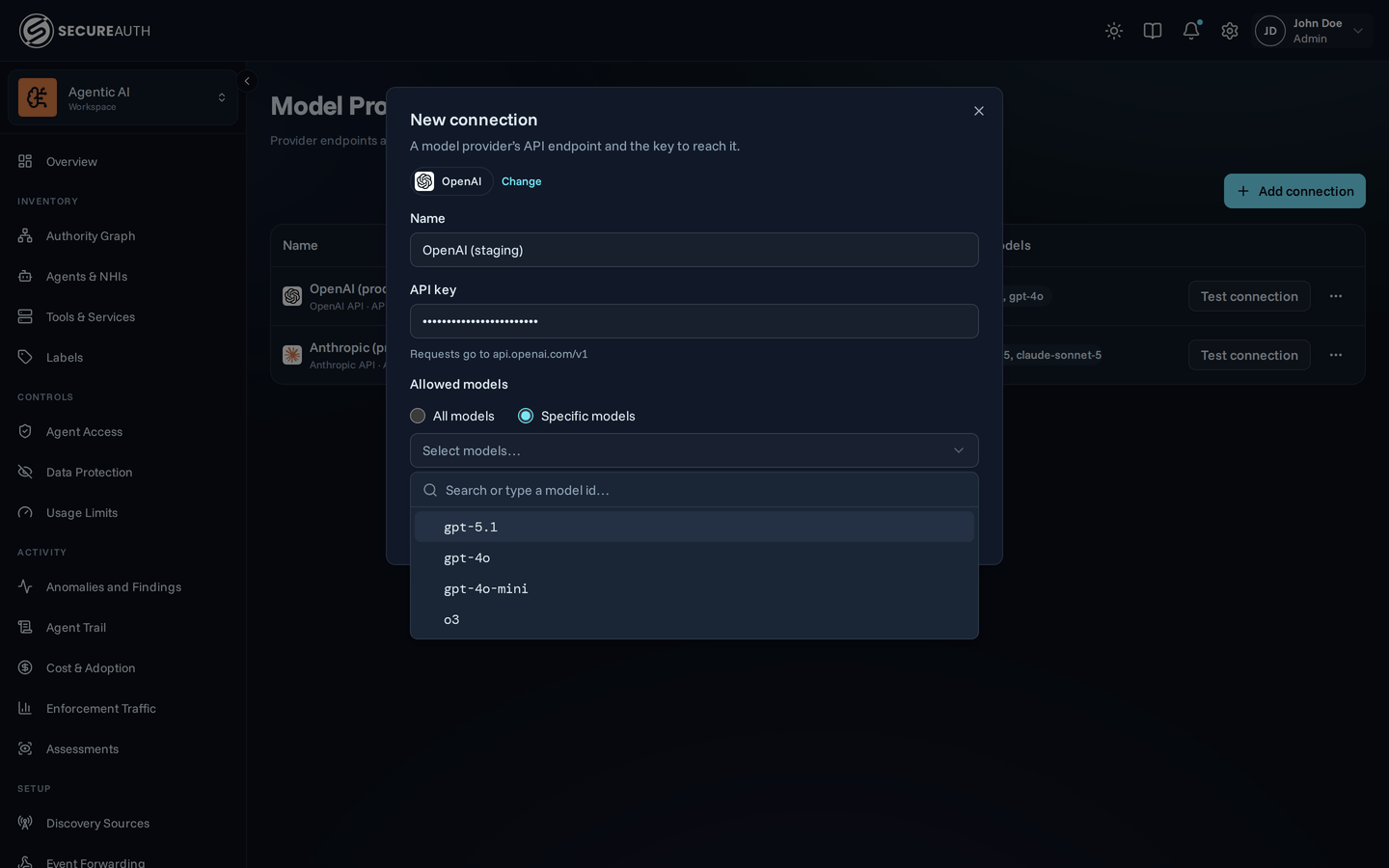
- Open Setup → Model Providers and click Add connection
- Pick your provider: OpenAI, Anthropic, OpenRouter, Groq, or xAI. The card sets the provider's protocol and base URL for you. For any other endpoint, pick Custom endpoint (see below).
- Paste the API key.
Every connection needs one.
The gateway encrypts the key per organization.
The API never returns it: the list shows only
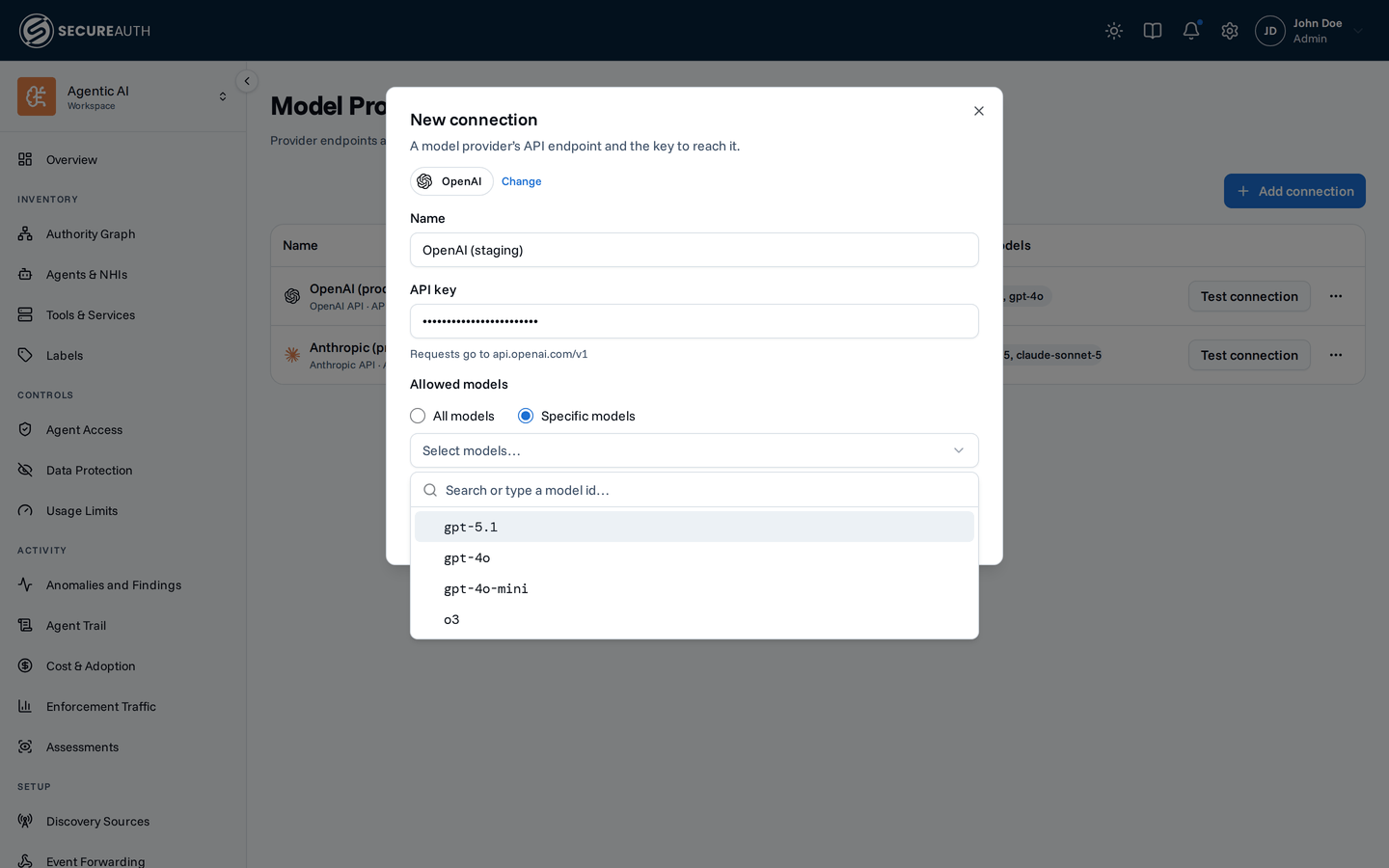
API keyunder the connection's name. - Optionally choose Specific models under Allowed models, then pick them from the provider's list or type an id that isn't listed. Leave All models to allow any. The gateway filters the list for some providers. See which models the list shows for each provider.
- Create connection
Which models the list shows
For OpenAI and xAI, the gateway lists only models from its built-in catalog that serve Chat Completions or the Responses API. A model newer than the catalog can be missing: type its id. For OpenRouter, the gateway keeps models that output text. For Groq, it leaves out speech models. For any other endpoint, it lists every model the endpoint returns.
Custom endpoint
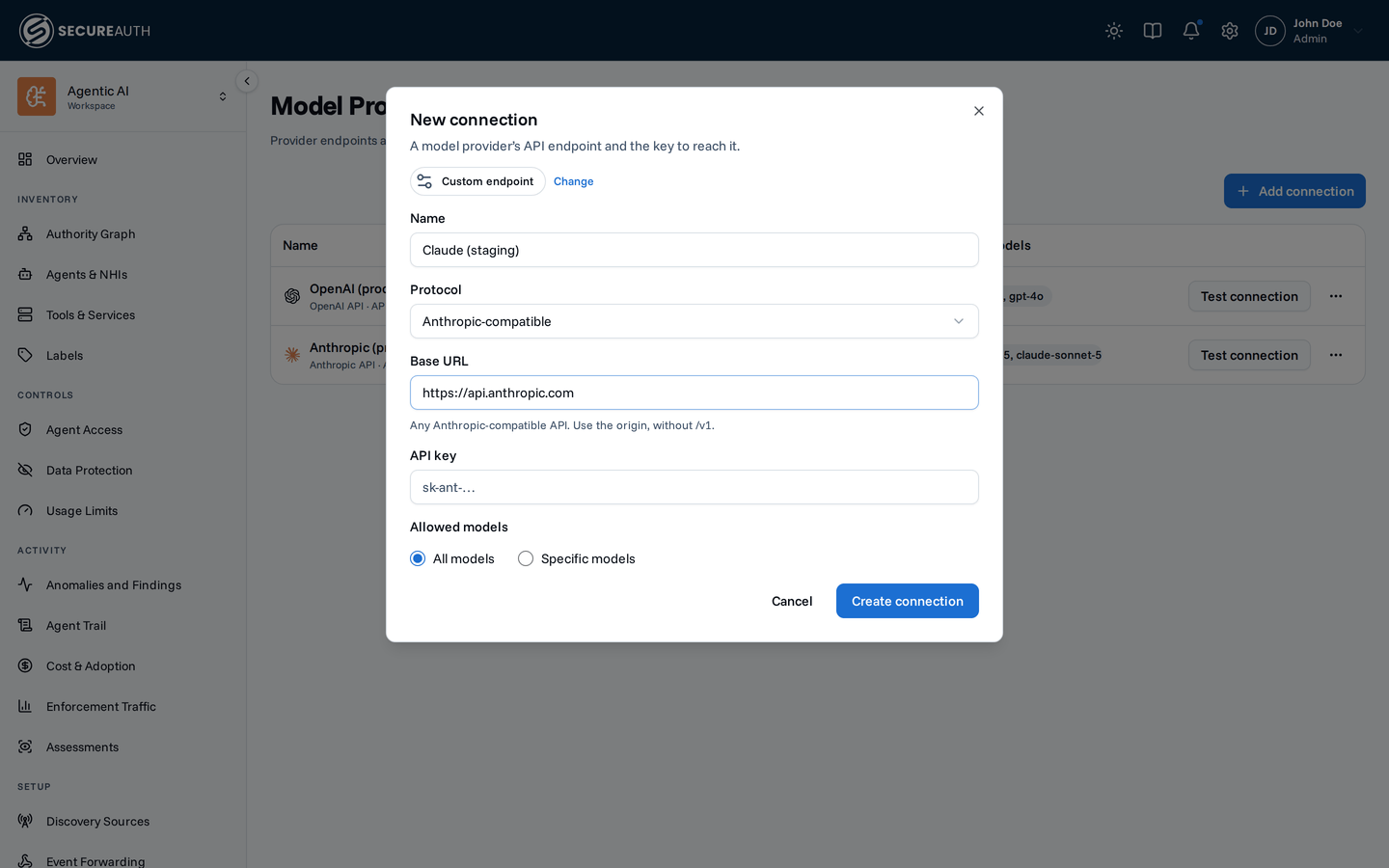
Custom endpoint connects any endpoint that speaks the OpenAI or Anthropic API, such as vLLM, Ollama, or an internal proxy. Pick the Protocol and enter the Base URL:
- OpenAI-compatible – enter the URL with its version path, the part before
/chat/completions, such ashttps://vllm.internal/v1. Gemini's OpenAI-compatible endpoint works for Chat Completions only. - Anthropic-compatible – enter the origin without
/v1, such ashttps://api.anthropic.com. The gateway adds/v1/messagesitself.
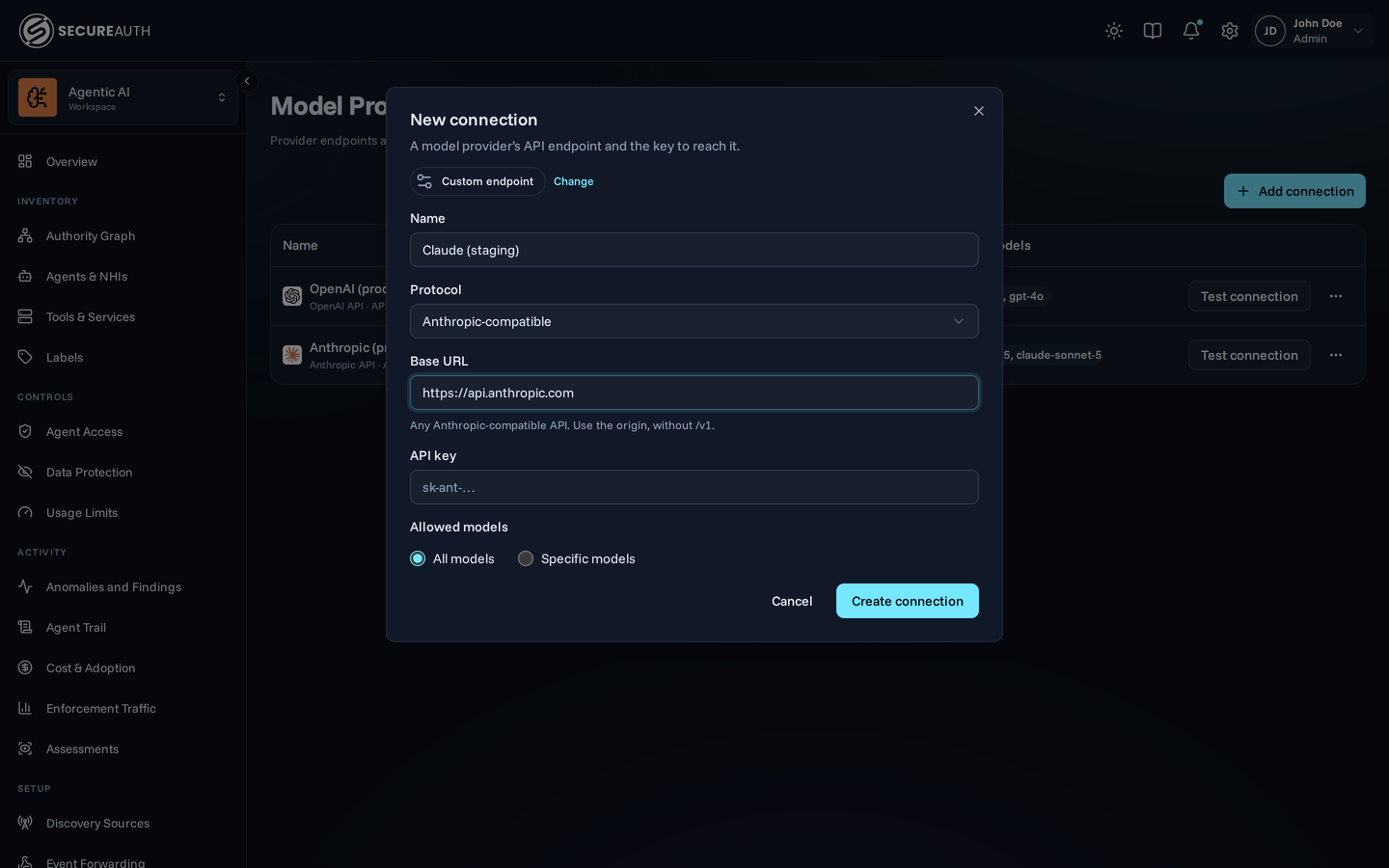
You can't change a connection's provider or protocol after you create it. If you change the base URL's origin (scheme, host, or port), enter the API key again in the same save. The gateway never sends a stored key to an origin you didn't enter it for.
Test connection on a saved connection sends the smallest possible completion. It exercises what the judge uses: the endpoint, the stored key, and a model. It passes only if that completion succeeds. A model list doesn't prove your account can use a model. Some providers, such as OpenRouter, advertise their models without an API key.
The test uses the first model under Specific models. With All models chosen, it uses the first model the provider advertises. If your account can't use that model, the test fails and names it. To test a particular model, put it first under Specific models.
The base URL is checked against the gateway's egress policy when you save, so an endpoint the gateway may not reach is rejected then rather than failing when the judge first runs.