Element reference
Every element, what it renders, and what it accepts. Your deployment serves the same
information as JSON at /embed/v1/manifest.json, which is the runtime source of truth: read
that rather than this page when you need to know what a particular deployment supports.
init() options
Call it once per page, however many elements you place.
| Option | Required | Meaning |
|---|---|---|
deploymentUrl | yes | Base URL of the deployment serving the bundle, and the API origin. |
tenantId | yes | The tenant the elements operate in. |
serverId | yes | The workspace (authorization server) the person belongs to. |
tokenProvider | yes | () => string | Promise<string>. Called once and cached, then again after a 401. |
variant | no | The id of a variant stored in your workspace, whose sections and style to apply. An id the workspace does not have applies nothing. |
theme | no | { mode?, branding?, style? }. See Appearance and sections. |
sections | no | Hide parts of an element, keyed by tag then section id. Wins over the variant. |
styleNonce | no | CSP nonce applied to every style tag the embed injects. |
preview | no | Fixture responses, for building a preview. See Previewing. |
Each layer overrides the one before it, so the order, lowest to highest, is: built-in defaults,
the stored variant, then init() options. See
Appearance and sections.
init() throws synchronously when a required field is missing, so a misconfiguration surfaces
at your call site rather than as a spinner that never resolves. Calling it again replaces the
configuration: caches are cleared and mounted elements re-render.
Elements
Attributes are live. Setting one re-renders the element in place rather than remounting it.
sa-self-service
The composite. All four panes, with its own tab navigation.
| Attributes | view: profile, security, privacy, or applications. |
| Events | sa-ready, sa-error, sa-view-changed |
| Sections | profile, security, privacy, applications |
Its sections are its tabs. Hiding one drops that pane from the navigation and makes its route unreachable, and the composite falls back to the first tab still showing.
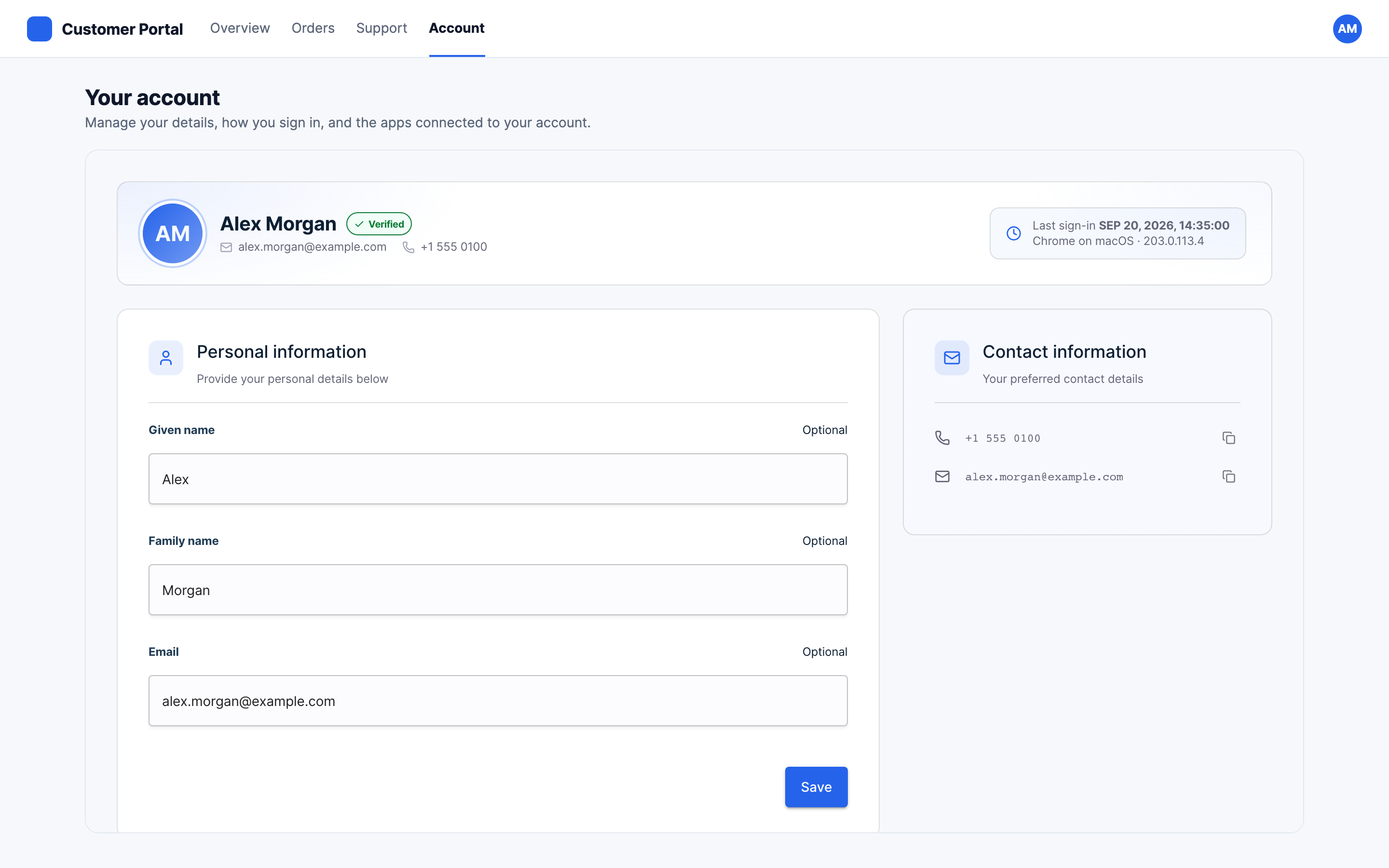
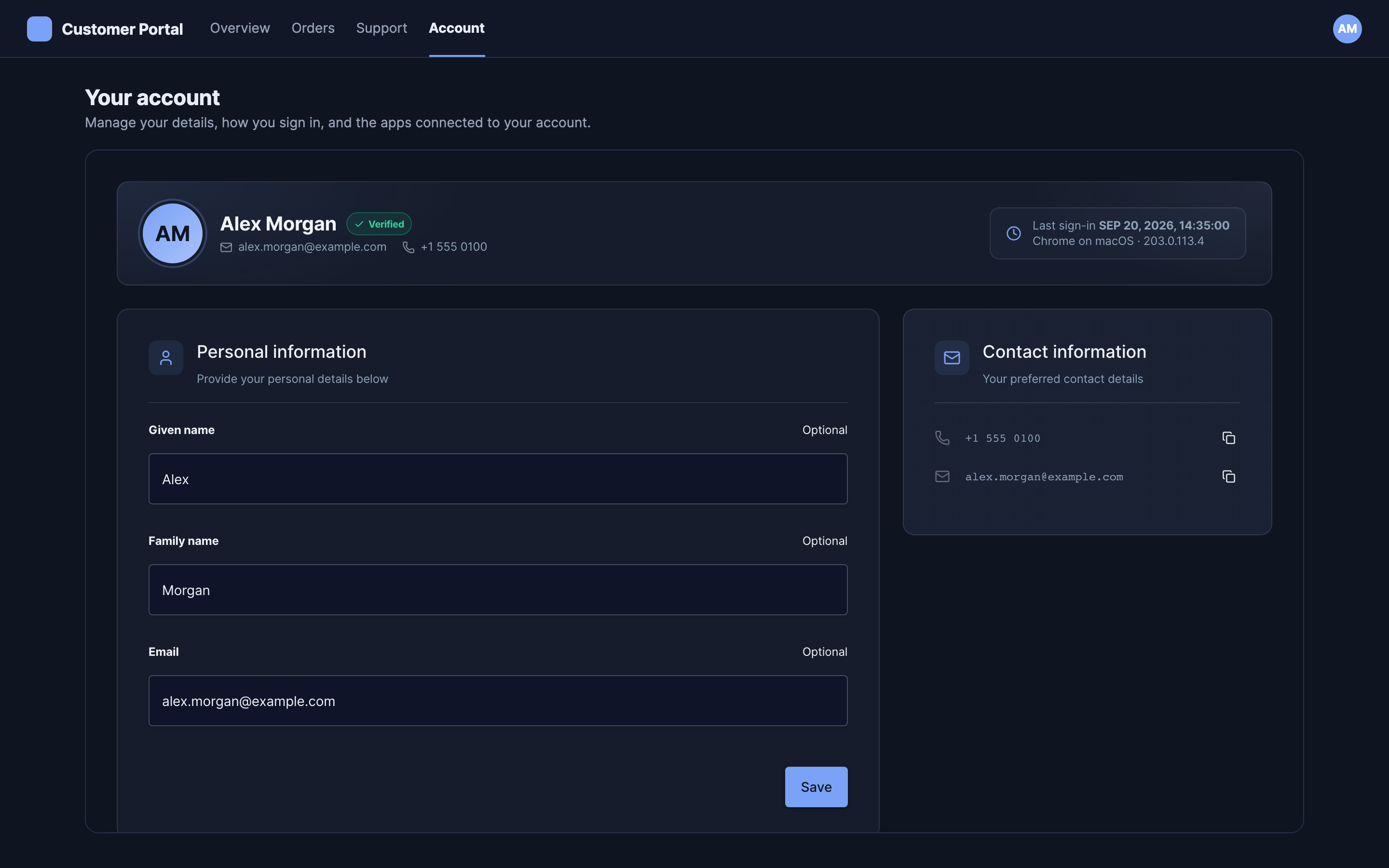
sa-self-service-profile
Personal details, contact details, and preferred language.
| Attributes | none |
| Events | sa-ready, sa-error |
| Sections | header, personal-information, contact-information, preferred-language |
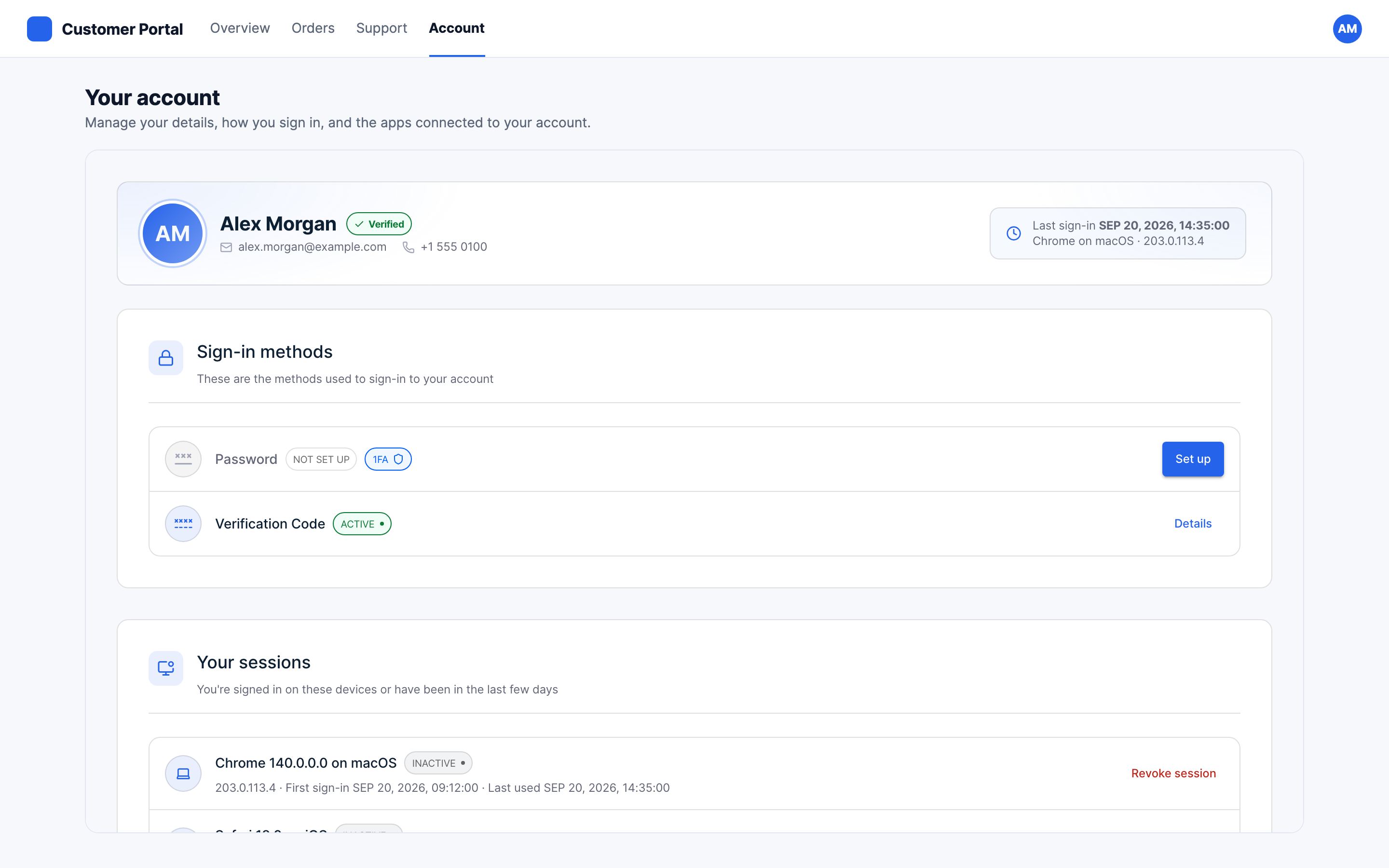
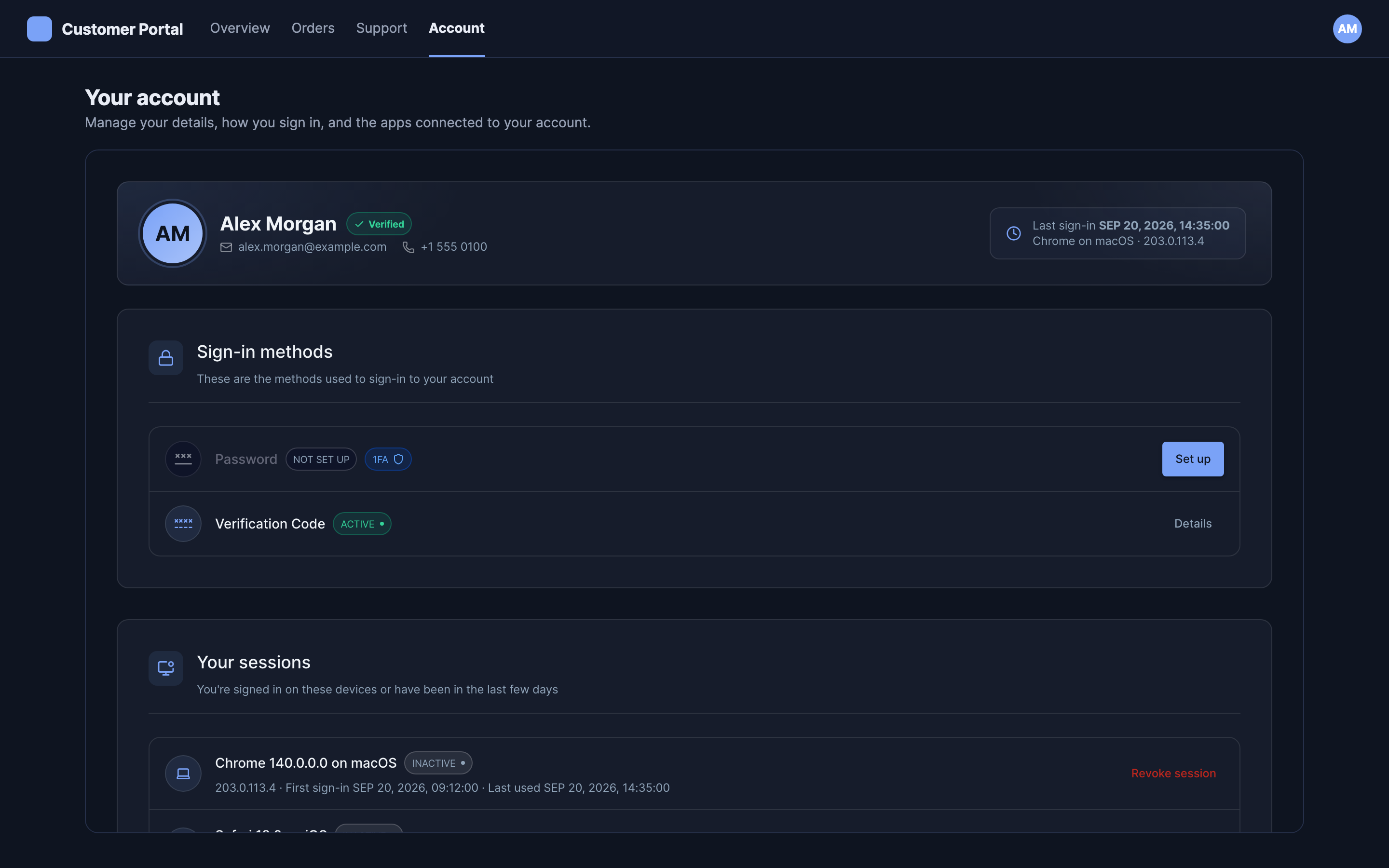
sa-self-service-security
Sign-in methods, and the sessions the person has open.
| Attributes | none |
| Events | sa-ready, sa-error |
| Sections | header, sign-in-methods, sessions |
sa-self-service-privacy
The applications that hold access to the account, and the ability to withdraw it.
| Attributes | none |
| Events | sa-ready, sa-error |
| Sections | header |
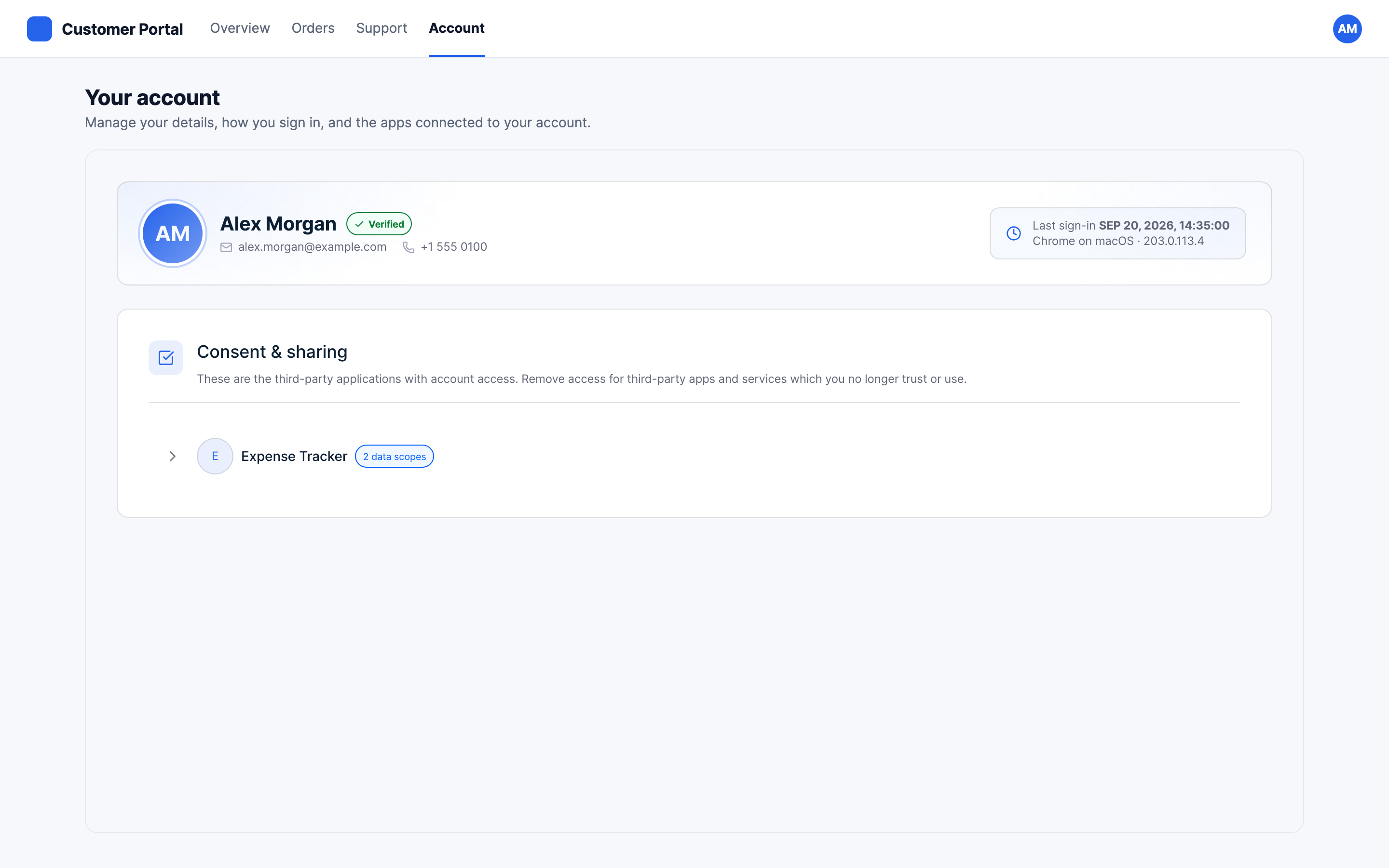
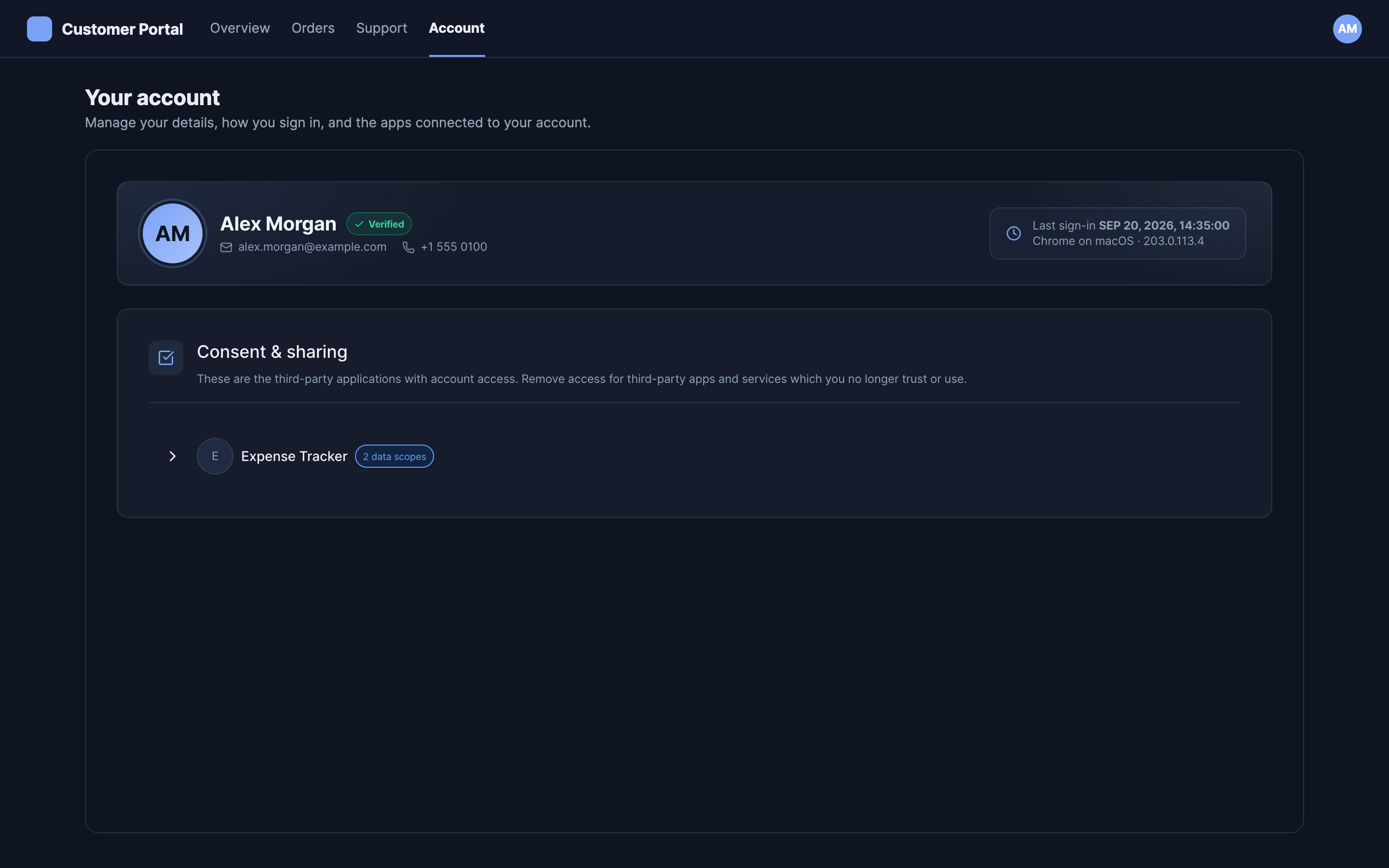
Only the identity header can be hidden here. Hiding the pane's single card would leave an empty element, which is a decision not to mount it rather than a configuration.
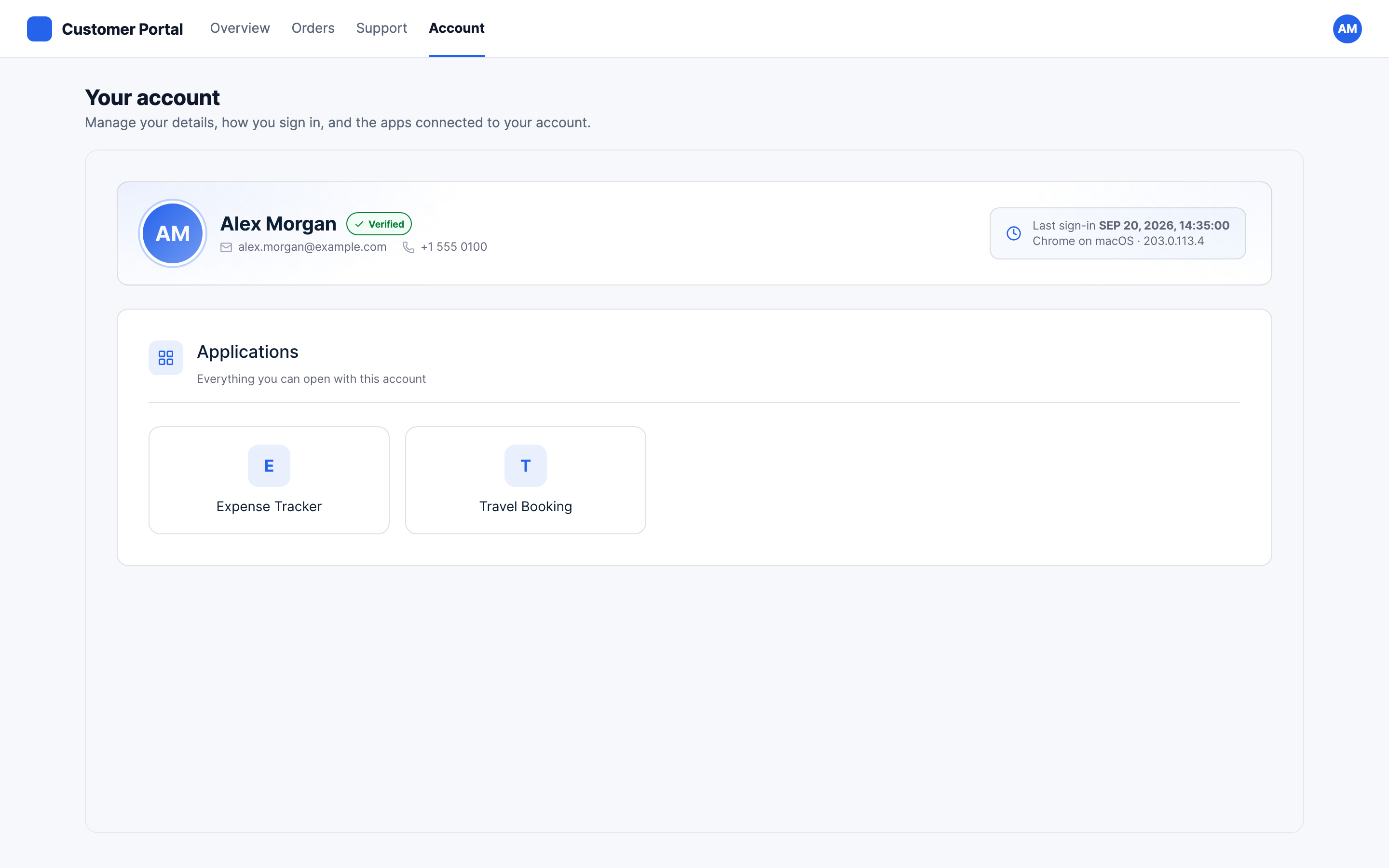
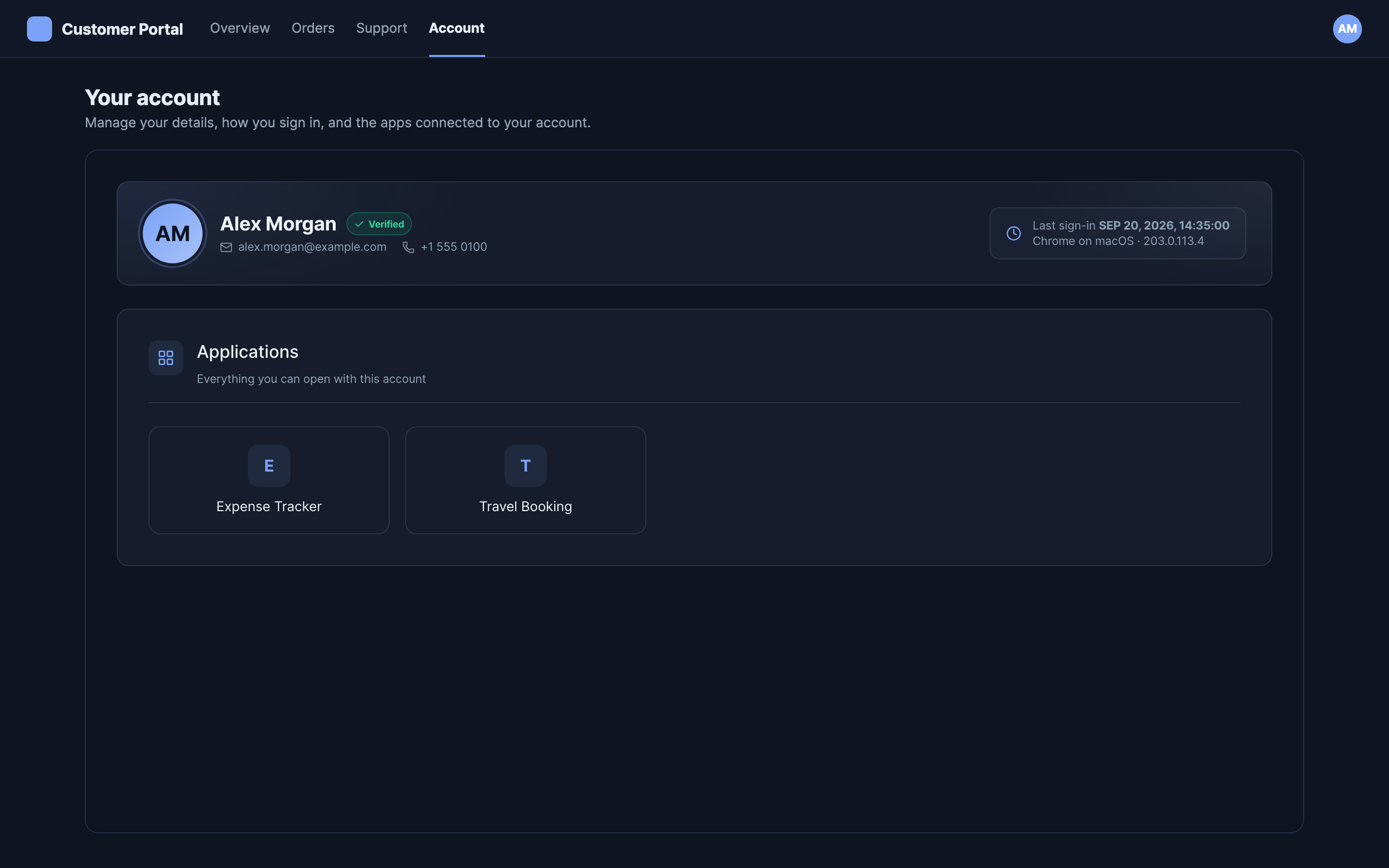
sa-self-service-applications
The applications available to the person.
| Attributes | none |
| Events | sa-ready, sa-error |
| Sections | header |
Events
| Event | Detail |
|---|---|
sa-ready | none |
sa-error | { type: "unauthorized" | "forbidden" | "error" | "reauthentication_required", message?, gating? } |
sa-view-changed | { view } |
All three bubble and cross the shadow boundary, so you can listen on the element or on
document. See Layout and events.
Feature detection
/embed/v1 is the compatibility contract, and changes within it are additive. Detect against
the manifest rather than against a product version:
const manifest = await fetch(`${deploymentUrl}/embed/v1/manifest.json`).then(r => r.json());
const views = new Set(manifest.views.map(v => v.tag));

if (views.has("sa-self-service-applications")) {
  // this deployment serves the applications pane
}
The manifest lists every element with its description, attributes, events, and sections, so it answers "does this deployment have it" without any version comparison.
Previewing
The panes render the signed-in person's own data, so there is no token that shows a meaningful
preview to someone who is not that person. preview answers every request from fixtures
instead:
init({
  // ...
  preview: {
    user: {
      payload: { given_name: "Alex" },
      payload_schema: { /* ... */ },
    },
    sessions: [],
  },
});
Supplying data is what enables it: there is no flag to set by mistake, and passing no fixtures keeps the elements talking to the real APIs. A request whose path has no fixture fails rather than falling through to the network, so a preview cannot reach the API with whatever token the page happens to hold.
This exists for building previews of the elements. It is not a production mode.