End user portal
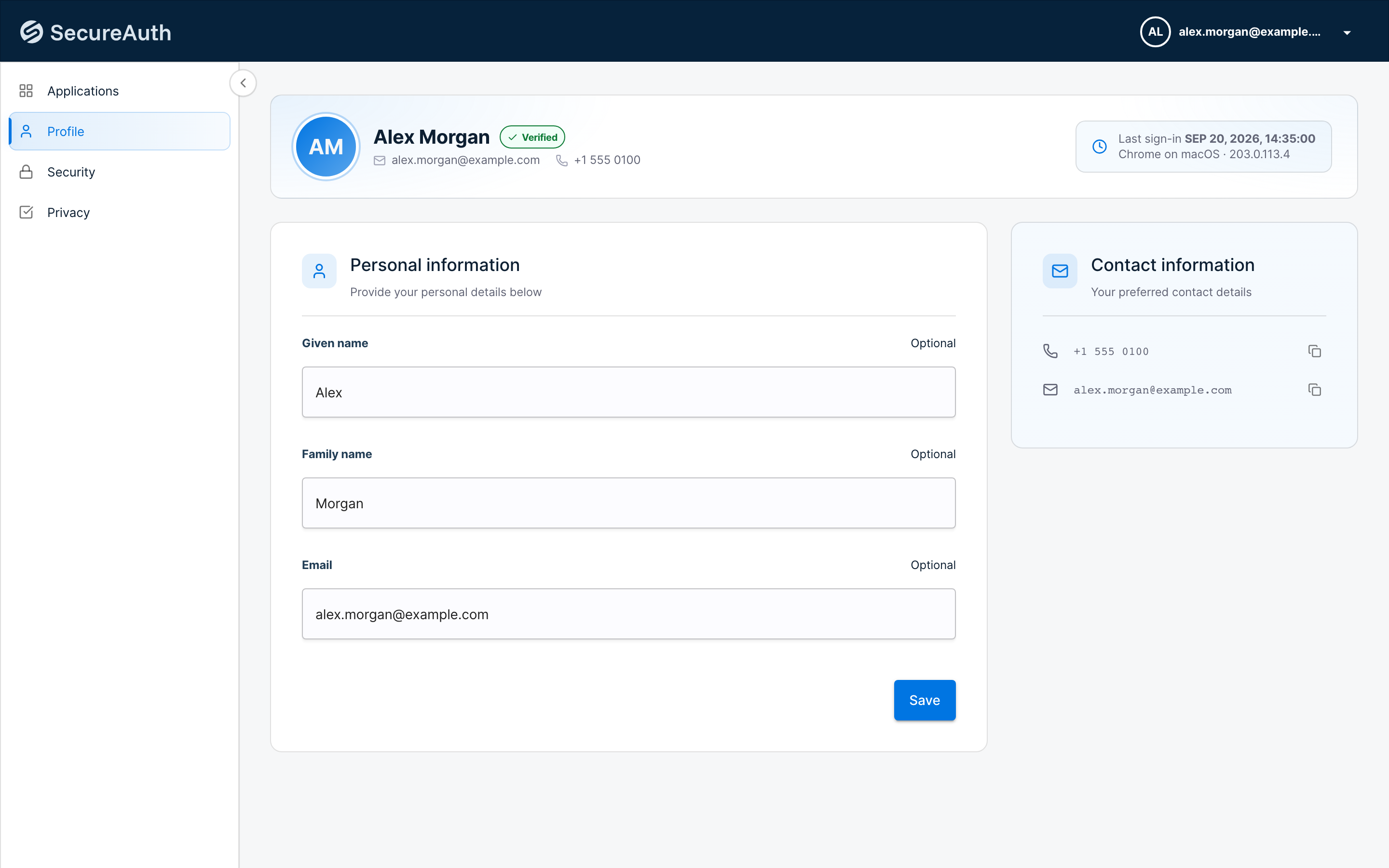
Provide end users with a dedicated view to manage their own profiles. They can make adjustments such as:
-
Update their name and contact details
-
See and configure sign-in methods, including changing their password
-
Review the devices and browsers they are signed in on, and sign out of any of them
-
Review which third-party apps or services have access to their account, and revoke access if needed
Users of a B2B organization open the portal at the organization issuer URL followed by /app, for example https://{tenant-id}.{region-id}.connect.secureauth.com/{tenant-id}/{organization-id}/app. Depending on the sign-in methods enabled for their user population, they can change their password, add and remove passkeys, and set up a time-based one-time passcode (TOTP) authenticator.
When users sign in to their portal, they see the following view: