Model Routing
Run calls for chosen models on another model or provider, with no change to the agent's client.
In the console: Policy Controls › Model Routing
In preview: ask SecureAuth to turn on llm_gateway.
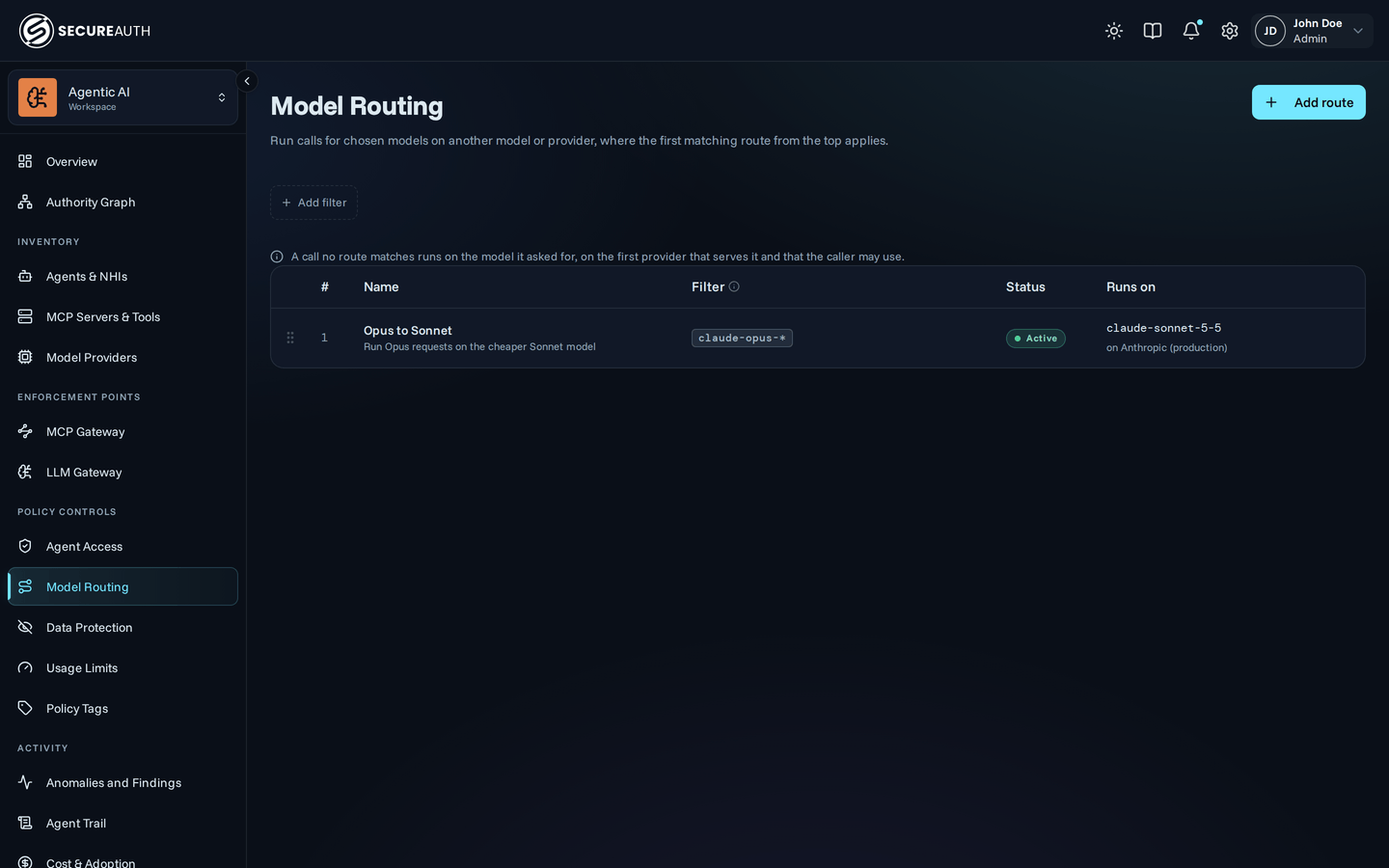
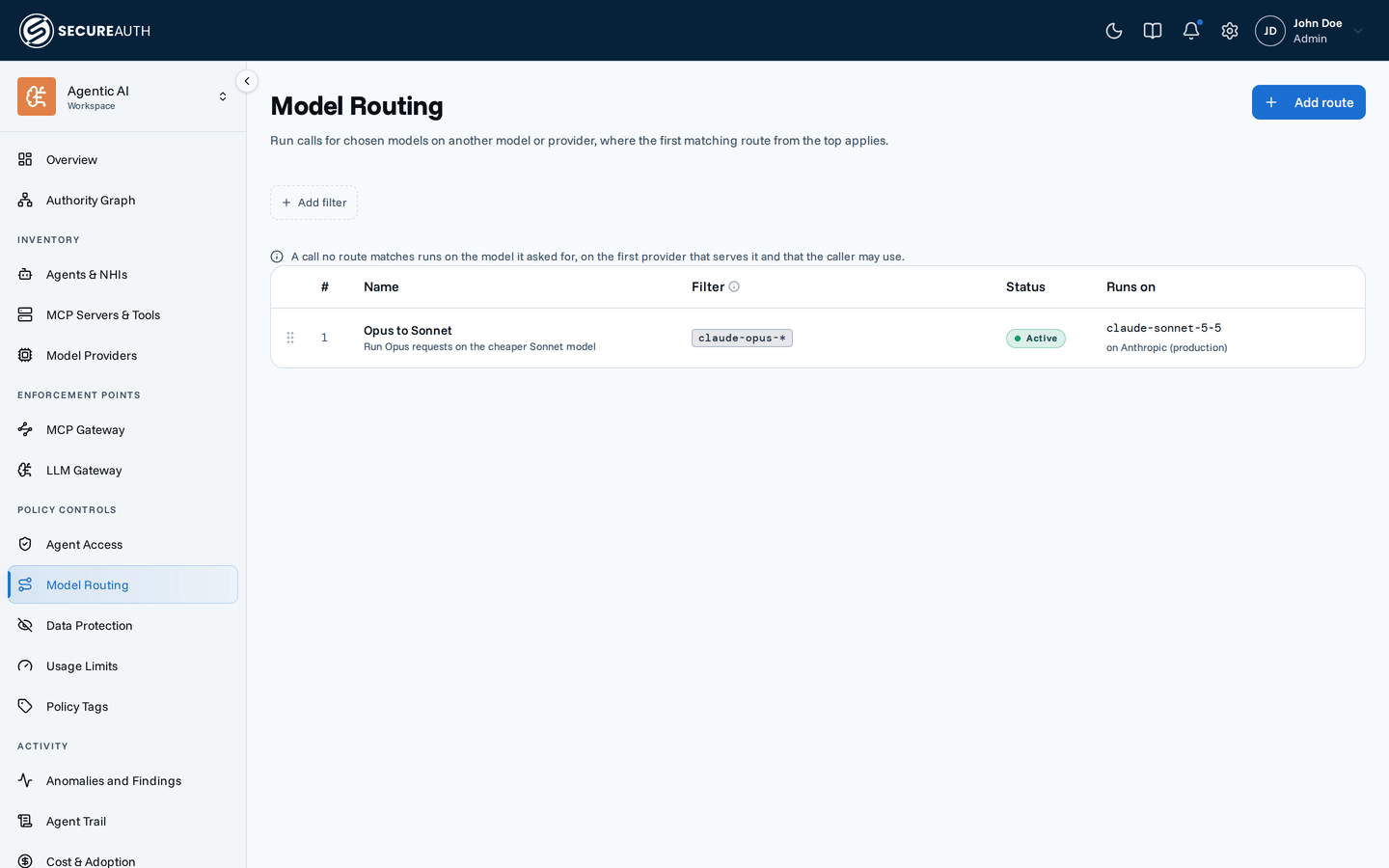
An agent's client asks for one model, which may not be the model or provider you want the call to run on. Model Routing sends those calls elsewhere; the LLM gateway checks routes top to bottom, and the first match wins. Use it to move a team onto a cheaper model, keep calls in a region, or standardize on approved models.
Routing and access
A route decides where an allowed call runs, never whether it may run. Agent Access decides that, on its Model calls tab.
Routes
A note above the table states the default: a call no route matches runs on the model it asked for, on the first provider that serves it and that the caller may use.
| Column | Shows |
|---|---|
| (handle) | A drag handle to move the route up or down the list |
| # | The route's position in evaluation order |
| Name | The route name and its description |
| Filter | What the route matches: agents, users, or models |
| Status | Draft (saved, not enforced), Active (enforced), or Disabled (paused) |
| Runs on | The model and model provider that matching calls run on |
Filters
The filter bar narrows the list to routes that apply to one User, one Group, or one Agent kind (Autonomous or User-bound). Each filter takes one value at a time.
Empty state
With no routes, the screen shows No routes yet and an Add your first route button. With filters that match nothing, it shows No routes match these filters.
Actions
- Add route – opens the Add model route editor.
- Edit (row menu, or click the row) – opens the route in the same editor.
- Add route above / Add route below (row menu) – opens the editor with the new route placed next to that row.
- Delete (row menu) – asks you to confirm in a Delete route dialog. Calls the route matched go to the next matching route, or run on the model they asked for. You can't undo it.
- Drag handle – drag a row by its handle to change where it sits in evaluation order.
The editor has a name field, a status picker, a position picker, and a sentence you build from pickers: the agents, users and groups the route covers, the model names it matches, and the model and provider those calls run on. It warns you when the target provider uses a different API or credential type than the models the route matches, because those calls skip the route.
Permissions
- Model Routing appears when the
llm_gatewayfeature flag is on and you holdview_policies. - To add, edit, reorder, or delete a route, you need
manage_policies. Without it, rows are read-only and the Add route button and row menu are hidden.
Related
- Agent Access – allow or deny model calls before a route applies
- Model Providers – the providers a route can send calls to
- LLM Gateway – the base URLs agents call models through