Model Providers
Connect the model provider endpoints the AI gateway calls, and choose which models each one may serve.
In the console: Setup › Model Providers
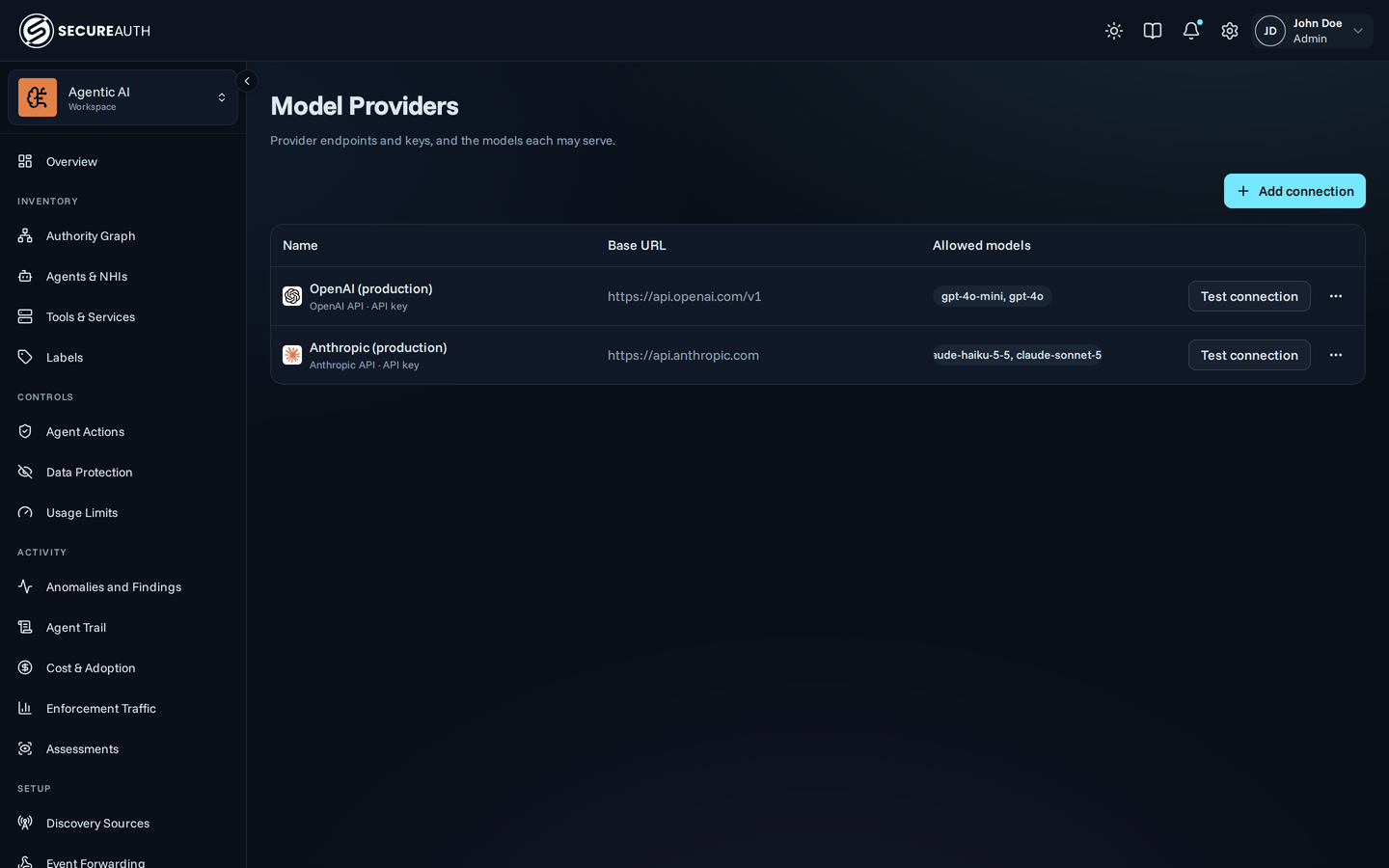
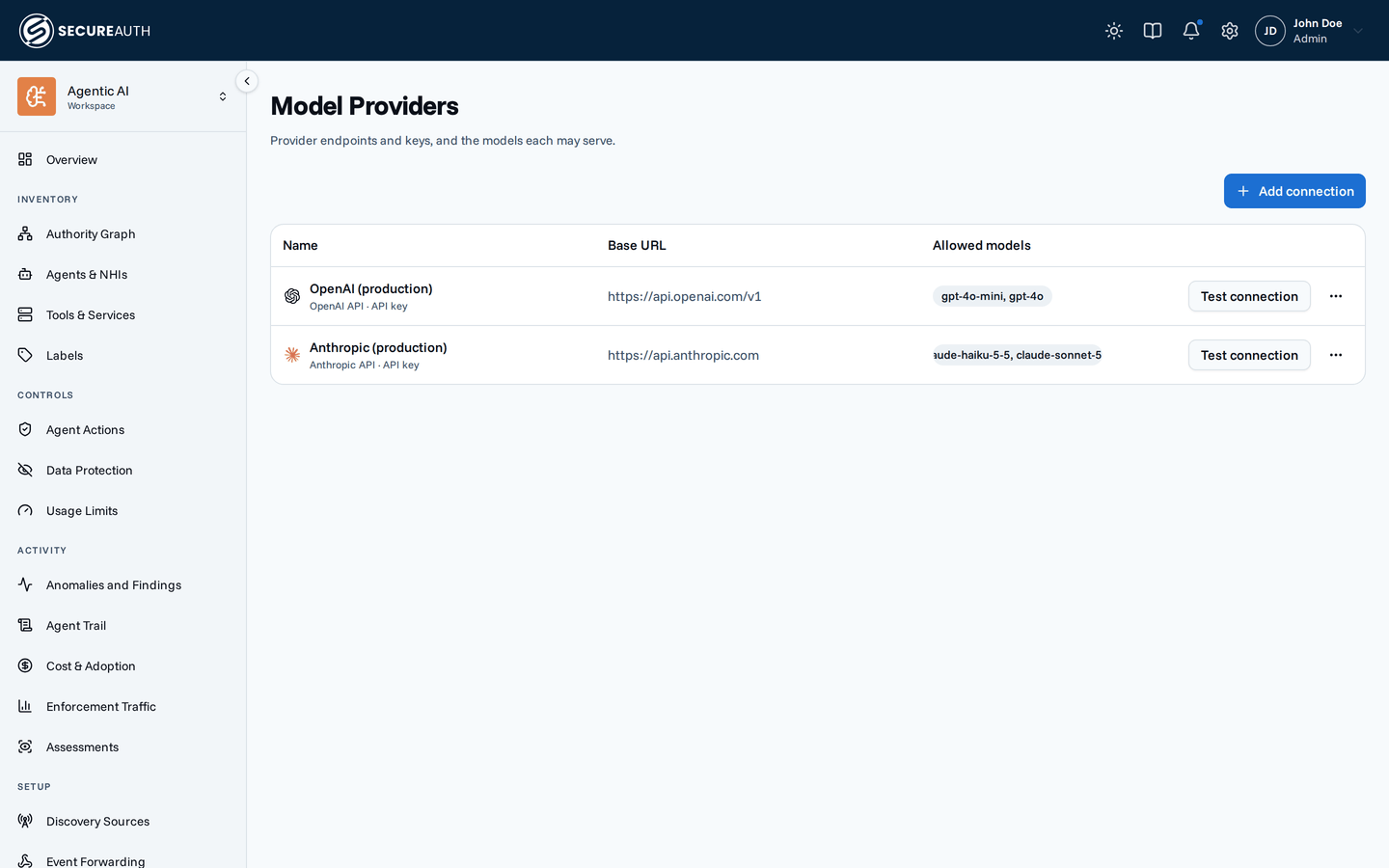
This screen lists the connections the gateway uses to reach model providers: each one's endpoint, how it authenticates, and the models it may serve. Use it to add a provider, change its key or allowed models, and check that the gateway can reach it.
Connections
| Column | Shows |
|---|---|
| Name | The connection name and provider logo, with its protocol and how it authenticates: API key, user sign-in, or no API key |
| Base URL | The endpoint the gateway sends requests to, or managed by SecureAuth |
| Allowed models | all, or the models the connection may serve |
A connection that SecureAuth manages shows Provided by SecureAuth in place of actions, and you can't change it.
When no connection exists, the screen shows No connections yet.
Actions
-
Add connection – opens Which model provider?, where you pick a provider:
- API key – OpenAI, Anthropic, OpenRouter, Groq, or xAI, each with its endpoint filled in.
- Your users' sign-in – ChatGPT or Claude, where each user reaches the provider with their own sign-in.
This group appears only when the
llm_gatewayfeature flag is on. - Custom endpoint – any OpenAI- or Anthropic-compatible API.
Then fill in:
- Name.
- Protocol (custom endpoint only) – OpenAI-compatible or Anthropic-compatible.
- Base URL (custom endpoint only).
- API key (not for a sign-in connection).
- Allowed models – All models, or Specific models picked from the provider's model list or typed as IDs.
Select Create connection to save.
-
Test connection – checks that the gateway can reach the provider with the stored key. It doesn't appear on a sign-in connection.
-
Edit – changes the name, key, base URL, and allowed models. The provider and protocol are fixed once you create the connection. Leave API key blank to keep the current key.
-
Delete – removes the connection, after you confirm. You can't delete a connection while Data Protection judge candidates use it. Deleting a sign-in connection removes gateway access for users who reach that provider through it, unless another sign-in connection allows their model.
Permissions
| Action | Needs |
|---|---|
| See the screen | view_inference |
| Add connection, Test connection, Edit, Delete | manage_inference |
Related
- Model Providers – how the gateway routes model calls through a connection
- Subscription passthrough – let users reach a provider with their own sign-in
- Data Protection – the judge models that can block deleting a connection