Agent Trail
Filter every action your agents took and open the policy decision behind each tool call.
In the console: Activity › Agent Trail
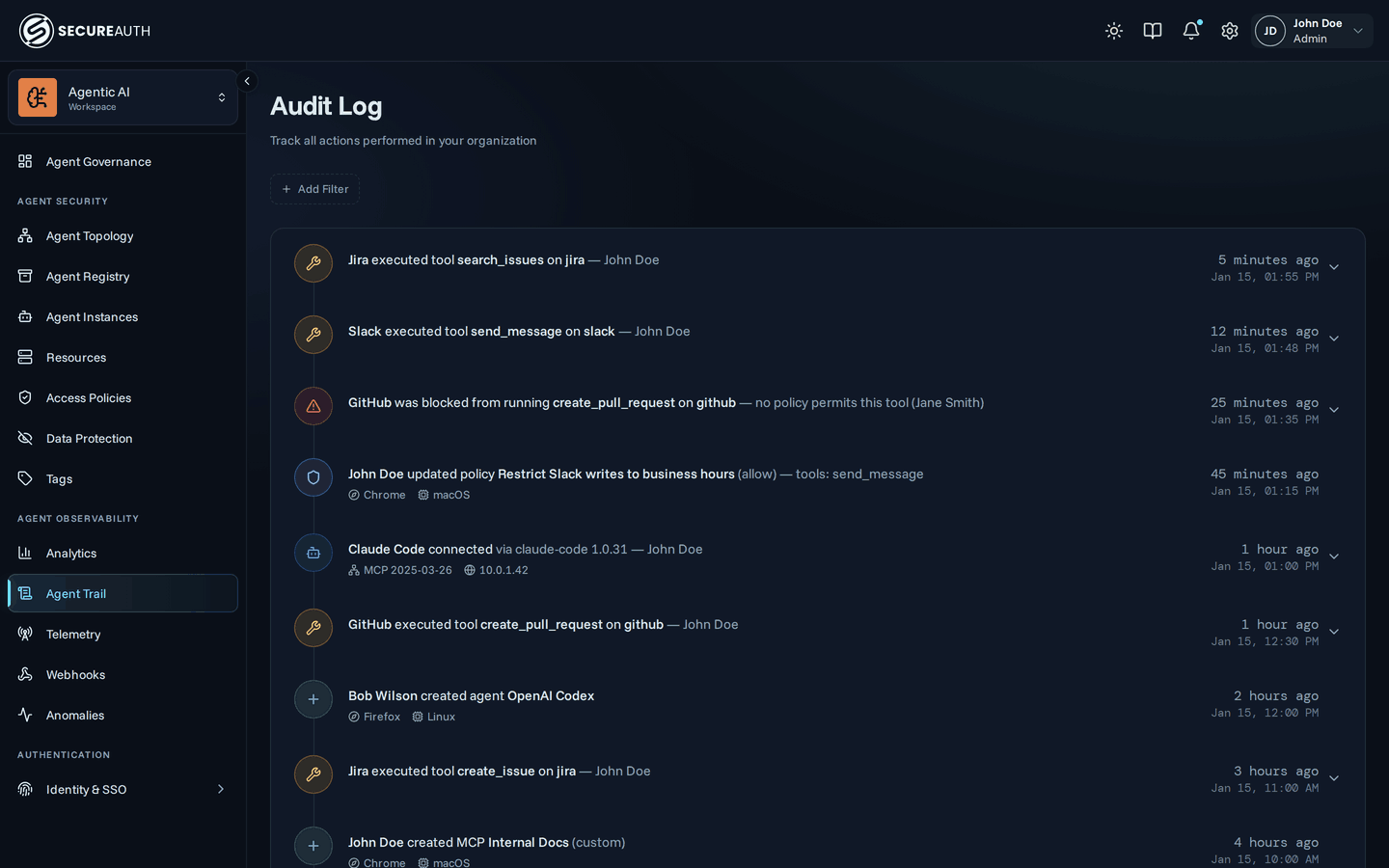
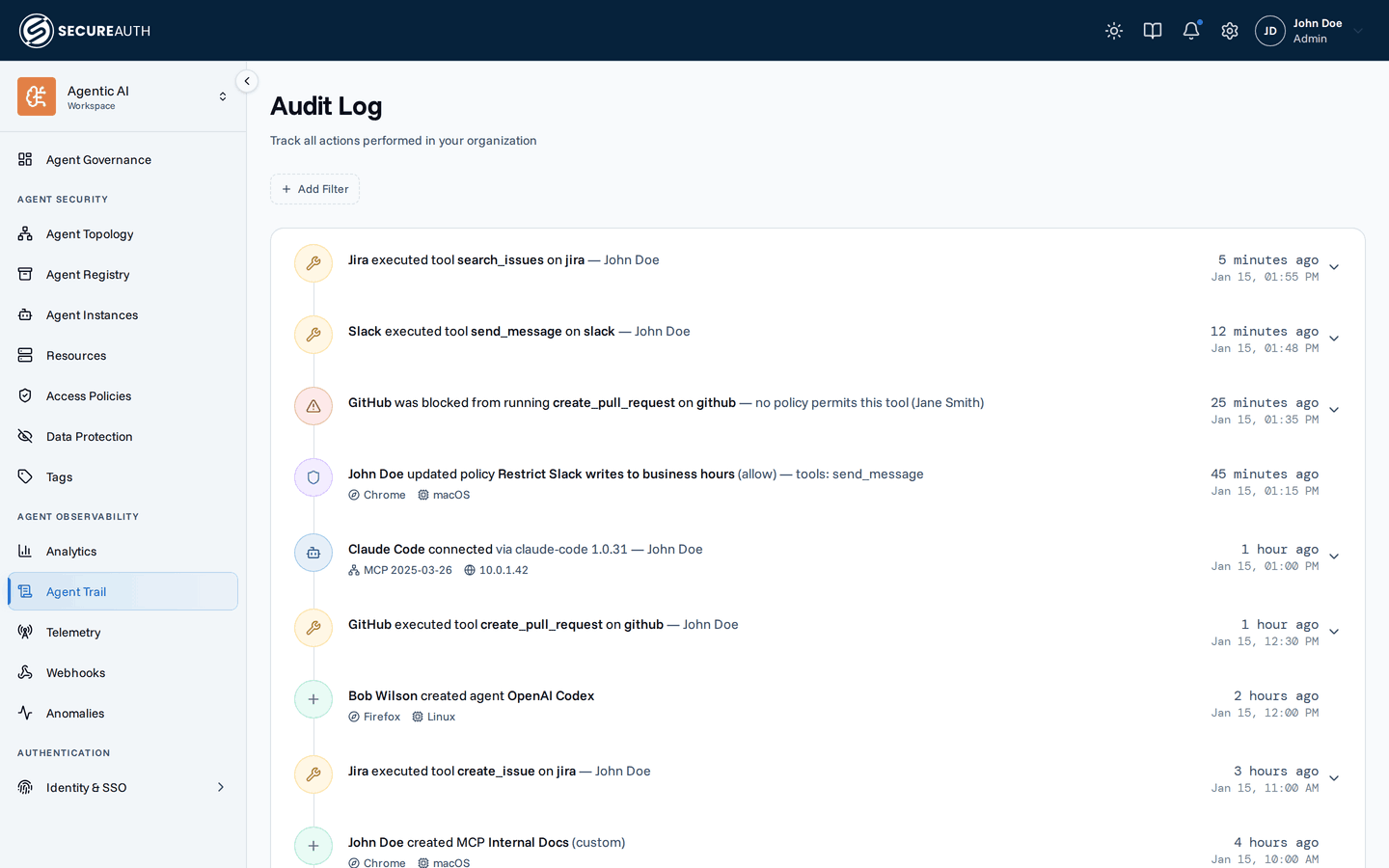
Agent Trail is a timeline of audit events: agent connections, tool calls and their decisions, tool searches, MCP changes, and admin changes. Use it when you investigate what an agent did, or why a call was allowed, denied, rate limited, or redacted.
Events
Each event shows a one-line description, its time (relative and absolute), and context such as IP address, location, browser, client, and trace ID when the event has them. A connection event also shows the MCP protocol version and how many MCP servers failed to connect.
Some events expand with the chevron:
- Agent connections – the MCP servers the agent reached.
- Tool calls and tool errors – the Policy decision and the rule that made it, the Tool call (tool, MCP server, agent, connection), any Rate limit that refused or logged the call, and any DLP redactions. Each rule links to its row on Agent Access, Usage Limits, or Data Protection.
- Tool searches – the tools the search returned.
- MCP syncs – the tools that changed.
- Events with field changes – the fields before and after.
An event about an anomaly or an NHI finding links to that finding on Anomalies and Findings.
Events load in pages. Use Load more to see older ones.
Filters
The date range picker defaults to the last 7 days. The filter bar narrows events by Action, Agent Instance, Agent, MCP, User, Group, Agent tag, Resource tag, and Autonomous (Only or Exclude). Action, Agent Instance, Agent, MCP, User, and Group can include or exclude values. Filters are kept in the page URL, so you can share a filtered view.
Empty state
With no events, the screen shows No audit events yet and a Copy portal link button, so you can share the self-service portal with your users. With filters that match nothing, it shows a Clear filters button that resets the filters and the date range.
Actions
The screen is read-only.
- Load more – loads the next page of older events.
- Clear filters – resets every filter and the date range (shown when filters match nothing).
- Copy portal link – copies the end-user portal link (shown when there are no events at all).
Permissions
- To see the screen, you need
view_audit.
Related
- Agent Trail – what is recorded and how to read an event