Agents & NHIs
Review the agents connected to your gateway, the products they run, and the agents found on devices and directories.
In the console: Inventory › Agents & NHIs
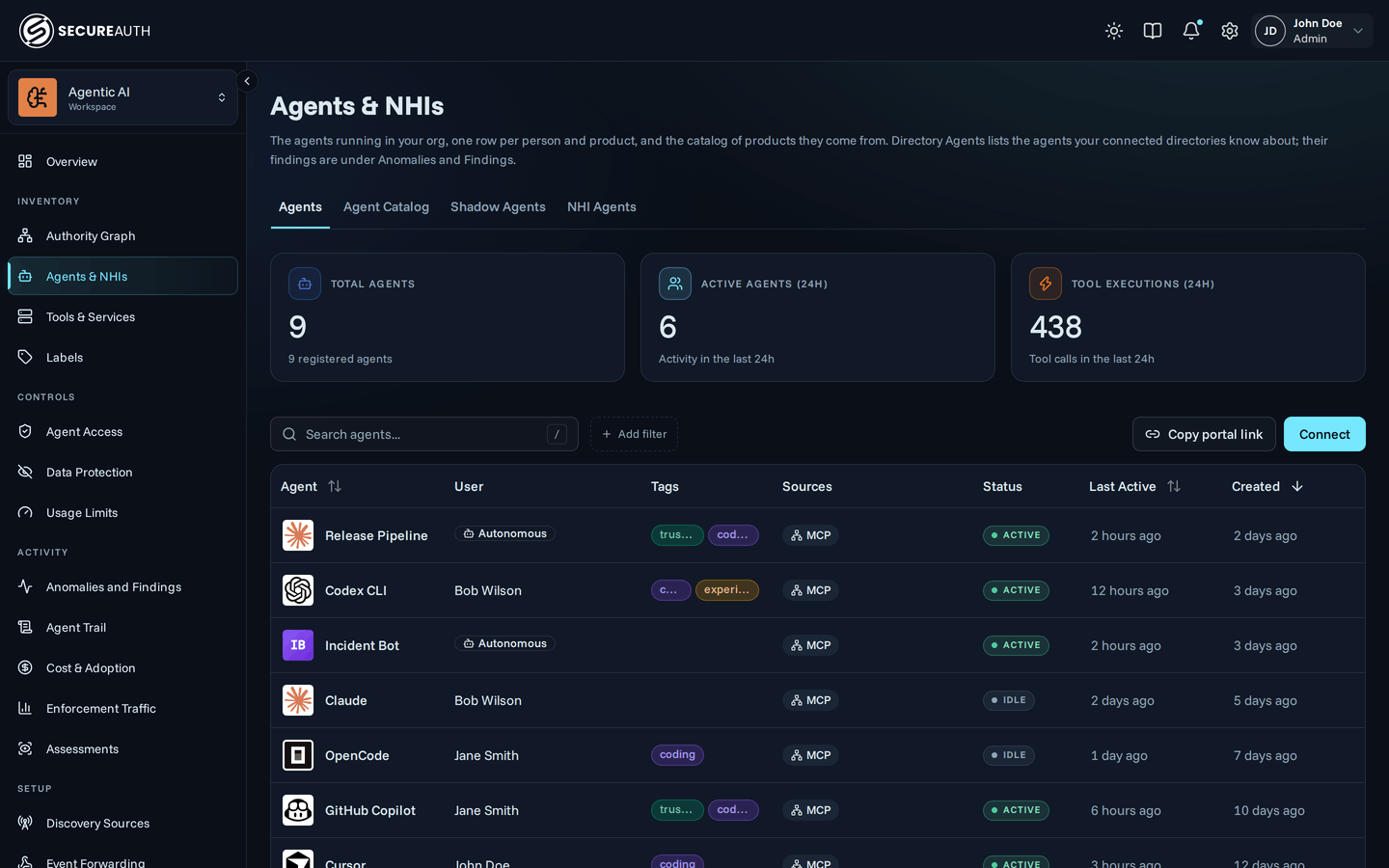
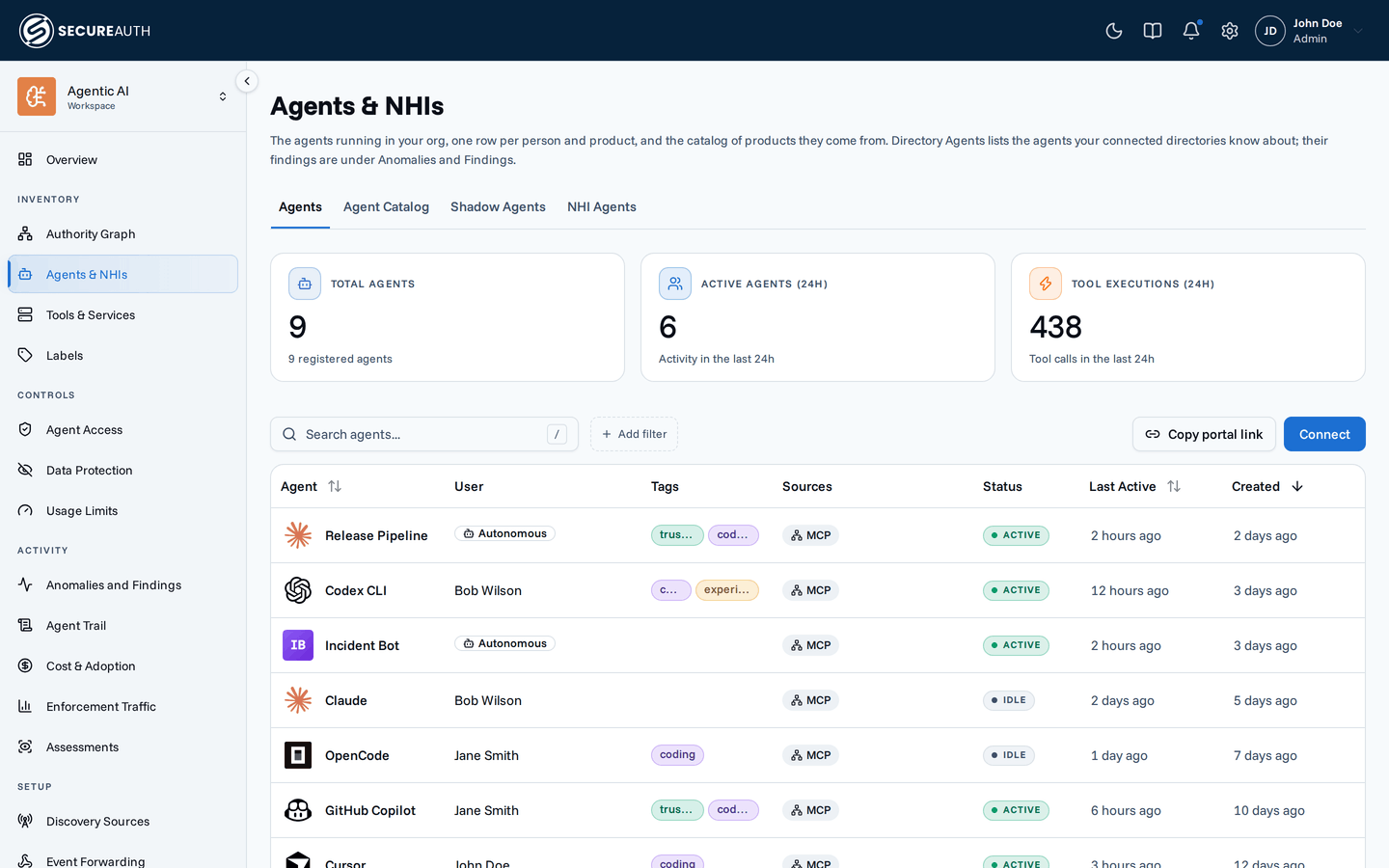
Agents & NHIs lists every agent your organization knows about, from four sources, one per tab. Use it to find an agent instance, connect a new one, see which agent products have instances, or check agents the gateway doesn't govern yet. Agent Instances always shows; the other tabs appear only with their permission or feature.
Agent Instances
One row per agent instance connected to the gateway. Three cards sit above the table: Total Agents, Active Agents (24h) and Tool Executions (24h).
| Column | Shows |
|---|---|
| Agent | The instance name and its owner. Hover to copy the instance ID. |
| Runtime | The client name and version the agent reported, and its agent slug. |
| Tags | The labels on the instance's agent slug. |
| Status | Active (used in the last 24 hours), Idle, Never Connected, or Revoked. |
| Last Active | When the instance last made a gateway call, or Never. |
| Created | When the instance was created. |
Search with Search agents..., and filter by Agent and Agent tag.
With organization-wide view_agent_instances, you can also filter by User and Autonomous.
Sort by Agent, Last Active or Created; the default is newest first.
Select an agent name to open its detail page, with an Overview tab and, with view_policies, an Effective Access tab.
With no agents yet, the table shows No agents connected yet and a Connect your agent button.
Agent Catalog
One card per agent product in the catalog, such as a coding agent, plus a Custom agent card. Each card shows the product's description, its labels, how many instances it has, and, when it has policy evaluations, counts of allowed, conditional and denied calls. Search with Search agents... to match a name, slug or description.
Select a card to open the product's page, with Overview and Effective Access tabs. Select Custom agent to connect an agent that isn't in the catalog.
Shadow Agents
Agents that device sensors saw running on your devices, whether or not they go through the gateway. Two cards sit above the table: Agents seen and Unrecognised, the processes no catalog signature matched.
| Column | Shows |
|---|---|
| Agent | The agent's name. |
| Recognised by | How the sensor identified the agent, such as a catalog signature or its own process. |
| Devices | How many devices it ran on. |
| Users | How many users ran it. |
| Last seen | When a sensor last saw it. Most recent first. |
Filter with All, In catalog and Not in catalog, and search by name or process with Search agents. Select a row to expand it into a list of devices, with Device, Owner, First seen and Last seen for each. A sighting means a process reached an AI endpoint, not that it used the gateway.
With no sensor enrolled, the tab shows No sensors enrolled. With sensors but no reports, it shows Nothing reported yet.
NHI Agents
Agents your connected directories, such as Microsoft Entra, know about. Two cards sit above the table: Directory agents and With open findings.
| Column | Shows |
|---|---|
| Agent | The agent's name. |
| Directory | The source it came from. Shown only when you have more than one source. |
| Used by | The users who used the agent, and Autonomous when it acted as itself. |
| Users | How many users used it. |
| Last seen | Its most recent use. |
| Created | When it was created in the directory. |
| Findings | Its open findings and highest severity, linked to Anomalies and Findings. |
Filter with All and With open findings, and search with Search name or ID. Select a row to expand its users and autonomous use. With no directory connected, the tab shows Connect a directory and an Open NHI Sources button. See Non-human identities for how usage is read.
Actions
- Connect – on Agent Instances, opens the flow to connect a new agent to the gateway.
- Copy portal link – on Agent Instances and Agent Catalog, copies the link to the end-user portal Quickstart, so users can connect their own agents. It appears only when the console can resolve the portal URL.
- Edit – from a row's actions menu, change the instance's Display Name.
- Revoke access – from a row's actions menu, clears all active tokens and consents for the agent. The user can grant access again at any time. It appears only for an agent with an OAuth client that isn't already revoked, and only where the console host supports it.
- Delete – from a row's actions menu, deletes the agent instance after you confirm. This can't be undone. Where revoke is supported, it also revokes the agent's access first.
Permissions
The screen needs view_agent_instances, for all users.
Each other tab has its own gate:
- Agent Catalog –
view_policies. - Shadow Agents –
view_device_observationsand thedevice_sensorfeature. - NHI Agents –
view_nhiand thenhifeature.
Connect needs manage_agent_instances.
The row actions menu needs manage_agent_instances for that agent.
The Active Agents (24h) card needs view_agent_analytics, and Tool Executions (24h) needs view_tool_analytics.
Related
- Agents – each person's agents and their instances
- Agent registry – one card per agent product, and slug-scoped policies
- Shadow AI – the agents device sensors find, and what to do about them
- Non-human identities – directory agents, their usage, and their findings