Human Identities
Find the people in your organization, see their roles and groups, and open what each person's agents did.
In the console: Inventory › Human Identities
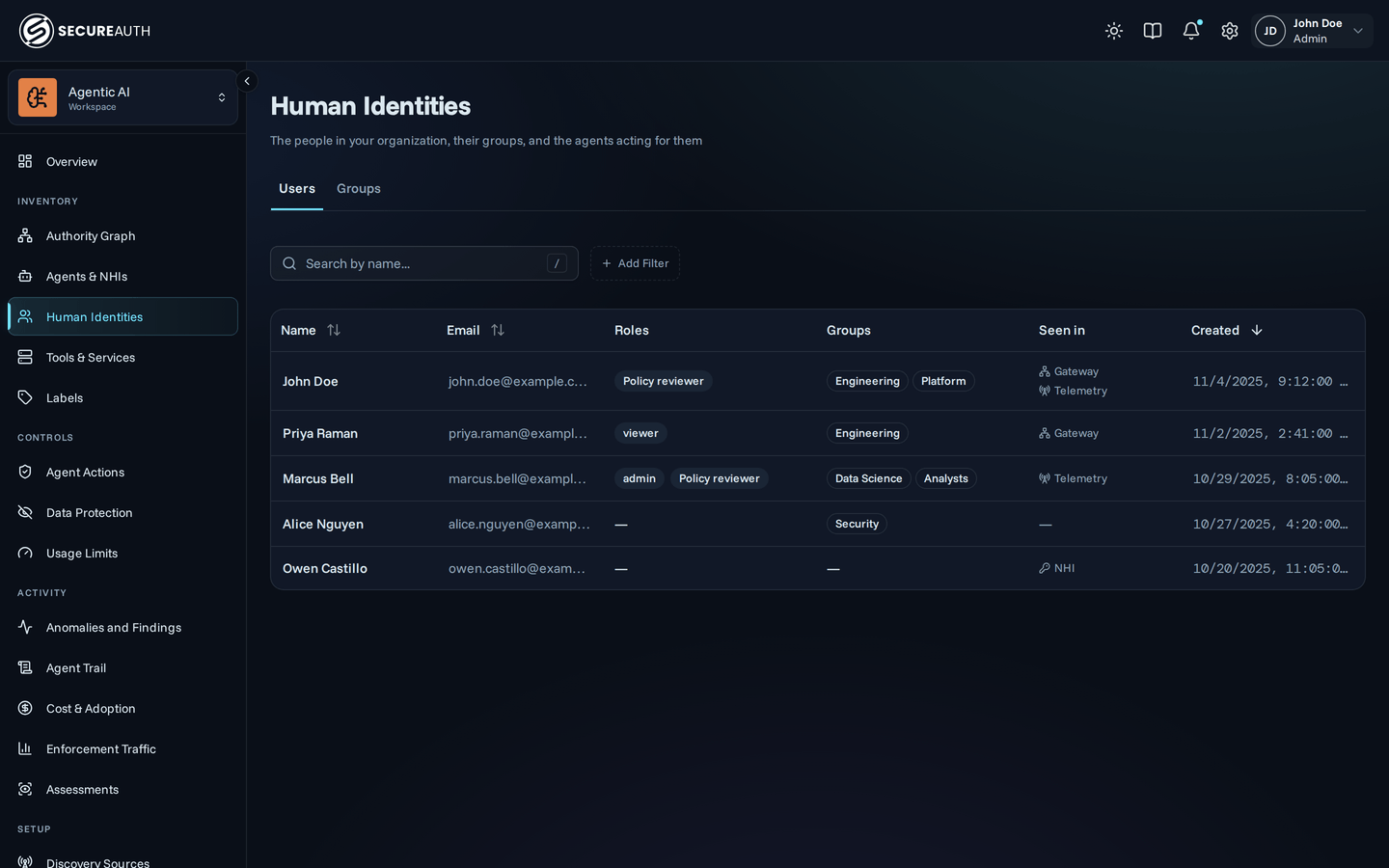
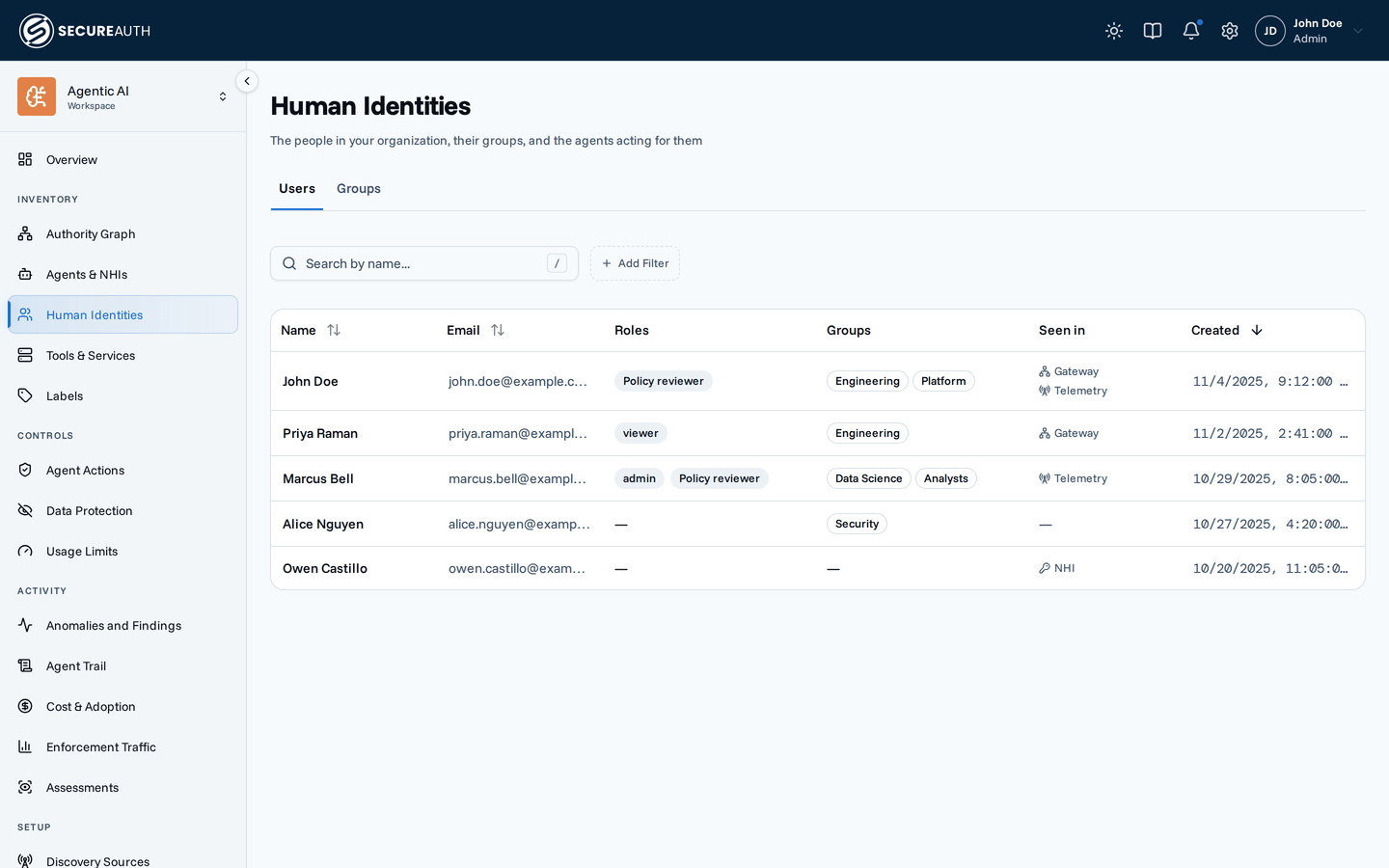
Human Identities lists the people in your organization and the groups your identity provider syncs. Use it to find a user, check their roles and groups, and open a profile with their agents' usage and access.
Users
One row per user. A user appears after they sign in through your identity provider, or when agent telemetry first mentions them.
| Column | Shows |
|---|---|
| Name | The user's display name. Select it to open the user's profile. |
| The user's email address. | |
| Roles | The roles the user holds. |
| Groups | The groups your identity provider puts the user in. |
| Seen in | Where the gateway has seen the user: Gateway, Telemetry or NHI. |
| Created | When the user was created. |
Seen in records what the gateway observed at some point, not a live status:
- Gateway – one of the user's agents connected through the gateway.
- Telemetry – the gateway holds agent telemetry for the user.
- NHI – a connected directory lists the user.
Search with Search by name....
Filter by Role, Group and Seen in.
Each filter can include or exclude values, and can require all selected values to match.
The Role filter appears only with view_roles.
Sort by Name, Email or Created; the default is newest first.
User profile
Selecting a name opens the user's profile. It shows the user's Roles and groups, a date range picker, and these tabs:
- Overview
- MCP Usage
- LLM Usage
- Cost
- Authority Graph – with
view_topology. - Agent Access and Agent Risk – with organization-wide
view_user_analytics.
With manage_roles, you can change the user's roles from the profile.
Groups
One row per group, with its Name. Groups come from your identity provider. With no groups, the tab shows No groups yet.
Actions
- Delete a user – from the row's actions menu. This removes the user's agent instances and MCP connections, and keeps their audit history. You confirm first, and it can't be undone.
- Delete a group – from the row's actions menu. Members keep their accounts, and the group name is removed from their profiles shortly after. You confirm first.
Permissions
The screen needs view_users, for all users.
Both Delete actions need manage_users; without it, the row actions menu doesn't appear.
Changing roles on a profile needs manage_roles.
Related
- Users – how users and groups reach the gateway and what each holds