LLM Gateway
Copy the base URLs agents use to call models through the gateway, and record what provider subscriptions cost.
In the console: Enforcement Points › LLM Gateway
In preview: ask SecureAuth to turn on llm_gateway.
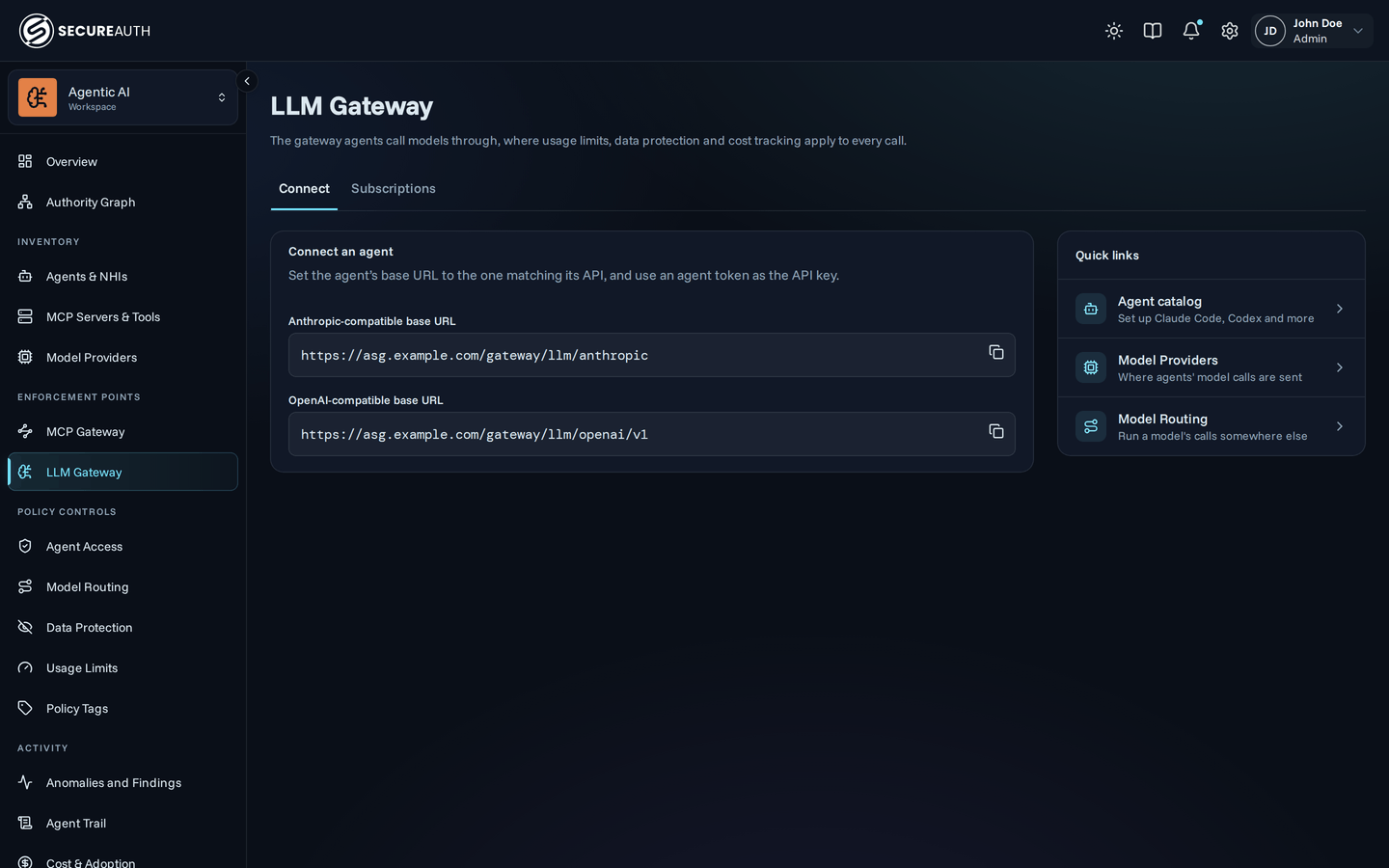
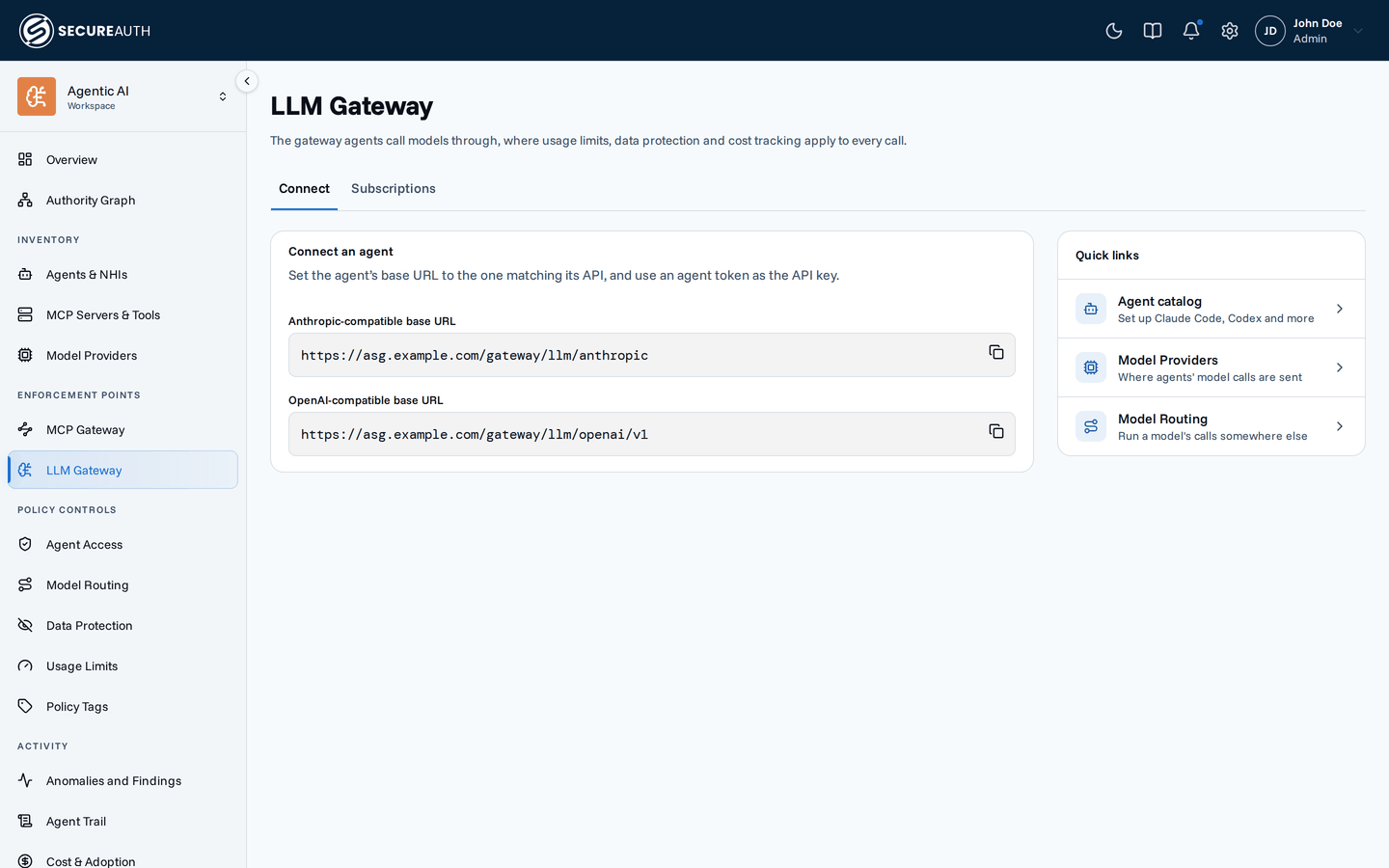
This screen shows the base URLs agents call models through, and records what your provider subscriptions cost. Use it when you connect an agent to the gateway, or when you set seat prices for Subscription Spend. Usage limits, data protection, and cost tracking apply to every call that passes through the gateway.
Connect
The tab appears when the llm_gateway feature flag is on and you hold view_agents and view_inference.
- Anthropic-compatible base URL – for clients that speak the Anthropic API, such as Claude Code.
- OpenAI-compatible base URL – for clients that speak the OpenAI API, such as Codex.
Use an agent token as the API key. Quick links opens the Agent catalog for per-client setup steps, Model Providers for the providers the gateway calls, and Model Routing to run a model's calls somewhere else. You see only the links your permissions allow. For the environment variables each client needs, see Connect Claude Code and Codex.
If the URLs fail to load, the tab shows an error with a Retry button, and the other tab stays available.
Subscriptions
Records what your provider subscriptions cost per seat and who is on each plan, so analytics can compute Subscription Spend. Nothing on this tab bills anyone. Before you add anything, the tab shows Set up subscription pricing, with the two steps and Add plan price.
Plan prices lists each plan's price.
| Column | Shows |
|---|---|
| Provider | Claude, Codex, Gemini CLI, or Copilot |
| Plan | The plan name |
| Monthly rate | What one seat costs per month, in US dollars |
| Effective from | The date the price starts |
| Effective to | The date the price ends, or a dash while it is open-ended |
Who's on which plan lists the plan assignments.
| Column | Shows |
|---|---|
| User | The assigned user, or Org default for everyone without their own |
| Provider | The plan's provider |
| Plan | The plan name |
| Effective from | The date the assignment starts |
| Effective to | The date the assignment ends, or a dash while it is open-ended |
The old Settings › Subscription pricing address, /settings/subscription-pricing, still opens this tab.
Actions
- Add plan price – opens Set plan price: choose a Provider and Plan (or enter a plan name), set the Monthly rate (USD), and optionally an Effective from date.
- Assign plan – choose a configured Plan and a User, or leave Org default to assign the whole organization, with an optional Effective from date.
- End – from a row's actions menu, stops an open-ended price or assignment from applying to new months, after you confirm. Months already priced keep it.
- Delete – from a row's actions menu, removes a price or assignment as if it was never set, after you confirm. Any months it priced become unpriced, and Subscription Spend is computed again.
Ending or deleting a price or assignment that hasn't started yet cancels it. The one it was scheduled to replace applies again for those months; if there is none, those months stay unpriced.
Permissions
LLM Gateway appears when you hold manage_seat_pricing, or when the llm_gateway flag is on and you hold view_agents and view_inference.
The page opens on the first tab you can see.
| Tab or action | Needs |
|---|---|
| Connect tab | view_agents and view_inference, with the llm_gateway flag on |
| Subscriptions tab and its actions | manage_seat_pricing |
Related
- Connect Claude Code and Codex – point an agent at the gateway
- Subscription pricing and Subscription Spend – how the figures use these prices