Audit Policies
Record the prompts agents send to models on the calls an audit policy covers, and review them in Agent Trail.
In the console: Policy Controls › Audit Policies
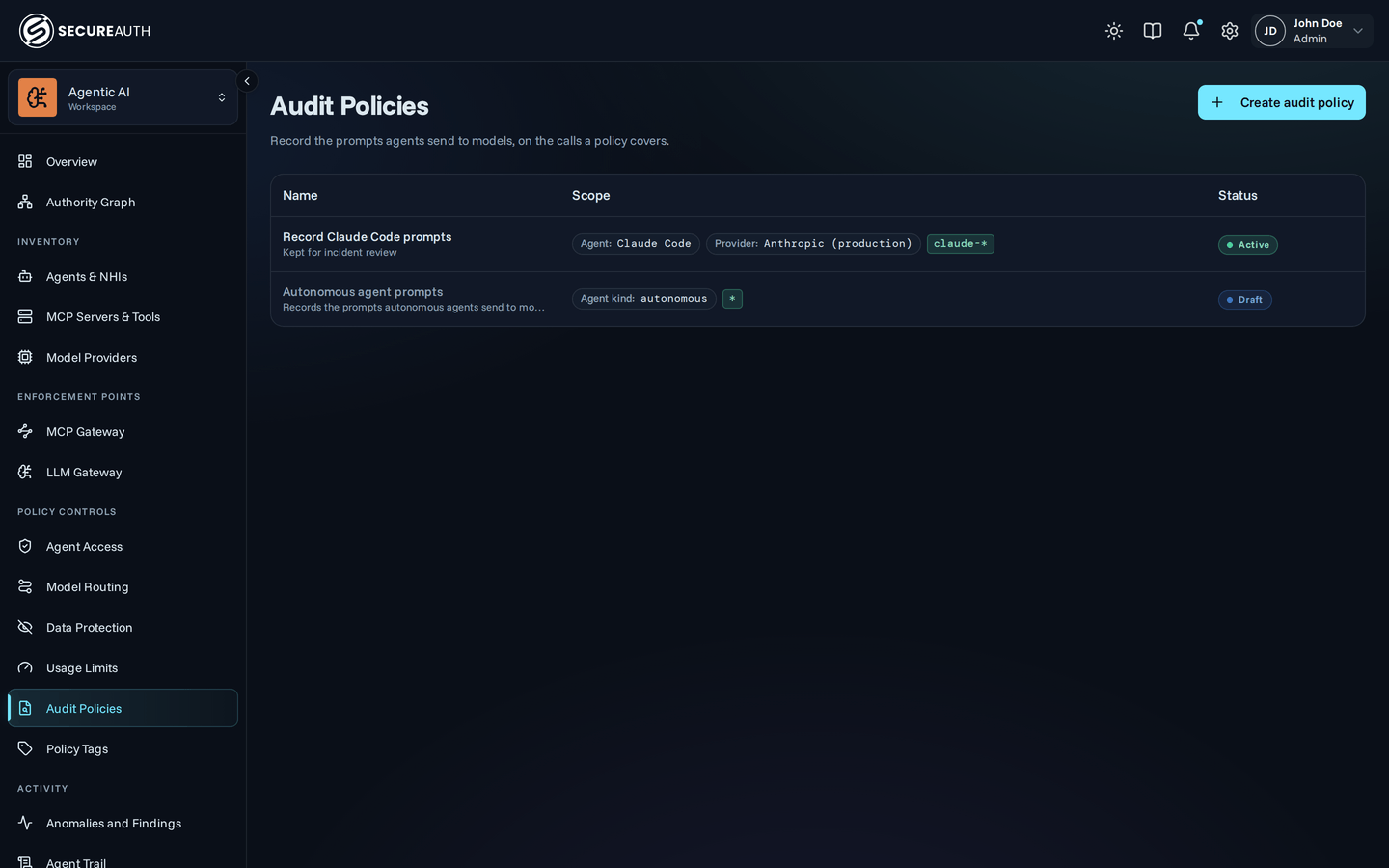
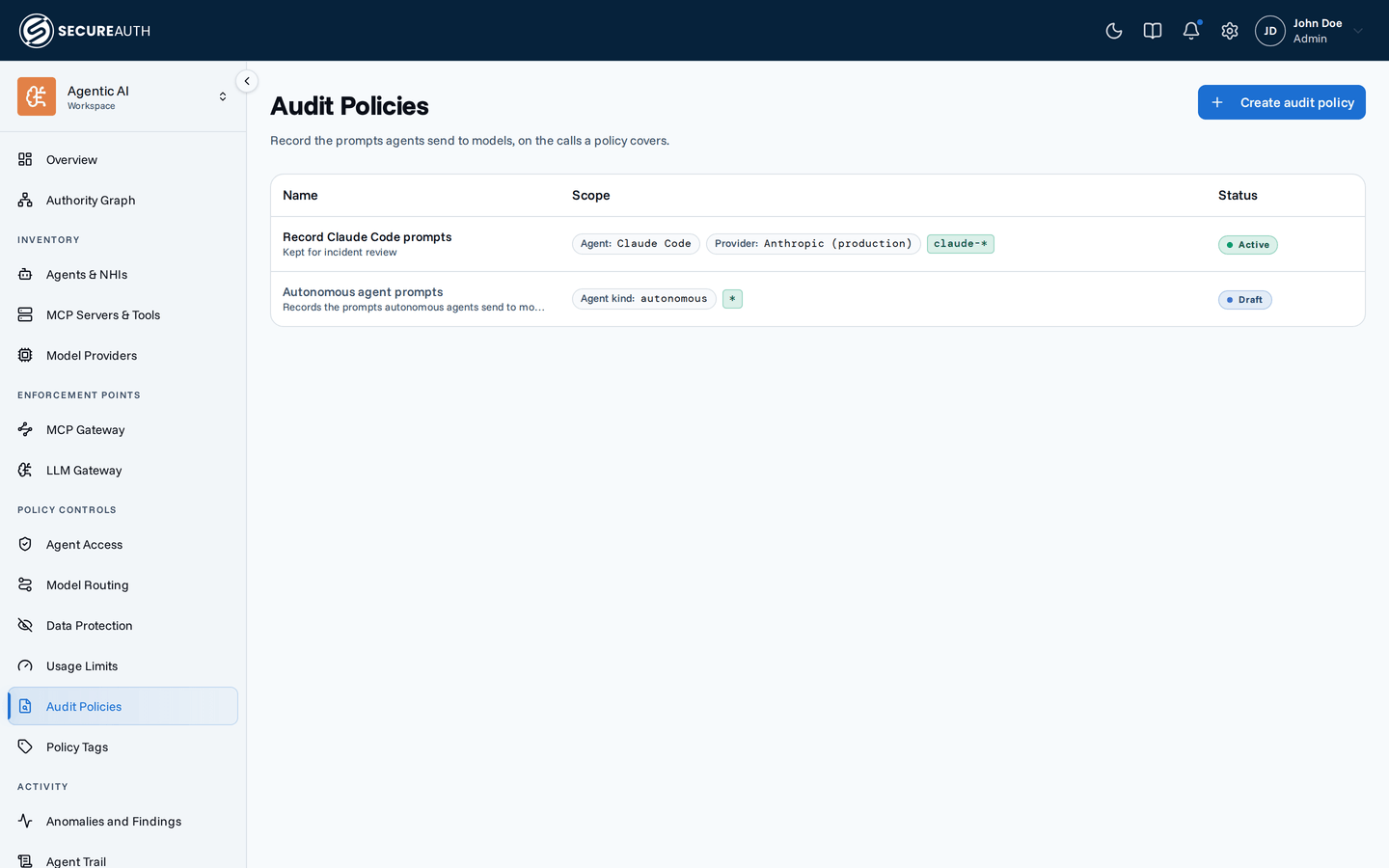
Agents send prompts to models through the LLM gateway, and the gateway records a prompt only when an active audit policy covers the call. An audit policy records the prompt on the model calls it covers, so you can review what an agent asked after the fact. Use this screen when you add or change a policy, or check which calls it records.
Audit policies
| Column | Shows |
|---|---|
| Name | The policy name and its description, when it has one |
| Scope | Which agents, users, model providers, and models the policy covers |
| Status | Draft (saved, not recording), Active (recording), or Disabled (paused) |
With no audit policies, the screen shows No audit policies yet. and a Create audit policy button.
Actions
- Create audit policy – opens the audit policy editor.
- Edit (row menu, or click the row) – opens the policy in the same editor.
- View in Agent Trail (row menu) – opens Agent Trail filtered to that policy.
- Delete (row menu) – asks you to confirm in a Delete audit policy dialog. Prompts on the calls it covers stop being recorded, and prompts already recorded stay. You can't undo it.
The audit policy editor has a name field, a status picker, and a sentence that starts with Record prompts from, followed by who it covers (agents, users, groups, agent policy tags, and an autonomous-agents toggle), then sent to the model providers and model names it covers.
A new policy starts as a Draft, so set it to Active to start recording.
Leave a part of the sentence empty to cover everything it names: any agent, any user, any provider.
The model names start as *, which covers every model.
When several active policies cover a call, the call is recorded once.
What is recorded
Only active audit policies record, and only for model calls the LLM gateway handles. A call the gateway refuses before sending it to the provider, because of a model access rule, a data protection rule, a usage limit or a model no Model Providers connection serves, is recorded without its prompt. The gateway records the prompt after data protection rules have redacted it, so a recorded prompt holds what the model received. It stores the system prompt and the messages, including tool calls and tool results. A prompt is cut at 256 KB. In a client session, the gateway stores each text once, on the first call that sent it, and later calls point back to it.
Open a model call in Agent Trail and expand it to read the prompt. When a policy covered a call but the gateway could not read its prompt, the call shows a Prompt not captured badge.
Who can see and change it
Anyone who sees Audit Policies in the sidebar can open the screen and read the policies. Only people who can change audit policies see the Create audit policy button and the row menu (Edit, View in Agent Trail, Delete), and only they can open a row. Inside the row menu, View in Agent Trail also needs access to the organization-wide audit log.
Related
- Model call audit – what each Model Call event holds
- Data Protection – redact what the model receives, and what an audit policy records